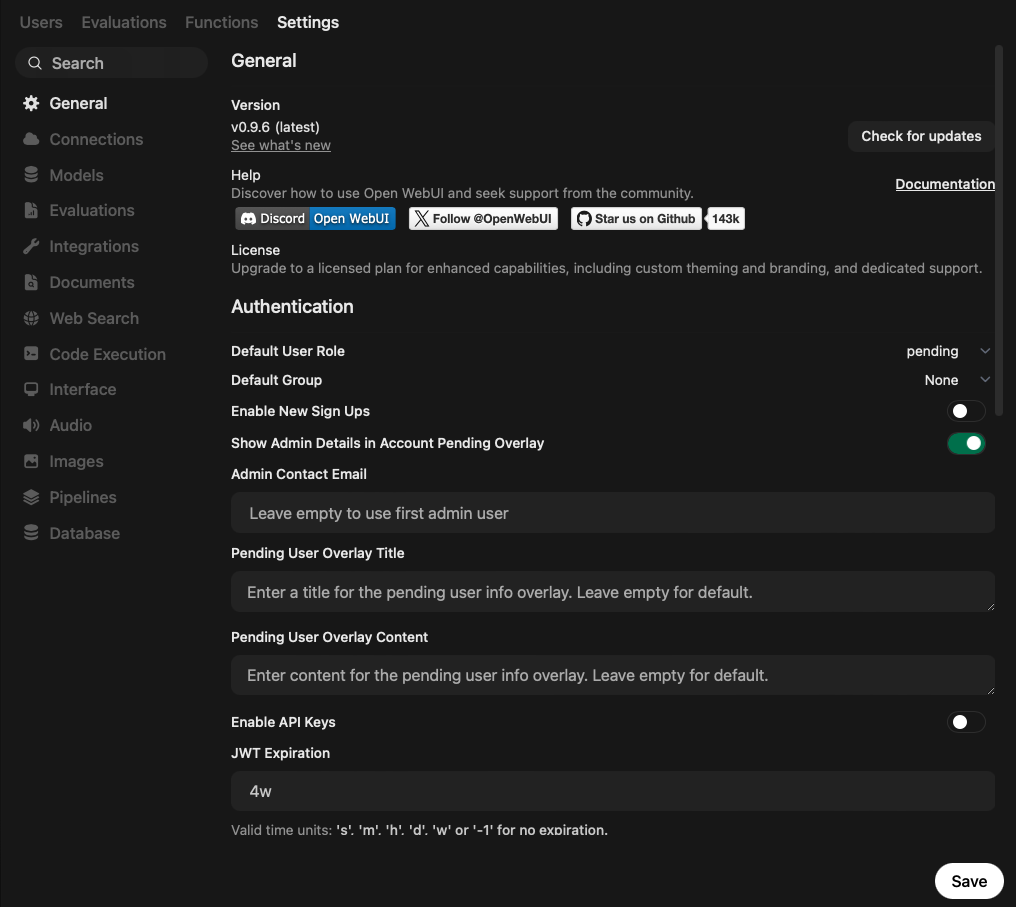
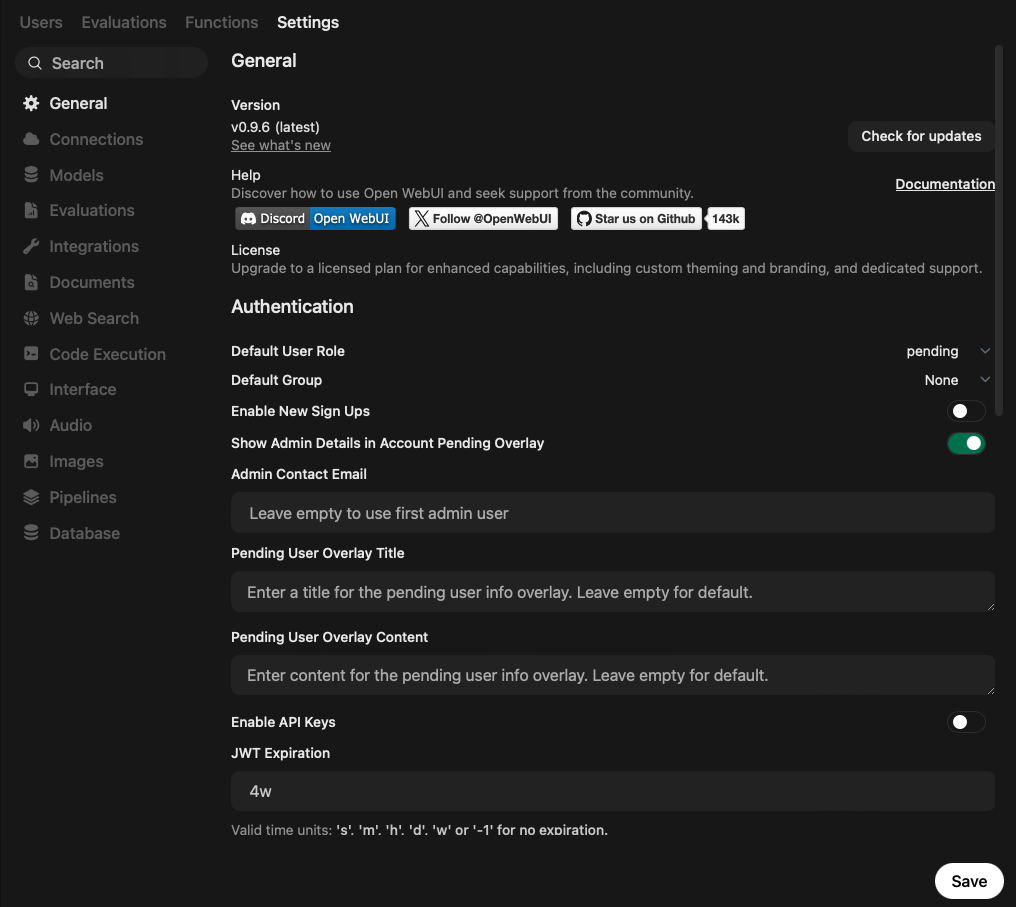
With the prior documentation of Open WebUI user settings, this article explores all admin configuration options. Learn to navigate the configuration options landscape, and understand defaults for base models and connections, web search, and connections to a terminal code execution environment and built-in databases.
Open WebUI features an extensive list of configuration options, somewhat hidden and scattered between user and admin settings. This articles explores, explaines, and systematically groups all user settings. Learn about custom model definitions, automations, the model playground, and various GUI and model-calling configuration options.
This article explores the essential Open WebUI chat features. Learn about chat conversations essentials, see how notes and knowledge spaces are created, and understand the different options to provide chat context.
LLMs are a fascinating technology. Trained on a sufficient subset of the public internet and other curated sources, they are knowledge experts in many fields. Chat interfaces for LLMs have become a daily helper for many knowledge workers. Open WebUI is one of the first projects, and its feature set is impressive. In this first article, you will learn how to setup the app as a Docker container, and connect it with an LLM provider.
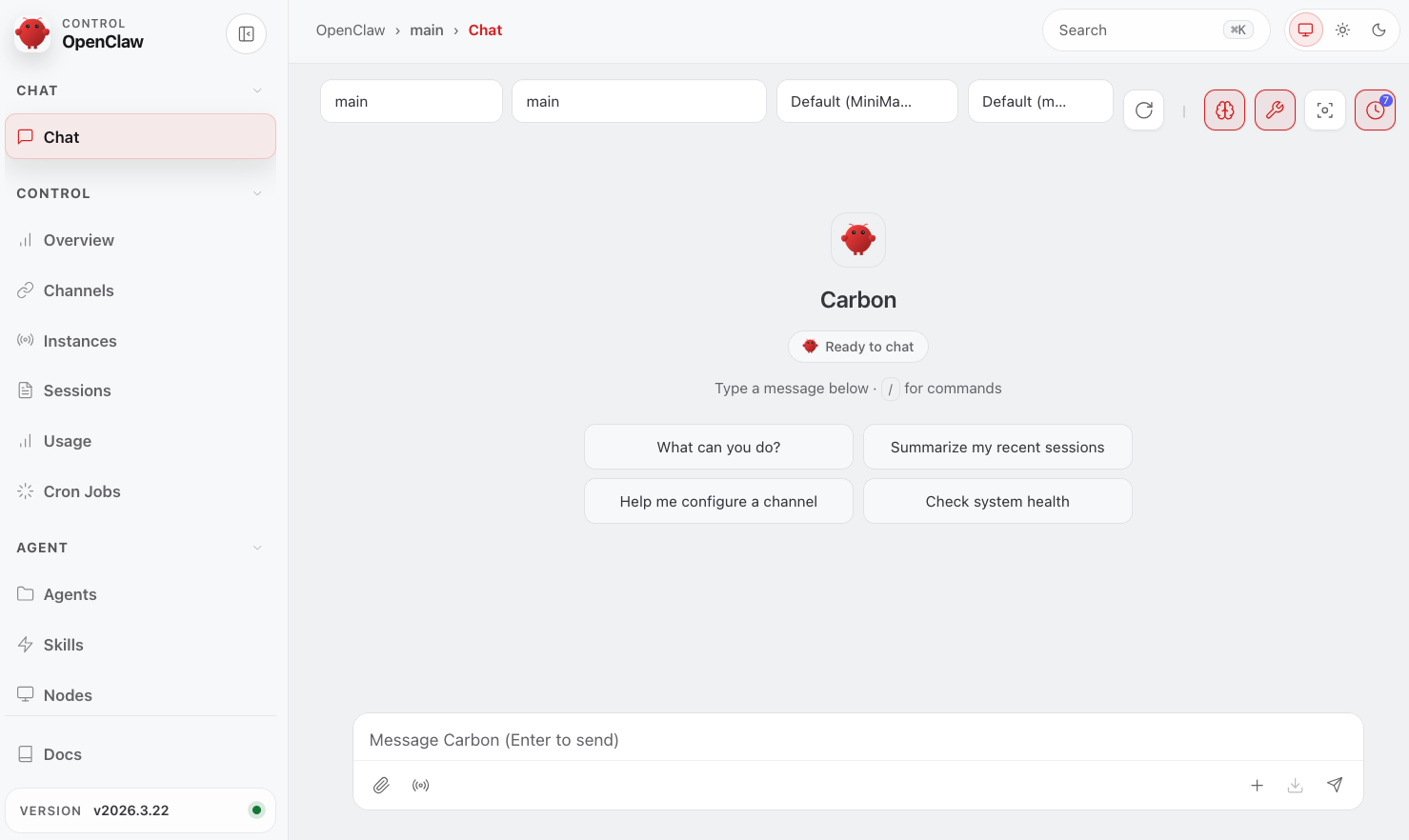
In 2026, agentic AI tools and frameworks generated much interest form technical and non-technical users alike. On the forefront of all of these tools lies OpenClaw, the most popular open-source project of that catapulted agents into mainstream usage. This article covers the complete installation steps and setup. You will learn how to install openclaw on your local computer, and setup Telegram as the communication channel.
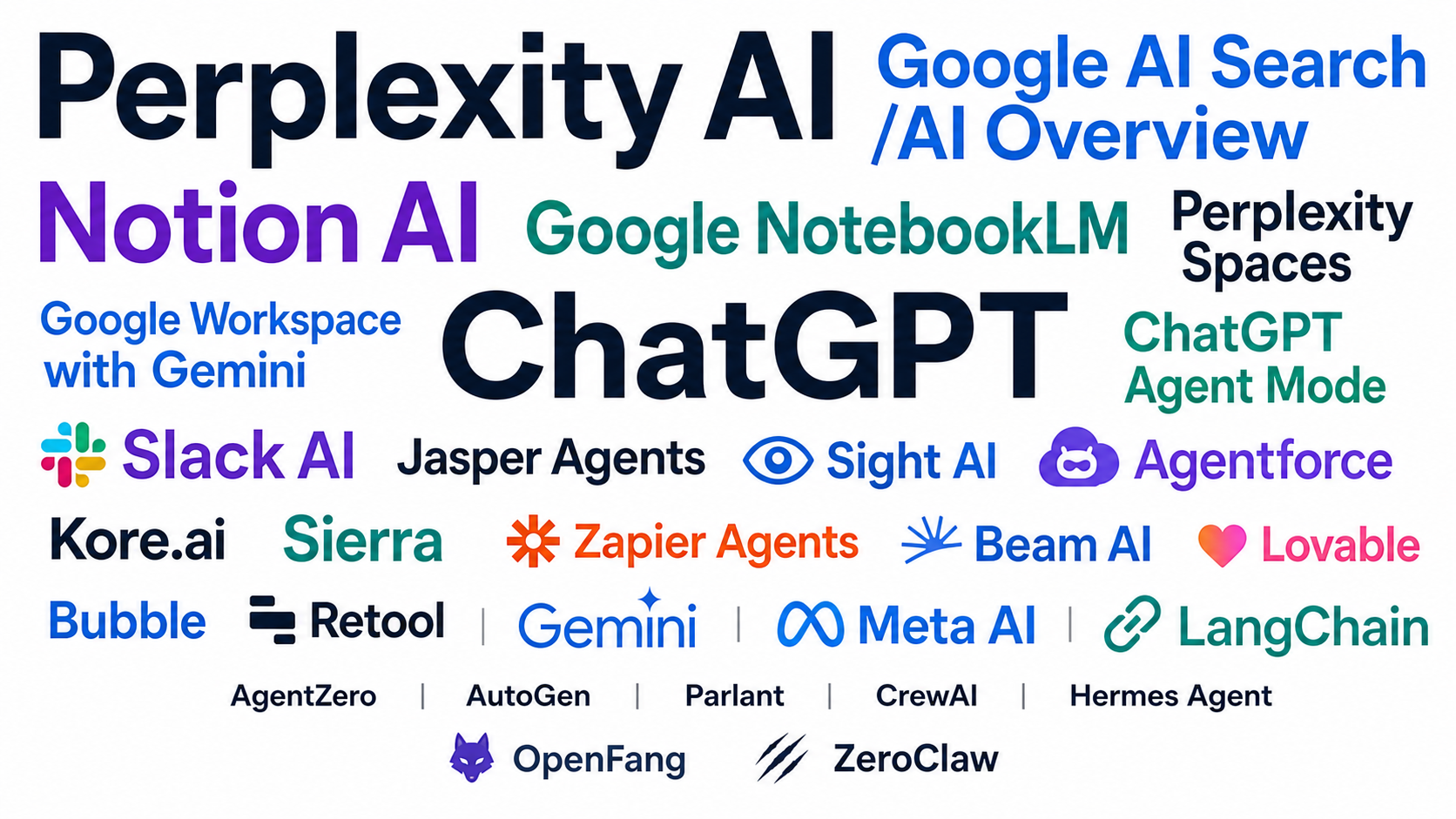
In 2026, the AI agent paradigm is a technical reality, and it keeps evolving rapidly. Commercial products include agent-like capabilities in their products, from the universal ChatGPT, to knowledge organisation with Notion and web search with Perplexity. Open-source frameworks likewise evolved: Chat interfaces with session persistence like OpenWebUI, personal agent frameworks like OpenClaw and Hermes, and several coding tools like Droid, Kilo, and Pi. In this new blog series, agent applications and their capabilities will be the focus.
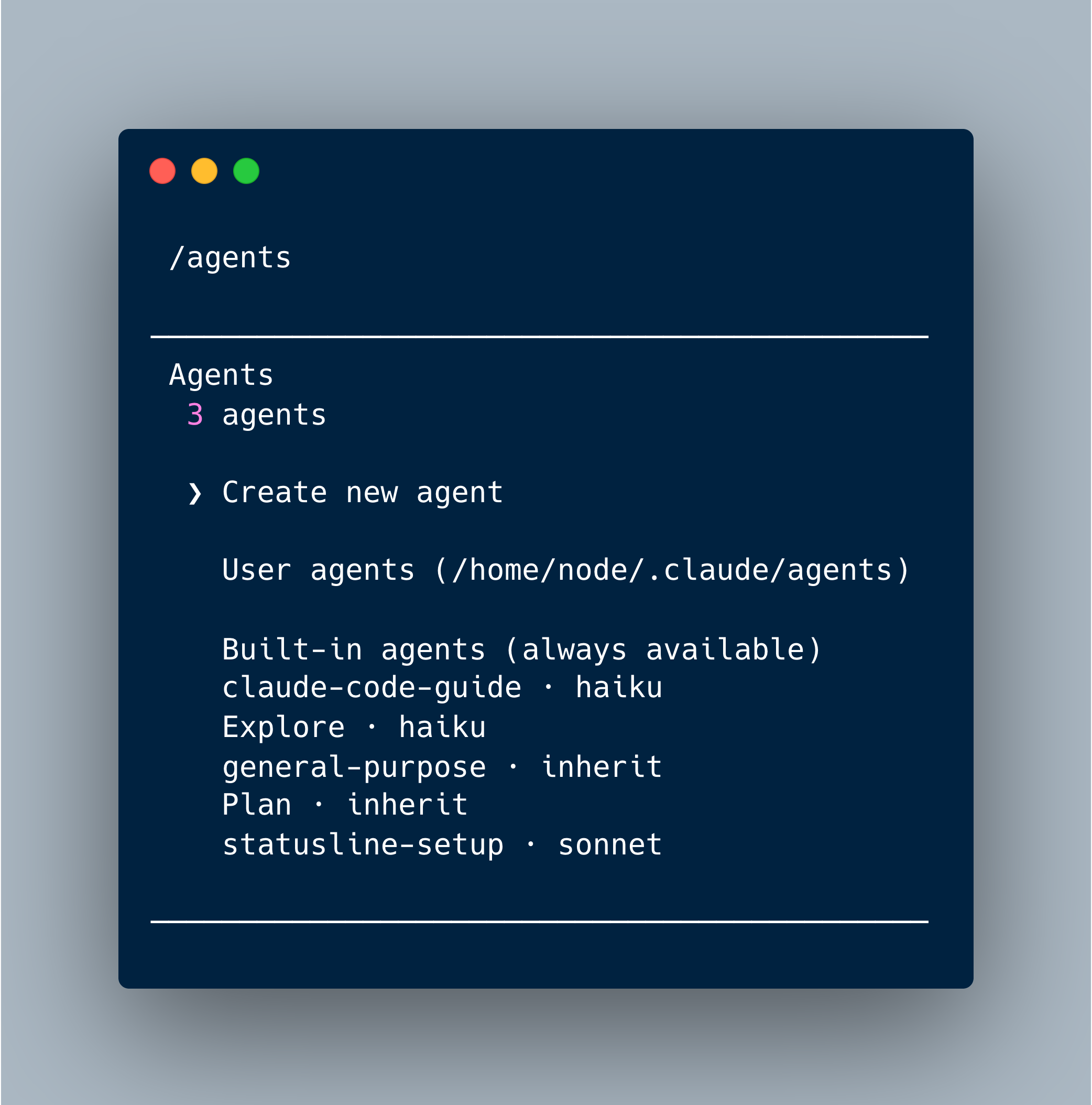
Claude Codes uses an agentic loop that processes a request, adds the system prompts and other context information, suggests tools calls, evaluates them, and modifies files. In this loop, several extension mechanisms can be used, modifying the behavior of loop actions. Learn about hooks, skills, custom sub aggents, and MCP server integration
The Claude Code CLI provides more than 40 subcommands for supporing the complete lifecycle of working with programming projects. The particular focus of this article are terminal configuration, adjusting font, colors, and key binding, and diagnostics, identifying potential issues with the CLI functionality.
This article continues the complete exploration of all Claude Code CLI commands. The particular focus are conversation ops, steering claude’s invocation in the current project, and permisions, fine-grained control how the claude code terminal can access your files.
In a conventional session with Claude Code, commands are executed linearly. A user prompt gets embedded into a system prompt, the LLM provider process the prompts in thinking mode, suggest tool calls that are executed and looped back to the model, until the model declares a task completed. This session behavior can be tweaked in numerous ways.