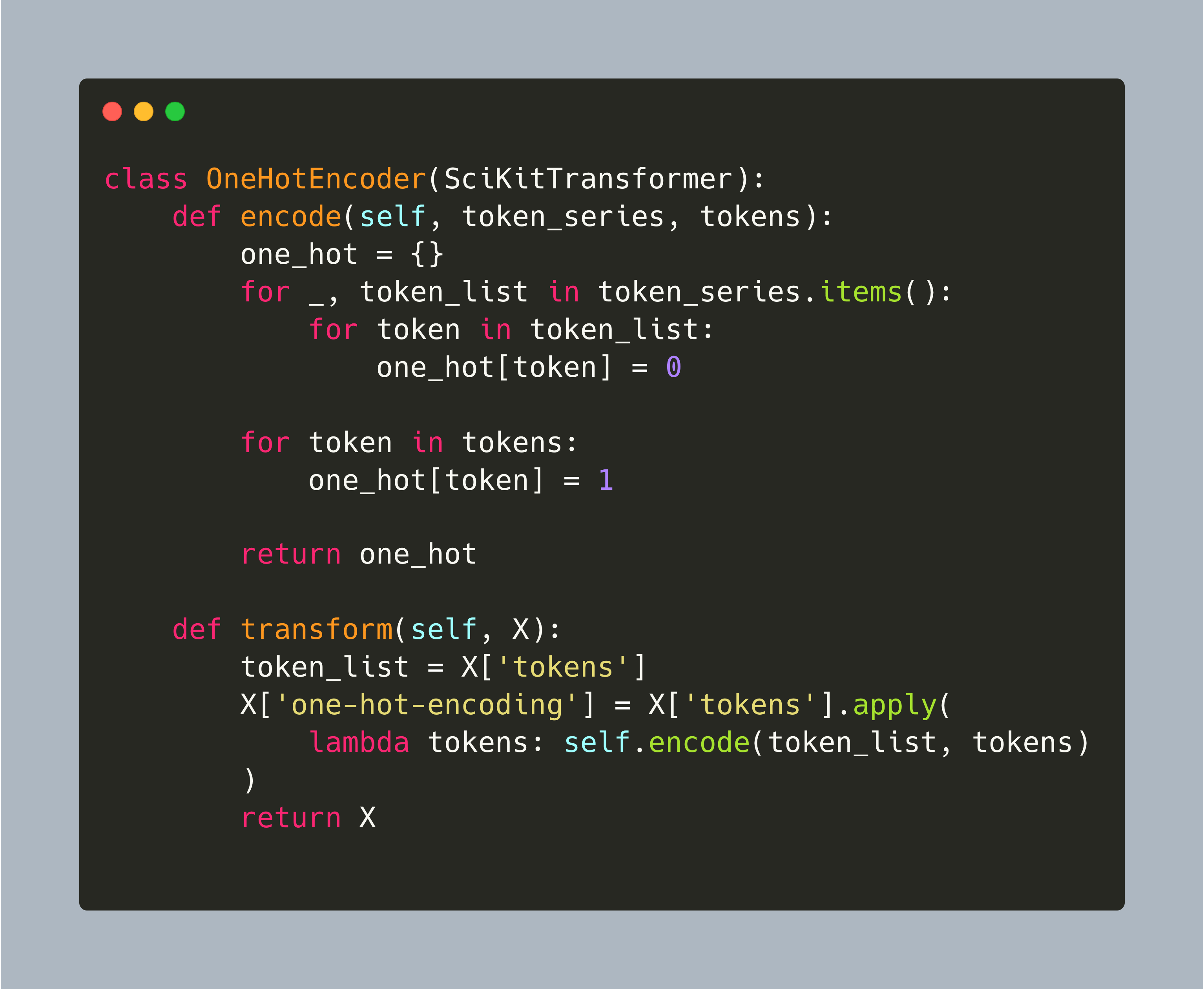
My NLP project downloads, processes, and applies machine learning algorithms on Wikipedia articles. In my last article, the projects outline was shown, and its foundation established. First, a Wikipedia crawler object that searches articles by their name, extracts title, categories, content, and related pages, and stores the article as plaintext files. Second, a corpus object that processes the complete set of articles, allows convenient access to individual files, and provides global data like the number of individual tokens.
Natural Language Processing is a fascinating area of machine leaning and artificial intelligence. This blog posts starts a concrete NLP project about working with Wikipedia articles for clustering, classification, and knowledge extraction. The inspiration, and the general approach, stems from the book [Applied Text Analysis with Python](https://www.goodreads.com/book/show/32758032-applied-text-analysis-with-python).
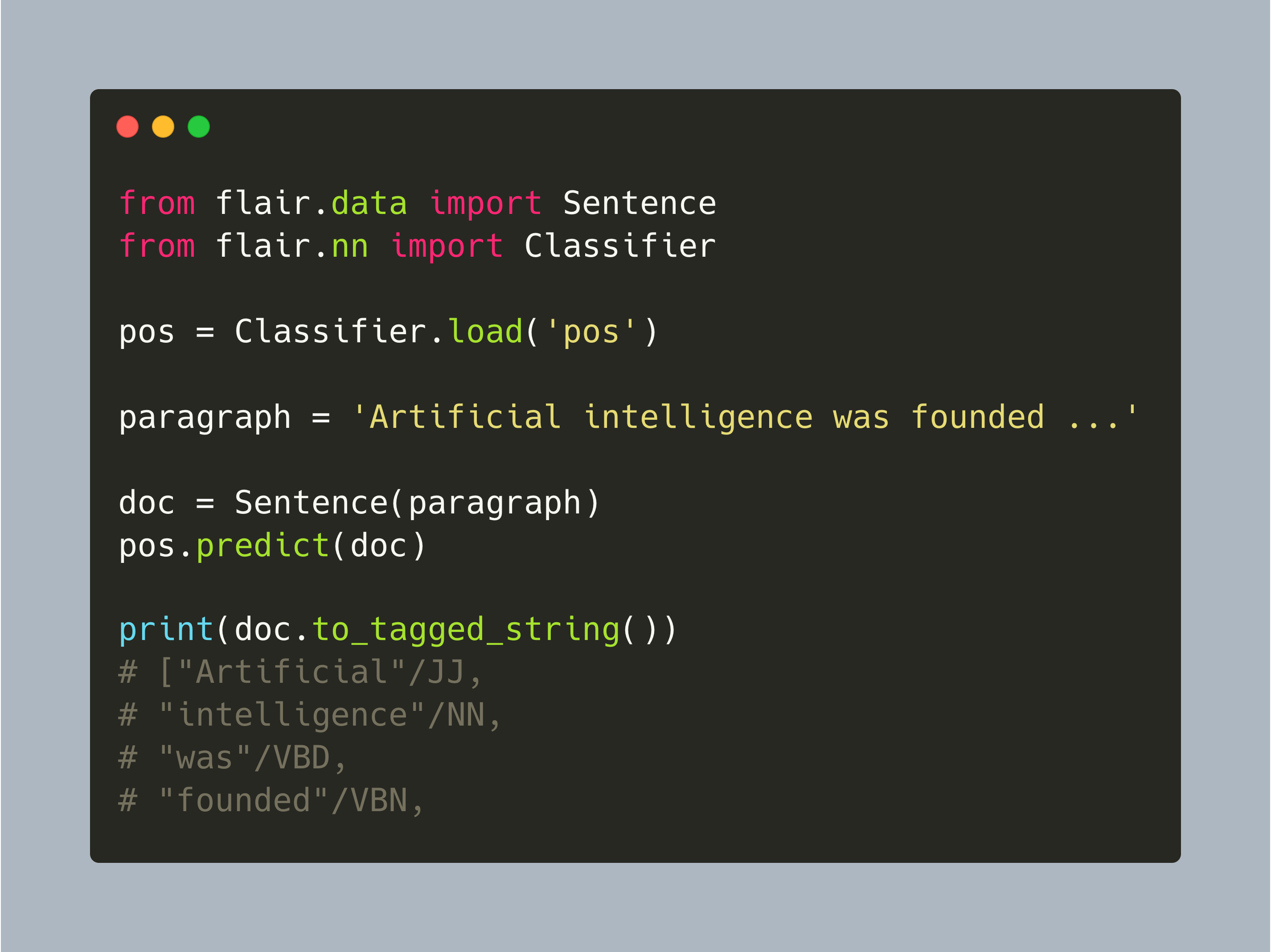
Flair is a modern NLP library. From text processing to document semantics, all core NLP tasks are supported. Flair uses modern transformer neural networks models for several tasks, and it incorporates other Python libraries which enables to choose specific models. Its clear API and data structures that annotate text, as well as multi-language support, makes it a good candidate for NLP projects.
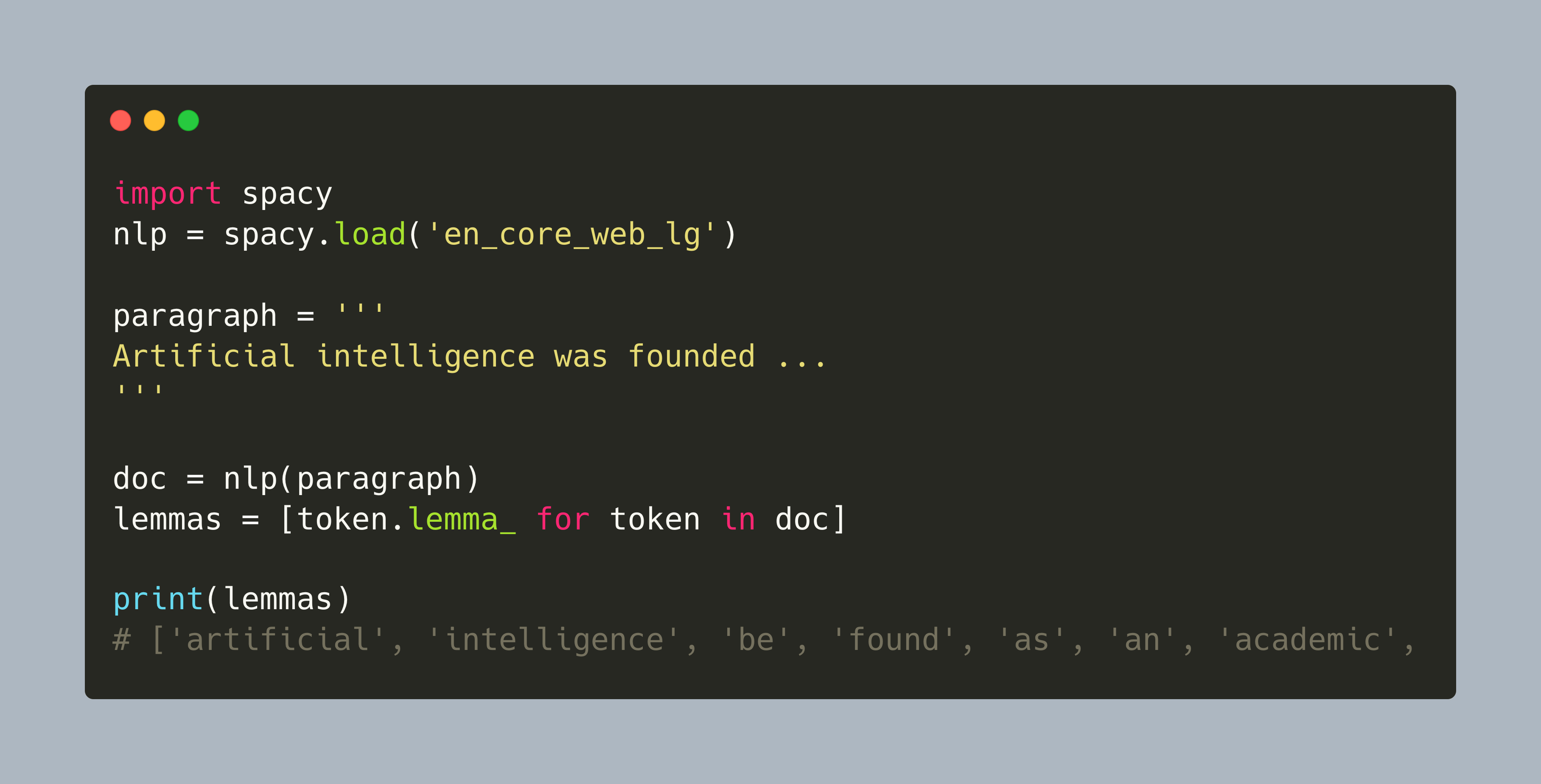
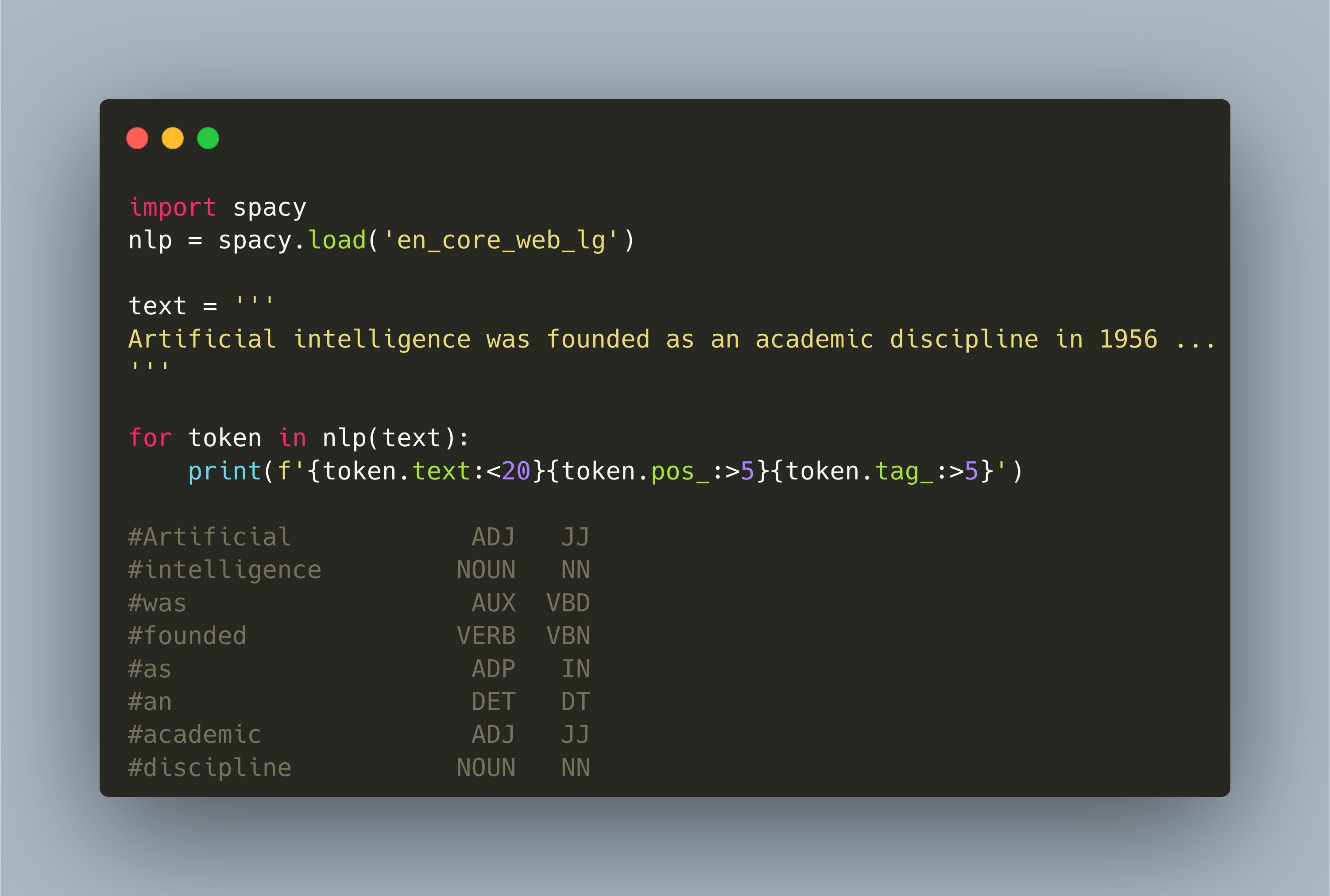
With Spacy, a sophisticated NLP library, differently trained models for a variety of NLP tasks can be used. From tokenization to part-of-speech tagging to entity recognition, Spacy produces well-designed Python data structures and powerful visualizations too. On top of that, different language models can be loaded and fine-tuned to accommodate NLP tasks in specific domains. Finally, Spacy provides a powerful pipeline object, facilitating mixing built-in and custom tokenizer, parser, tagger and other components to create language models that support all desired NLP tasks.
NLTK is a sophisticated library. Continuously developed since 2009, it supports all classical NLP tasks, from tokenization, stemming, part-of-speech tagging, and including semantic index and dependency parsing. It also has a rich set of additional features, such as built-in corpora, different models for its NLP tasks, and integration with SciKit Learn and other Python libraries.
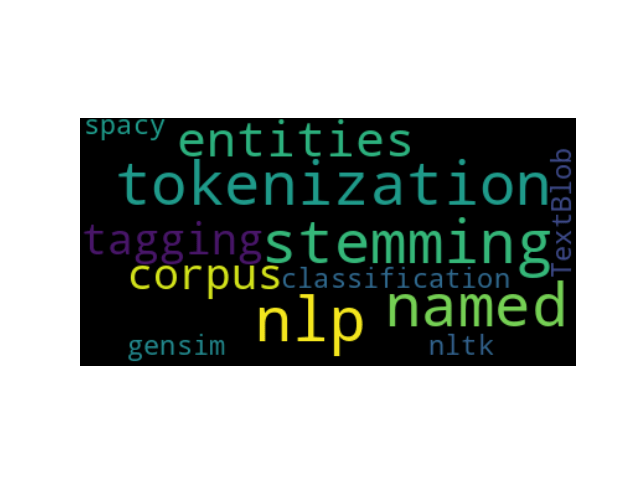
Python has a rich support of libraries for Natural Language Processing. Starting from text processing, tokenizing texts and determining their lemma, to syntactic analysis, parsing a text and assign syntactic roles, to semantic processing, e.g. recognizing named entities, sentiment analysis and document classification, everything is offered by at least one library. So, where do you start?
Natural Language Processing, or short NLP, is the computer science discipline of processing and transforming texts. It consists of several tasks that start with tokenization, separating a text into individual units of meaning, applying syntactic and semantic analysis to generate an abstract knowledge representation, and then to transform this representation into text again for purposes such as translation, question answering or dialogue.
Since its inception in 2020, my Kubernetes stack happily serves this blog and my [lighthouse service](https://lighthouse.admantium.com/). While I updated the application code base, I did stay with the Kubernetes version installed at that date and time: v1.17. It’s time to change that, and upgrade stepwise to a most recent version. The upgrade seemed to be challengingly, and so I made some notes which ultimately led to this blog post.
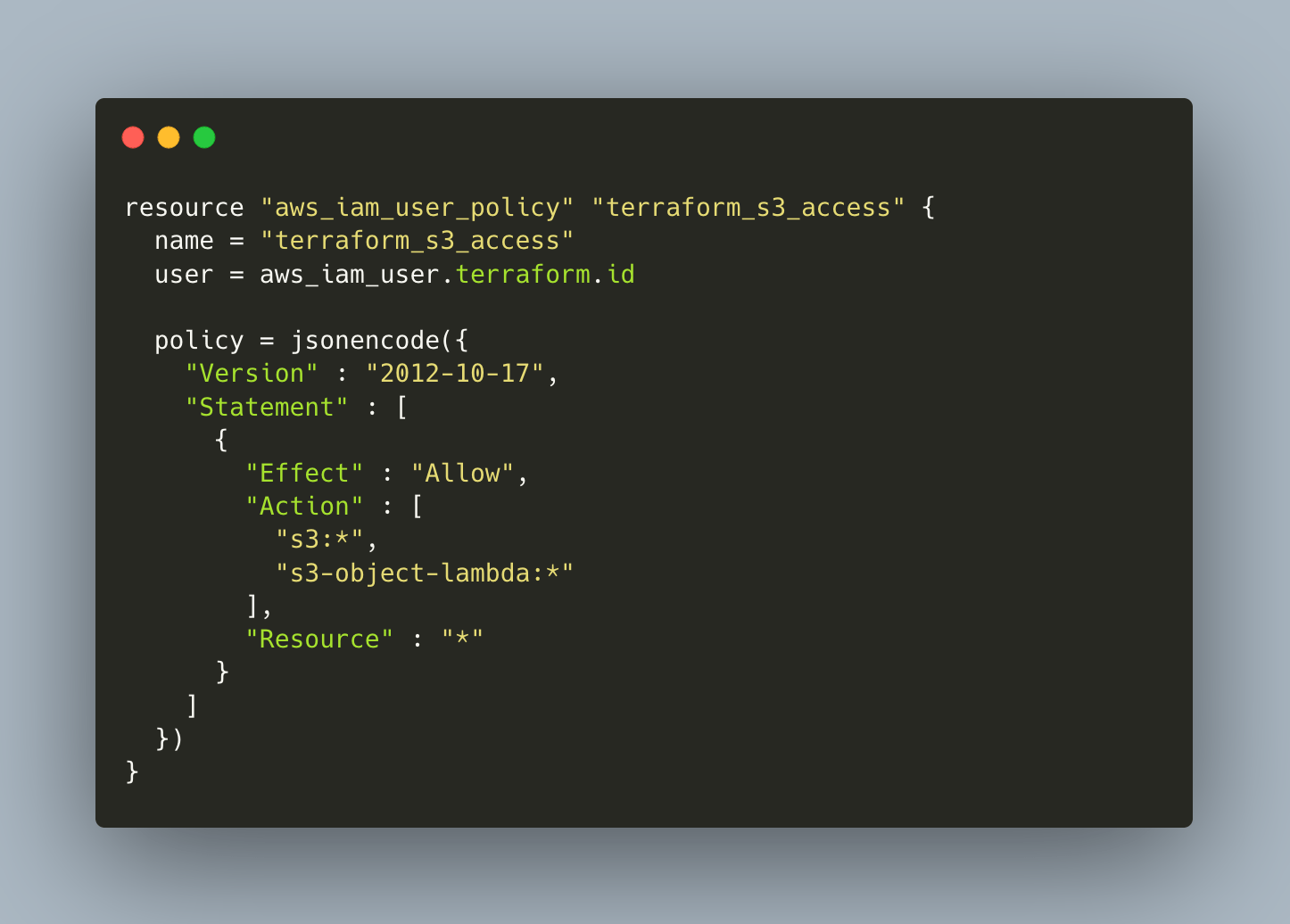
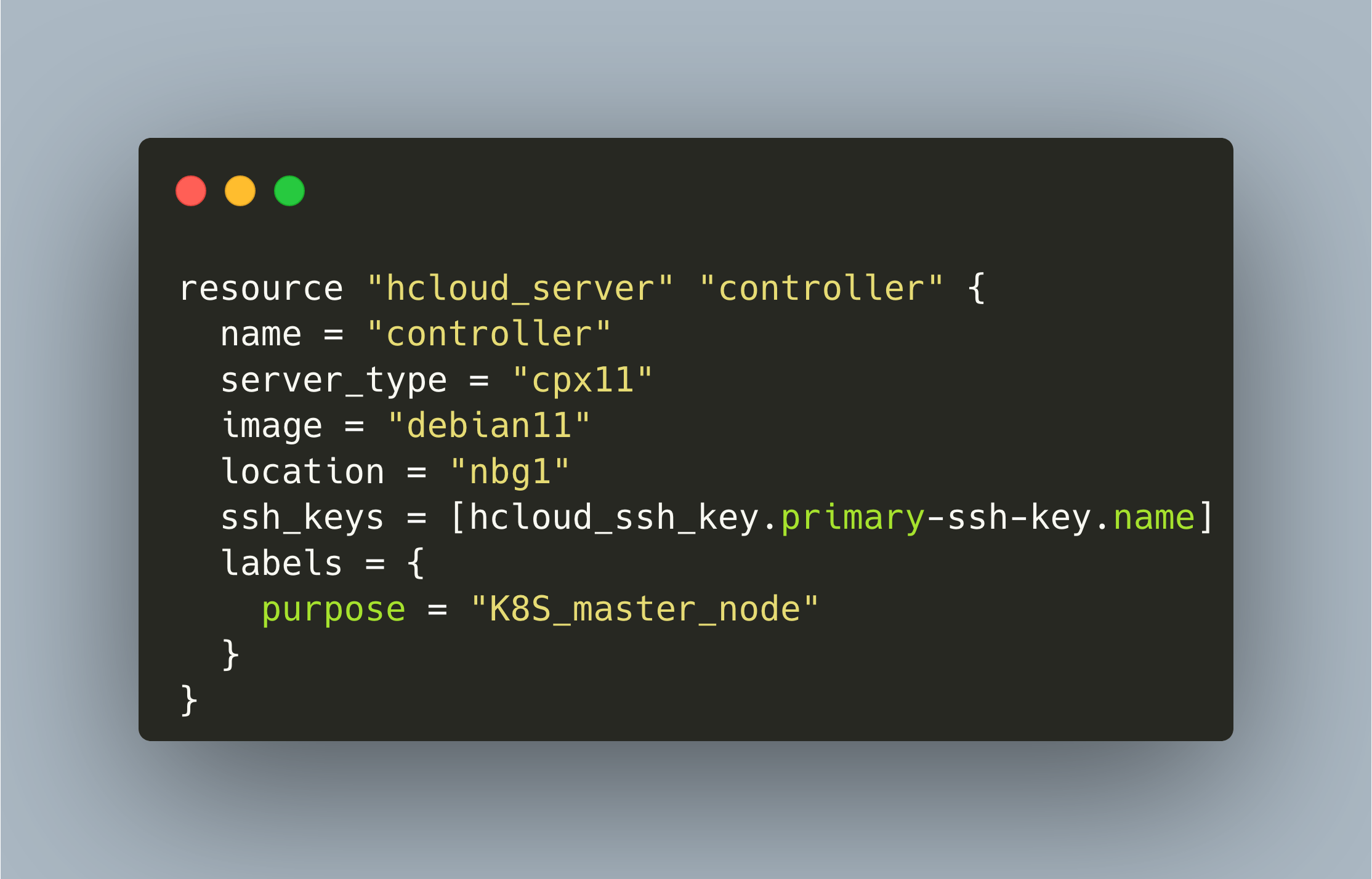
Terraform is an infrastructure-as-code tool that helps you to manage different resources declaratively. Providers that offer an API for resource managing can be used out of the box, for example for the Hetzner cloud as shown in my last article. When using AWS, this is different: You need to install and configure and AWS cli tool which will then be used by Terraform to create and manage the resources.
Terraform is a declarative infrastructure configuration language that enables you to define computing resources, firewall rules, user accounts, and any other concepts of cloud infrastructures.