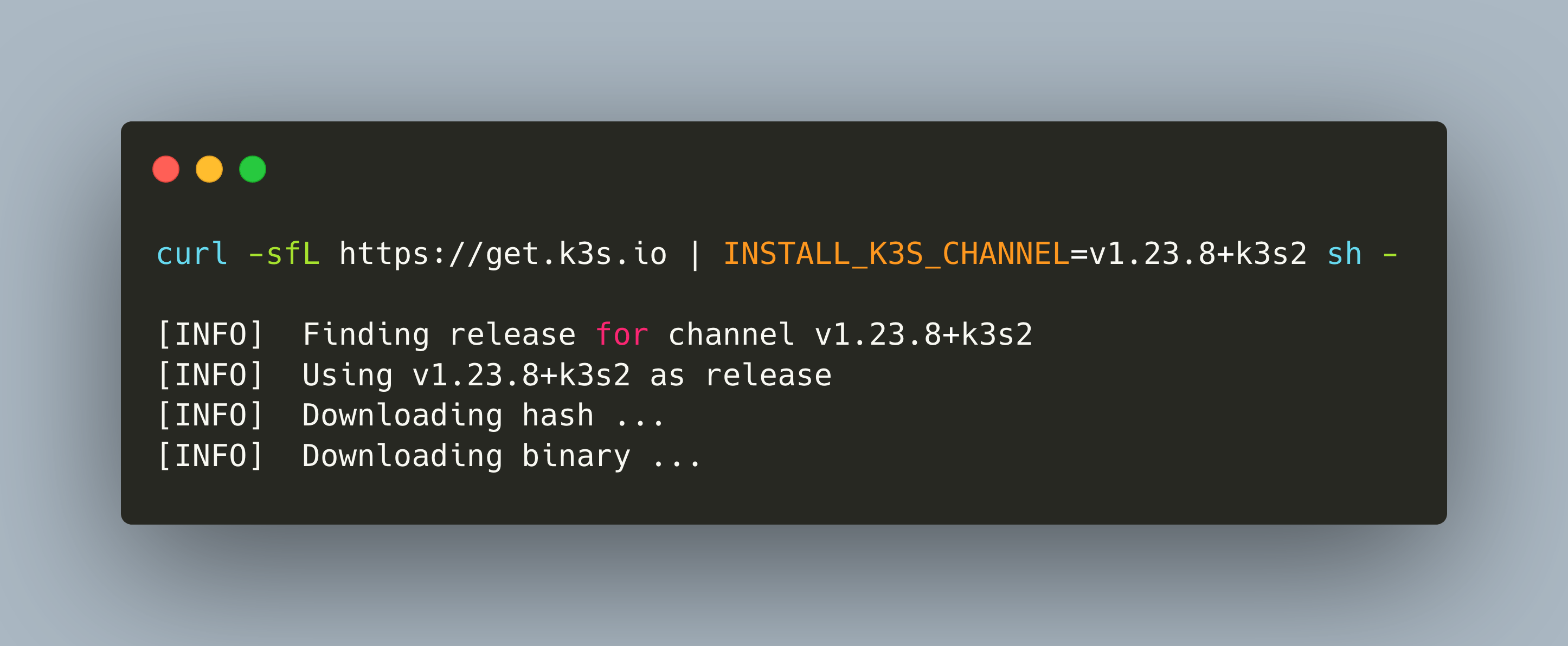
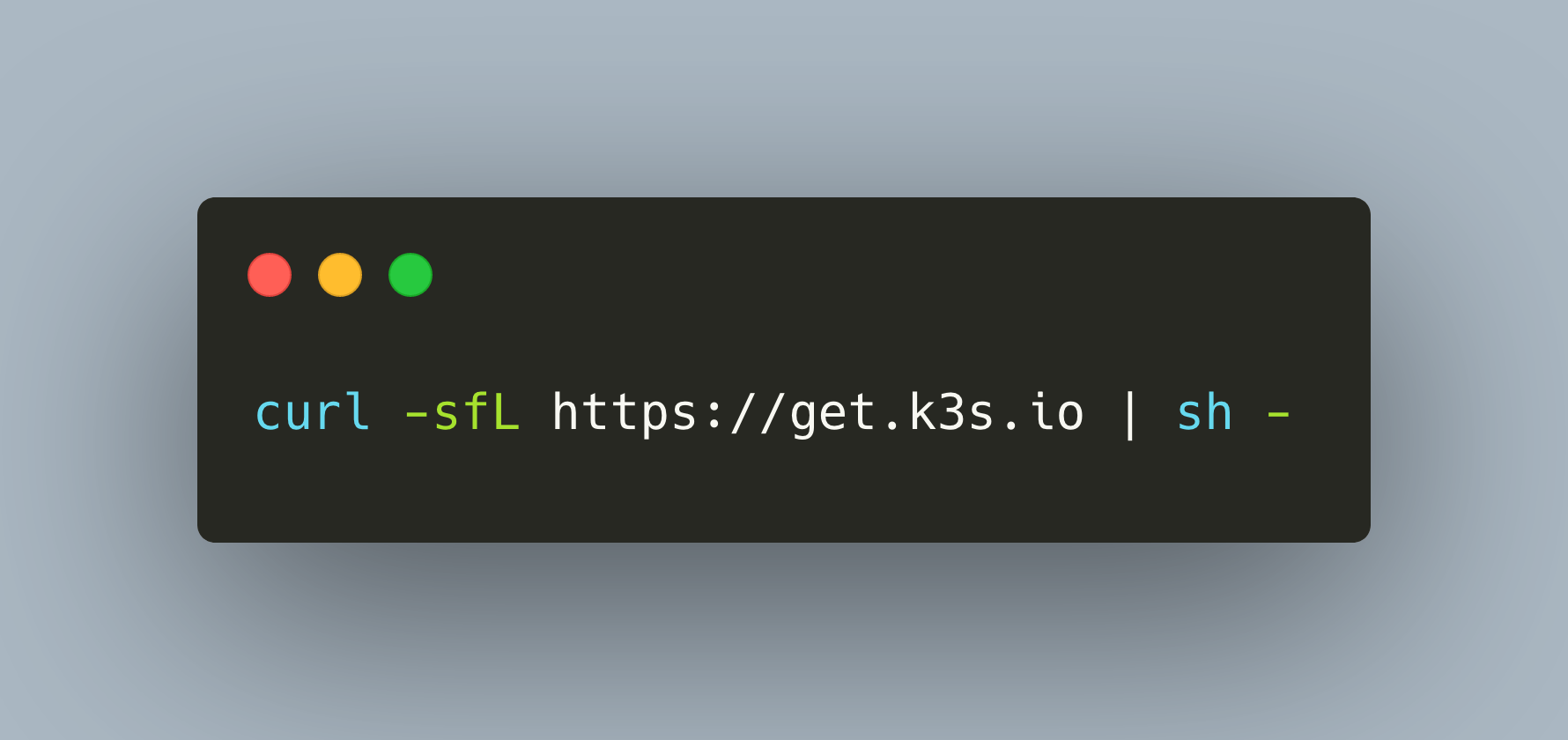
There are several Kubernetes distributions. A remarkable simple on is K3S, a lightweight distribution with a small CPU/memory footprint that can run on anything from cloud vm, bare metal to IOT edge devices, including a raspberry Pi. This is achieved because K3S comes bundled as a single binary with all K3S components and using an embedded SQL lite database. Read more about K3S in my [previous article](https://admantium.com/blog/kube06_k3s_distribution/).
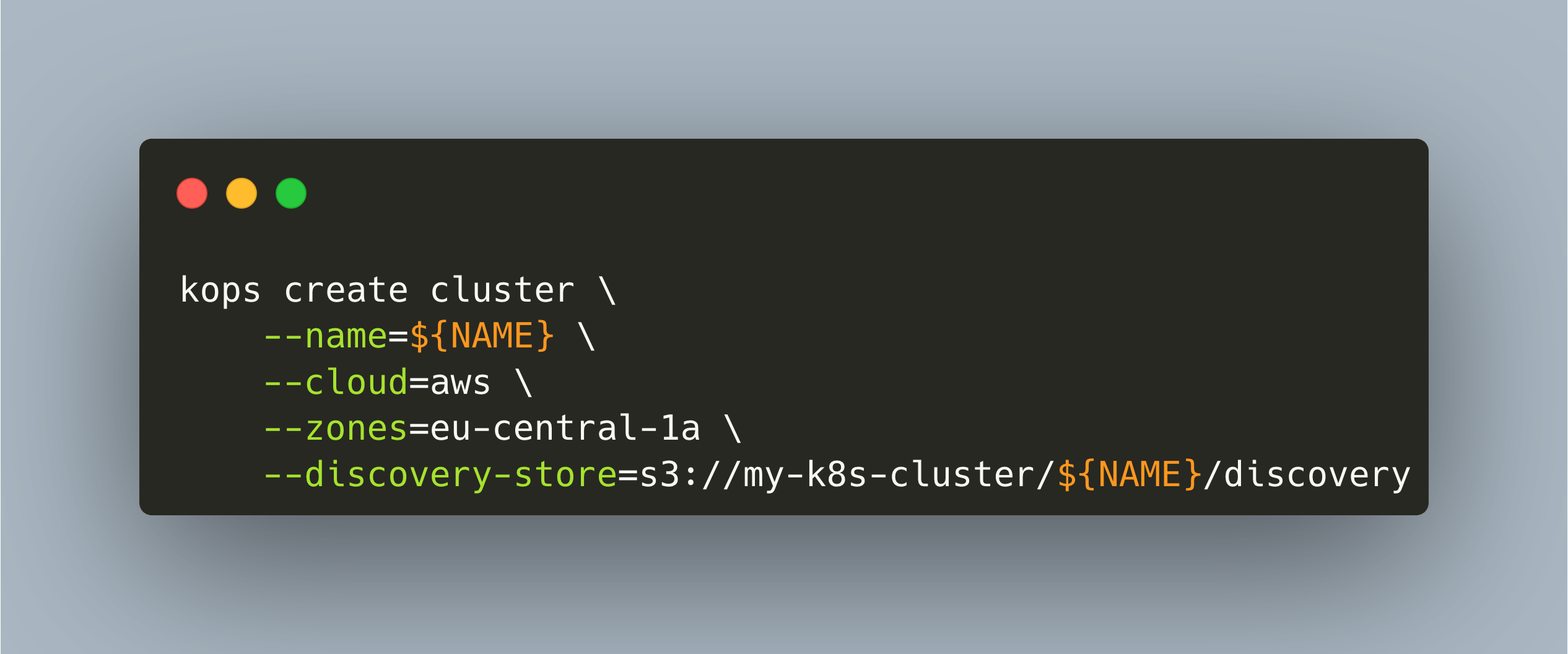
The final Kubernetes distribution to look at is called kops, a CLI tool for configuring, setup and maintaining a Kubernetes cluster inside cloud environments. At the time of writing, only amazon AWS is fully supported, and this will be the focus of this article. With kops, you ultimately define all configuration options in a detailed YAML file, giving you a single source for your complete cluster. This article explains everything you need to know for getting started with kops.
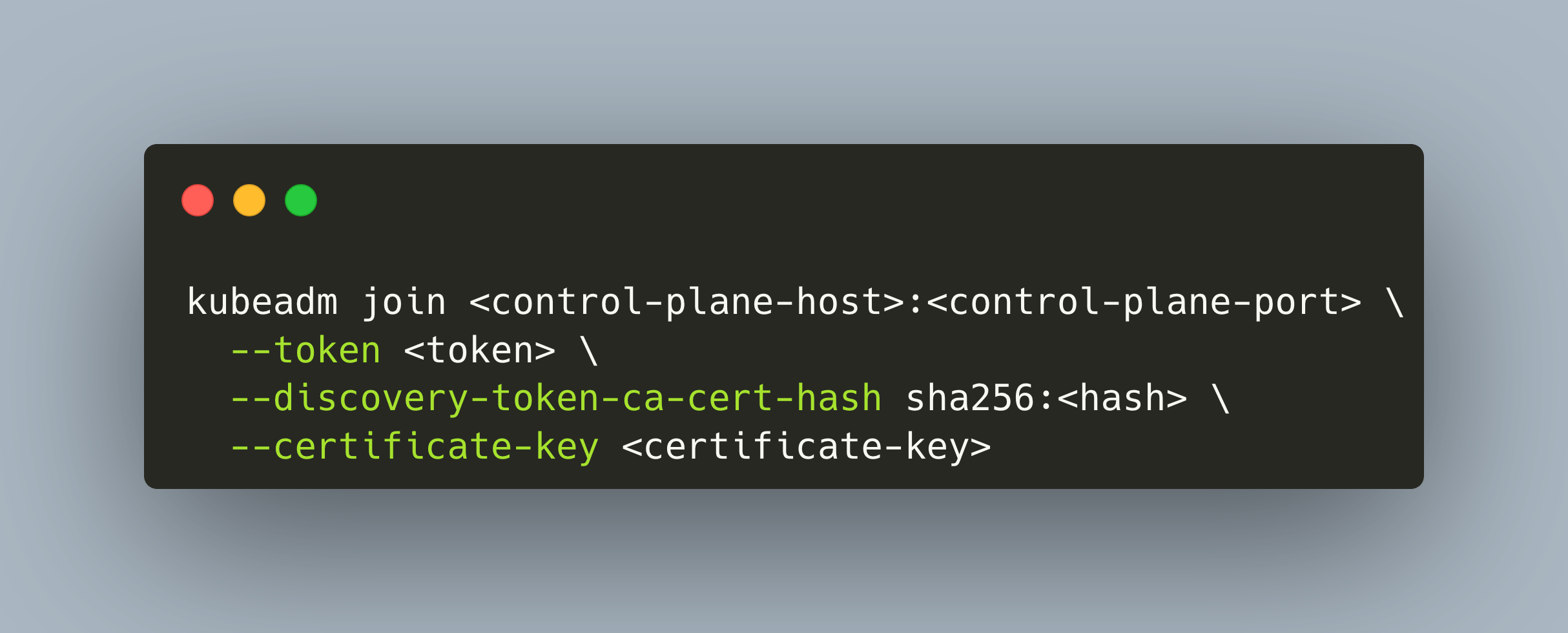
Kubeadm is a CLI tool with the explicit goal to bootstrap a minimum viable, Kubernetes specification conformant cluster. It expects nodes to be preconfigured, and upon using the CLI, it will install the Kubernetes components, create tokens, and join nodes together into a cluster. The documentation page explicitly states that it should serve for higher-level tools that will provide customization, monitoring and other environment-specific options. This article gives a concise overview about Kubeadm: supported architectures, installation, and upgrade process, and supported components.
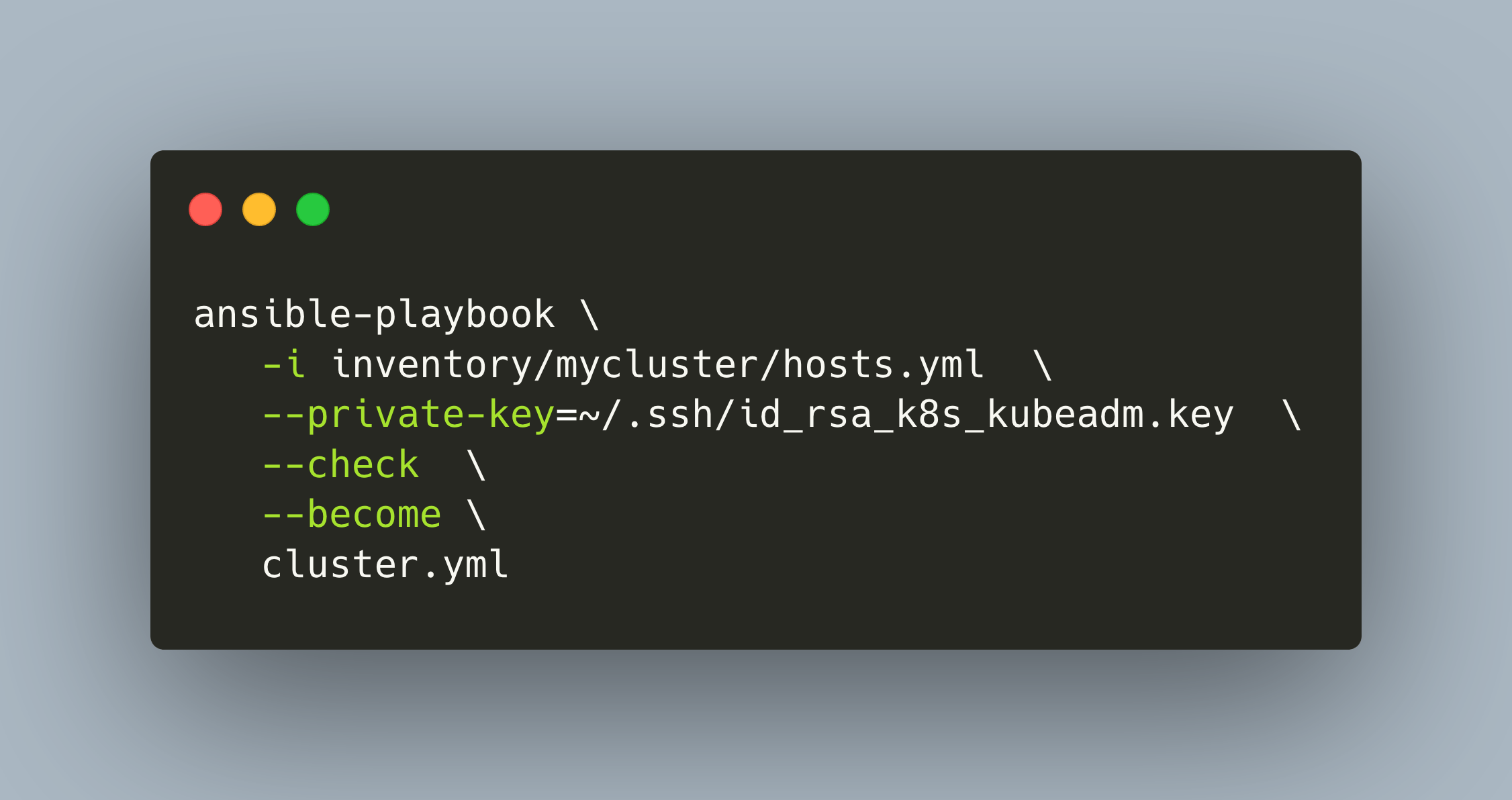
Kubespray is a meta distribution with an impressive configurability and scalability. It can be used for various infrastructure types, on-premise or cloud, bare metal or VMs, and it provides fine-grained control about all aspects of the installation process. Also, a wide range and customizability for the control plane storage, CRI, CNI, and ingress is given. Kubespray uses the configuration management tool Ansible at its core and represents your Kubernetes cluster as complete and versioned infrastructure as code.
K3S is a lightweight Kubernetes distribution packed into one single binary. This binary provides a comfortable CLI to manage all aspects of the cluster: Create nodes, join nodes, rotate secrets, and even upgrading. This blog post contains a concise overview about the K3S distribution, and its installation and configuration options.
Kubernetes is the leading platform for running self-healing containerized applications with fine-granular configuration, access, and security settings. Working with a managed Kubernetes distribution practically for more than 2 years, I decided to prepare for the various certifications to facilitate my learning. What could be a better approach than to start exploring Kubernetes from scratch? Learning about the components and their interactions, see the various Kubernetes distributions and perform installations on on-premise or cloud infrastructure.
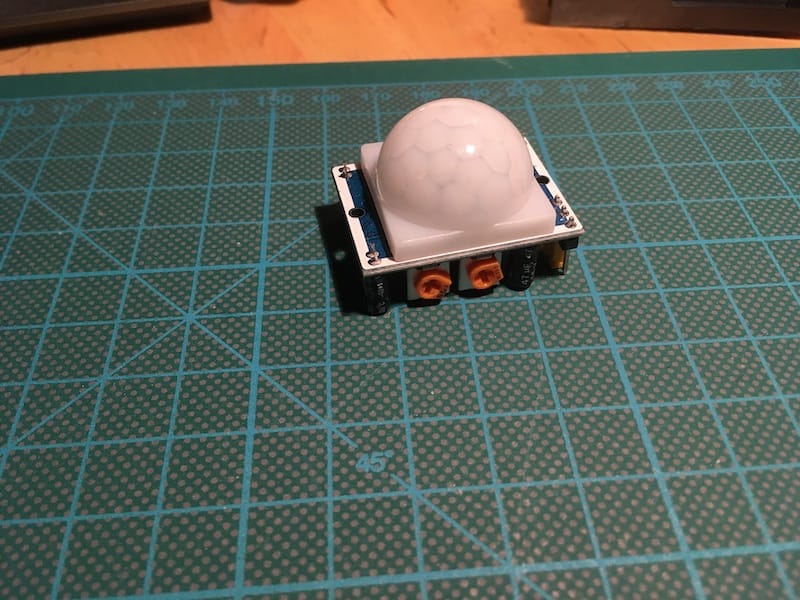
Your IOT home network consist of different sensor that provide data about the environment related to different aspects, such as temperature and humidity in the air, the current level of your heater, or other binary data. And interesting and versatile extension are motion sensors. When properly calibrated, meaning that they do not send false positives, they can be helpful in many ways: Detect presence of persons (or animals!) to trigger other sensors, controlling the light, start to play music, or well raise an alert.
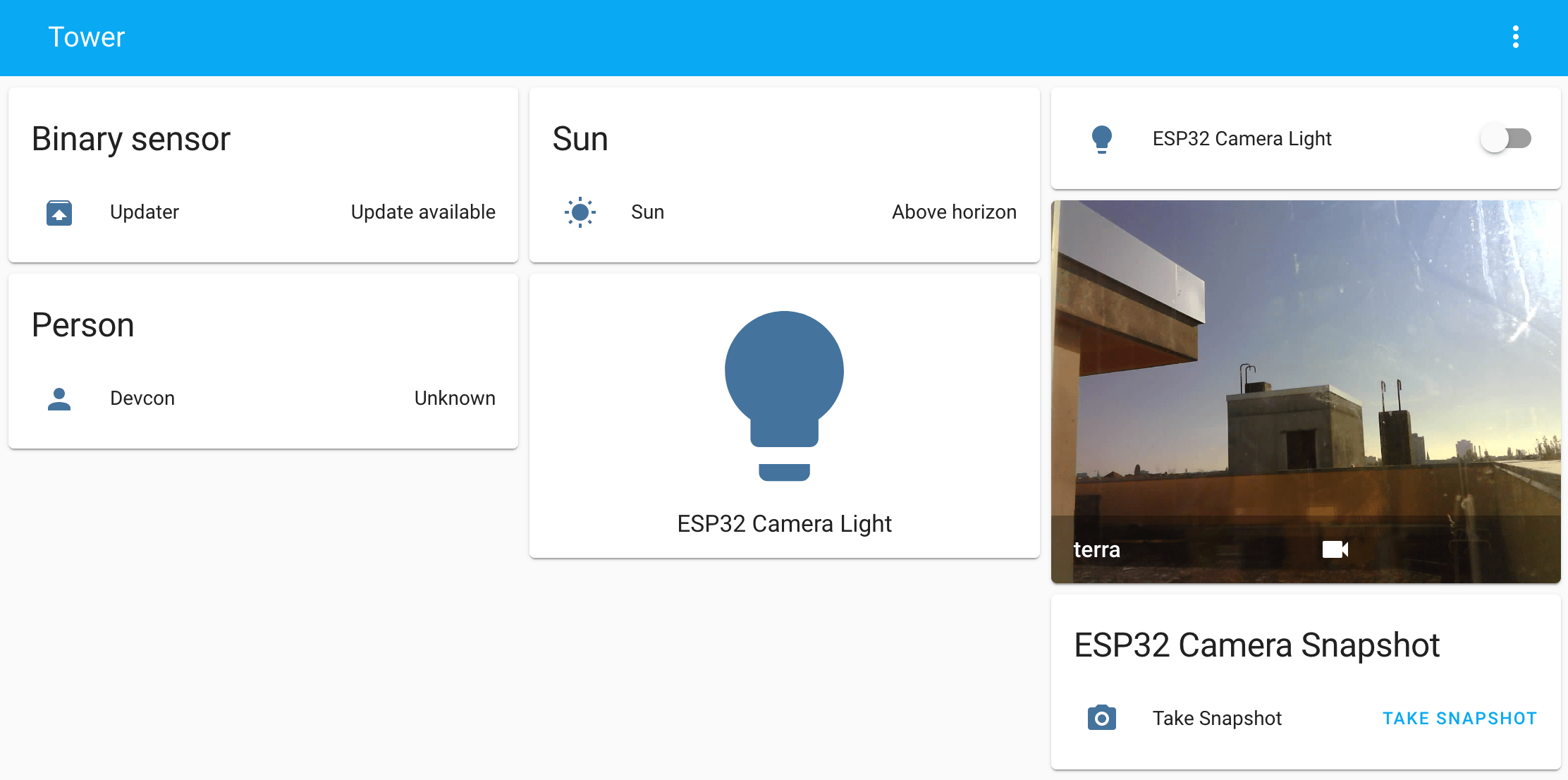
A complete IOT stack running on a Raspberry Pi is an effective way to integrated different sensors for home automation. In the last articles, we learned how to manually add a temperature/humidity sensor to the home network. By using PlatformIO, we manually flash the sensor, then choose available library for interacting with a sensor, and adding additional libraries to communicate with MQTT and send correctly transformed JSON data. We have complete control over all these steps, and can configure every single character that the sensor outputs. In addition to this manual way, there are great frameworks to flash and install utility programs to sensors, and also great platforms that access several sensors and show the measurements graphically as well as giving you direct interaction with these sensors.
A complete IOT stack running on a Raspberry Pi is an effective way to integrated different sensors for home automation. In the last articles, we learned how to manually add a temperature/humidity sensor to the home network. By using PlatformIO, we manually flash the sensor, then choose available library for interacting with a sensor, and adding additional libraries to communicate with MQTT and send correctly transformed JSON data. We have complete control over all these steps, and can configure every single character that the sensor outputs. In addition to this manual way, there are great frameworks to flash and install utility programs to sensors, and also great platforms that access several sensors and show the measurements graphically as well as giving you direct interaction with these sensors.
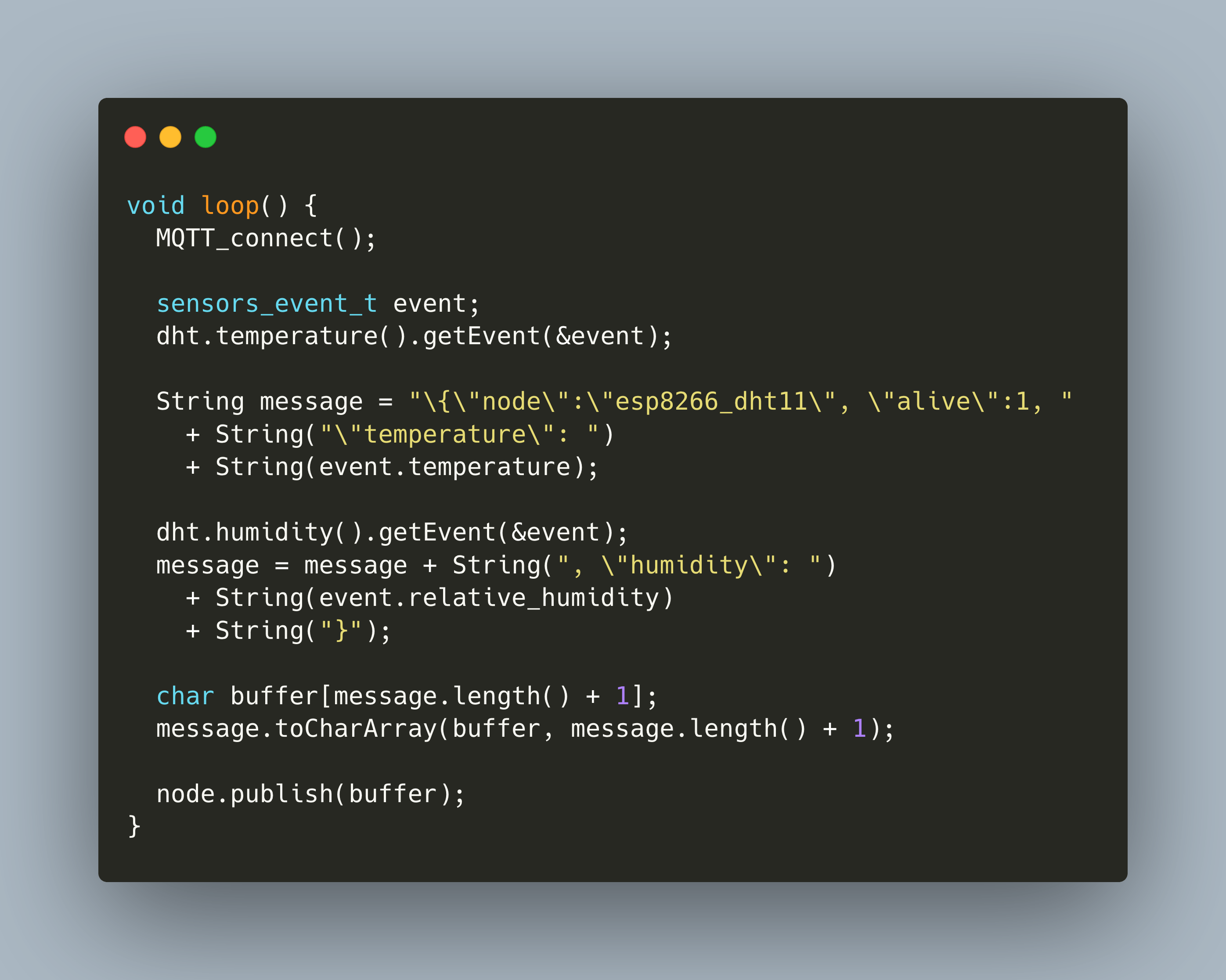
In my blog series so far, we covered how to setup the essential tools for transforming and capturing IOT data: MQTT, NodeRed, and InfluxDB. Now we will use these tools to actively collect data. The first sensor to be added is the temperature and humidity sensor DHT22. Its connected to an ESP8266 board. To flash and program it, we will use PlatformIO.