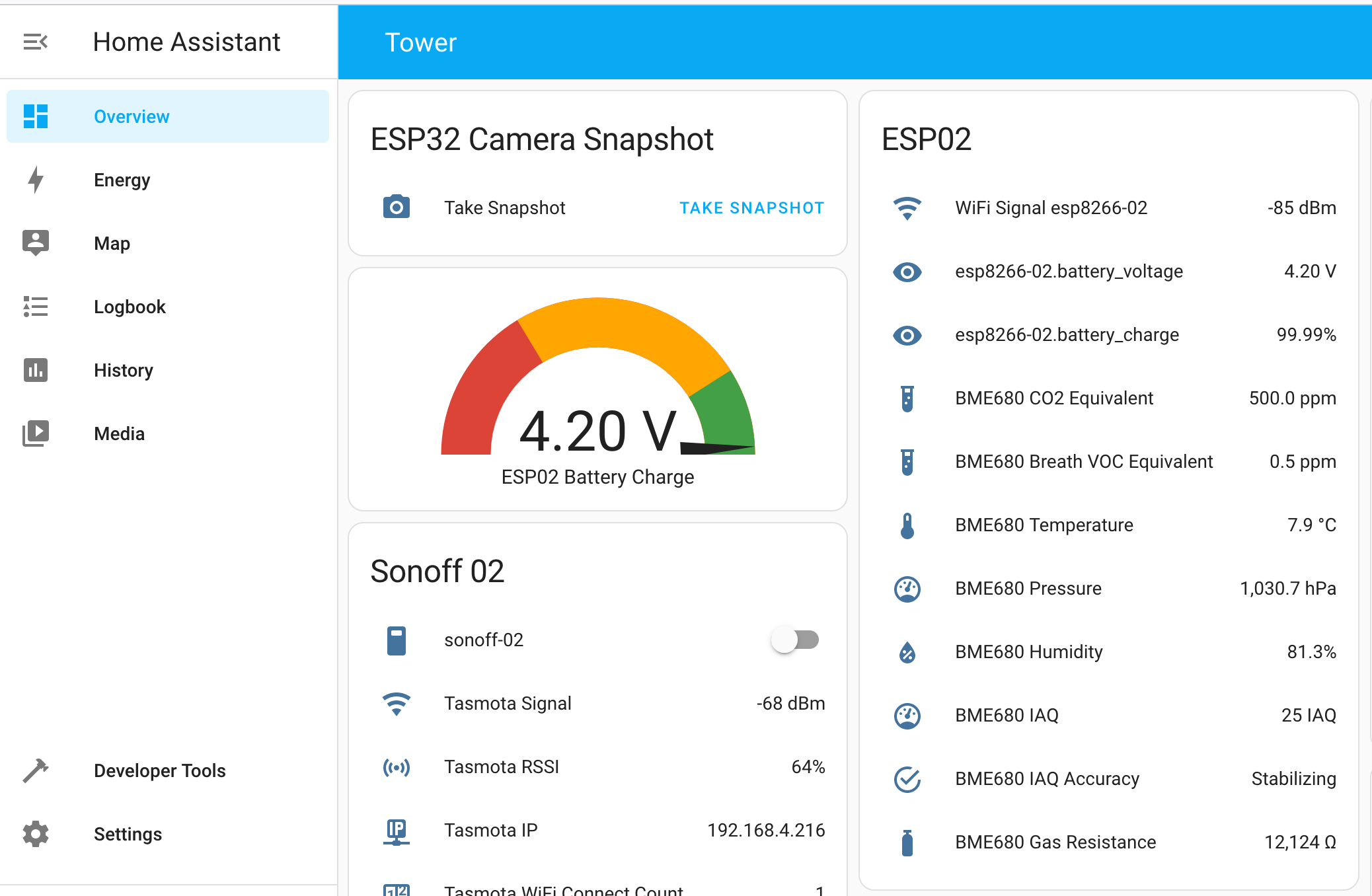
Home Assistant is an open-source software providing a complete toolset for home automation. It offers by far the biggest interoperability with all kinds of boards, sensors, and external services. Getting started with Home Assistant can be tough because it offers so many features. Yet understanding them does not only make it easier for you to get started, but will also span several ideas about which powerful automations can be achieved with this amazing system.
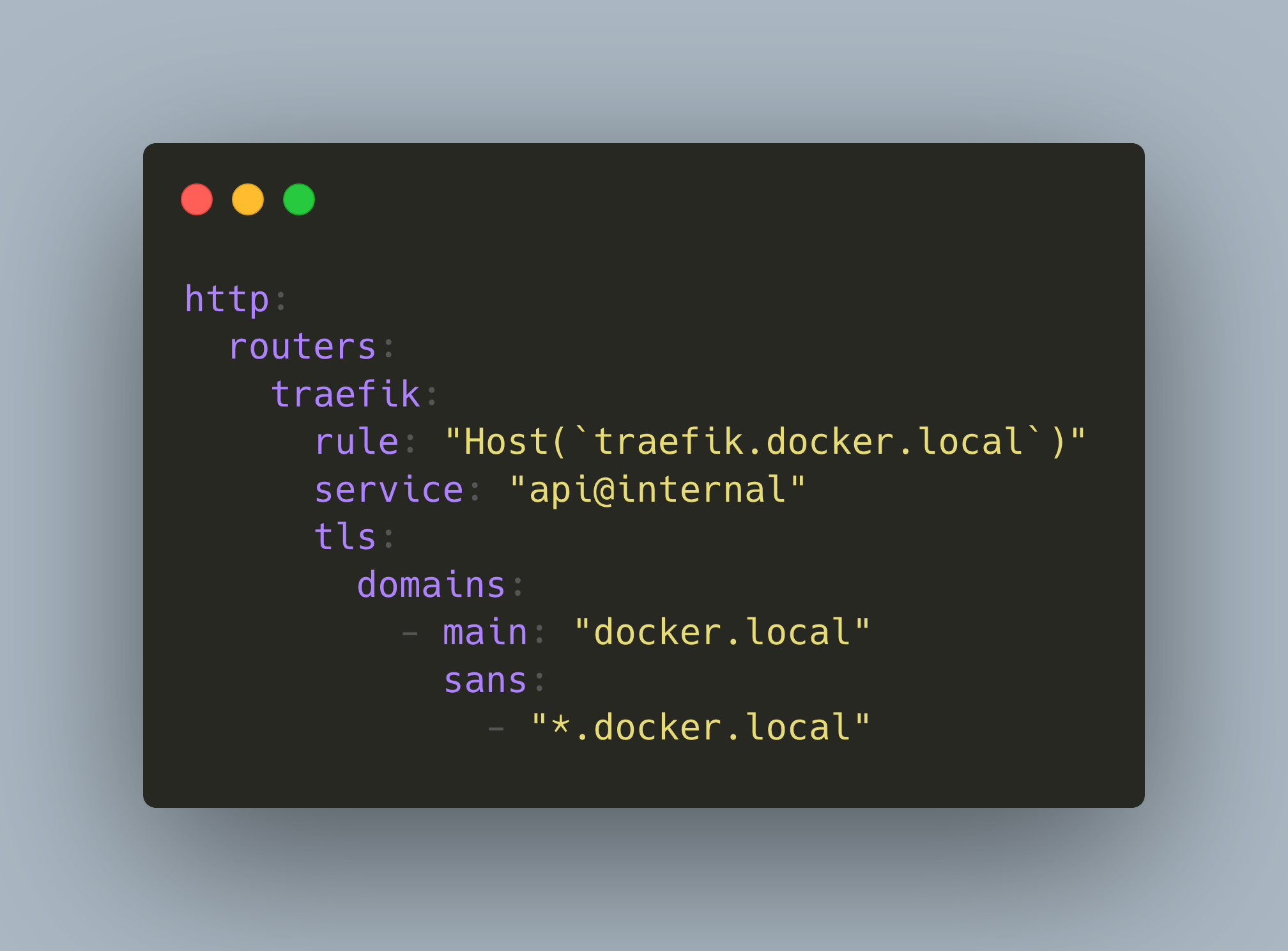
In your IOT home network, several applications are provided as Docker containers. Typically, containers expose a port on its host. To access the applications, you type in the IP address of the host and its exposed ports. This is ok if you have just one or two applications, but soon it will be hard to remember all the ports, and you are still using unencrypted HTTP which is not ideal when you use a WiFi connection to access the applications.
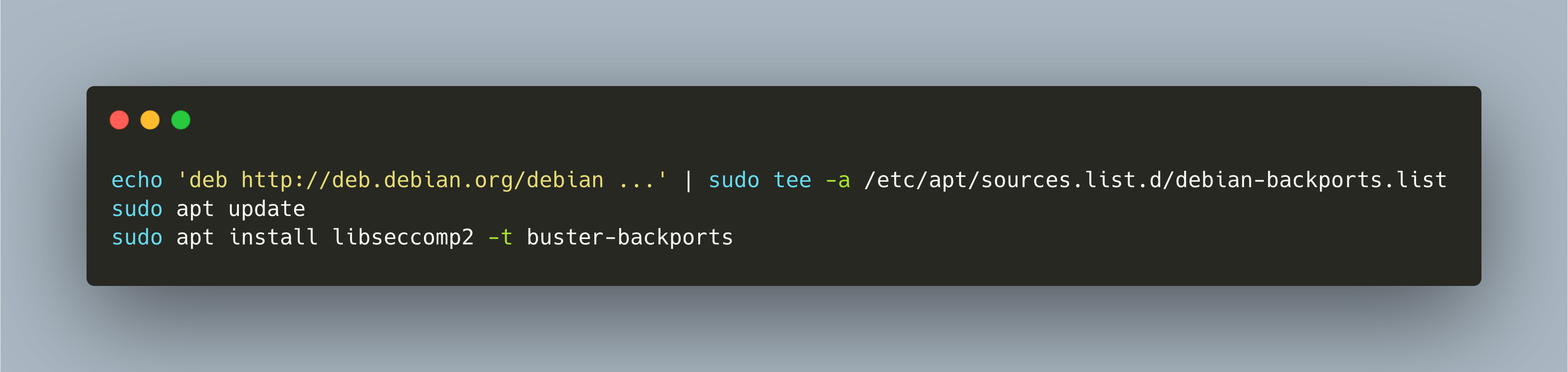
My Raspberry PI based IOT stack, introduced in an [earlier article](https://admantium.com/blog/iot01_installing_iot_stack/), is productive and online for more than one year. It’s time to make a full upgrade of the operating system, the Docker containers, and all associated configurations.
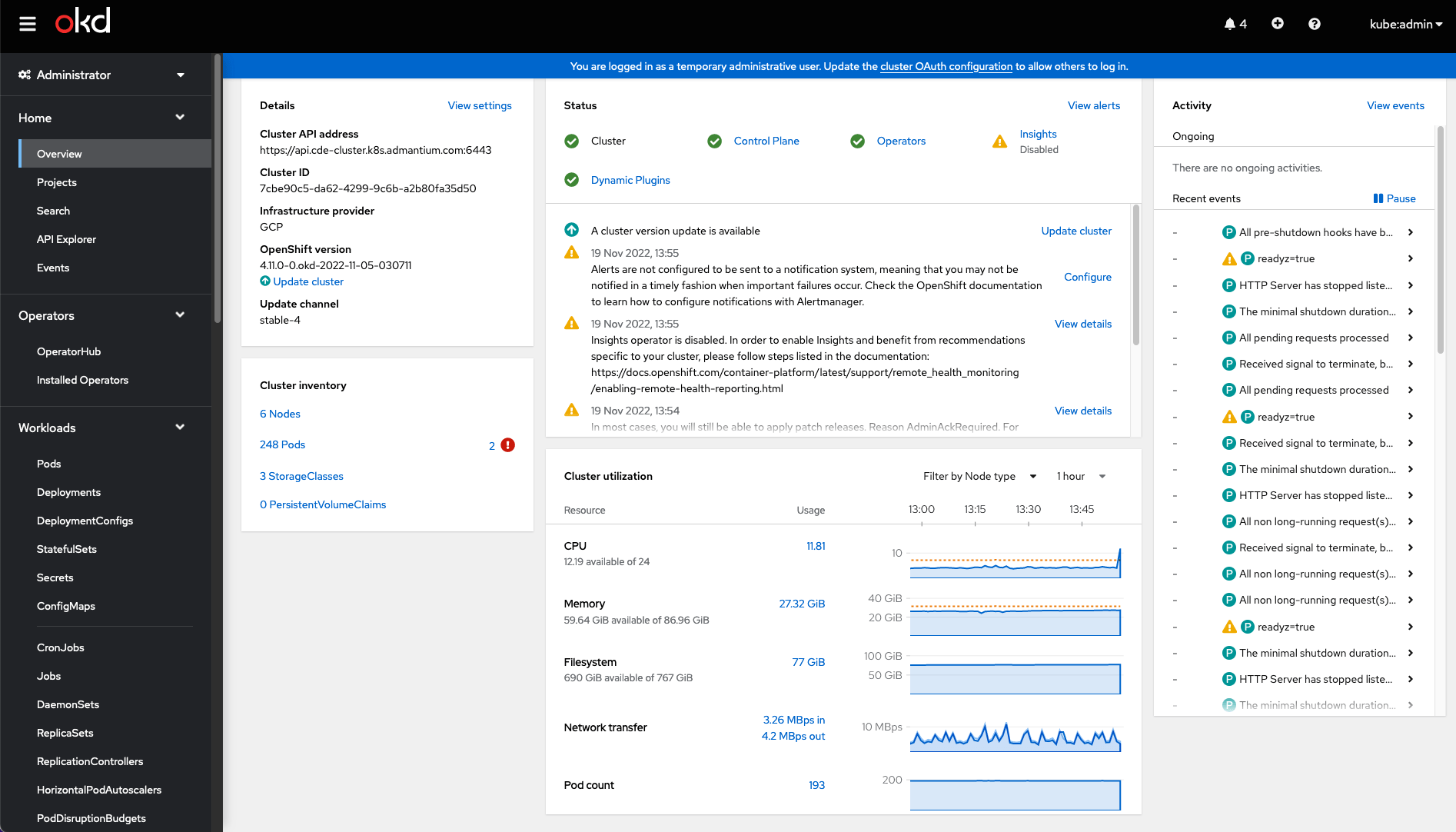
OpenShift is platform for running containerized application workloads. It’s been in development for over 10 years, and the recent version supports Kubernetes as the default orchestration mode.
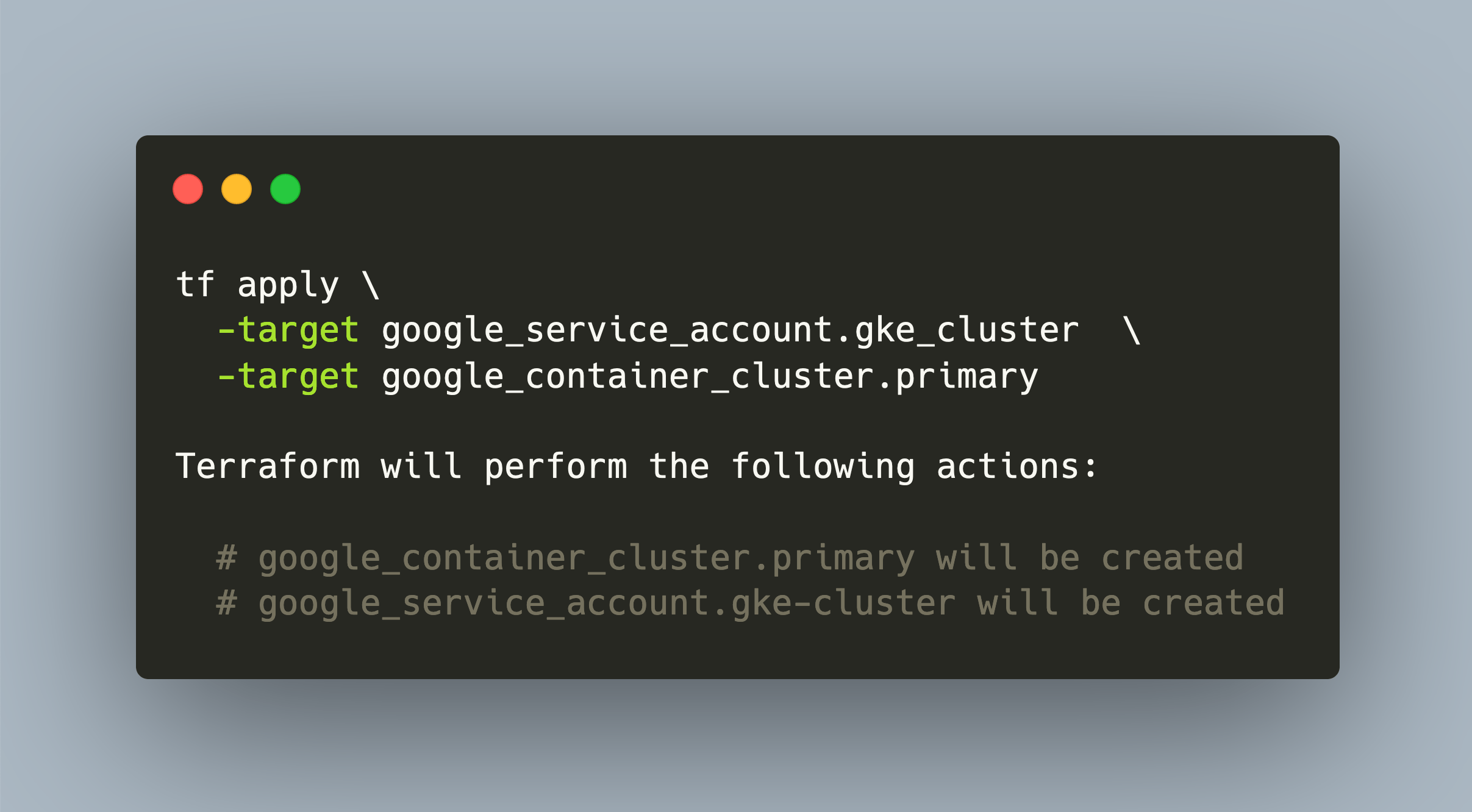
The Google Kubernetes Engine provides a managed Kubernetes environment. Like its counterpart in AWS, it is also deeply integrated into the Google cloud, and allows to use other abstractions.
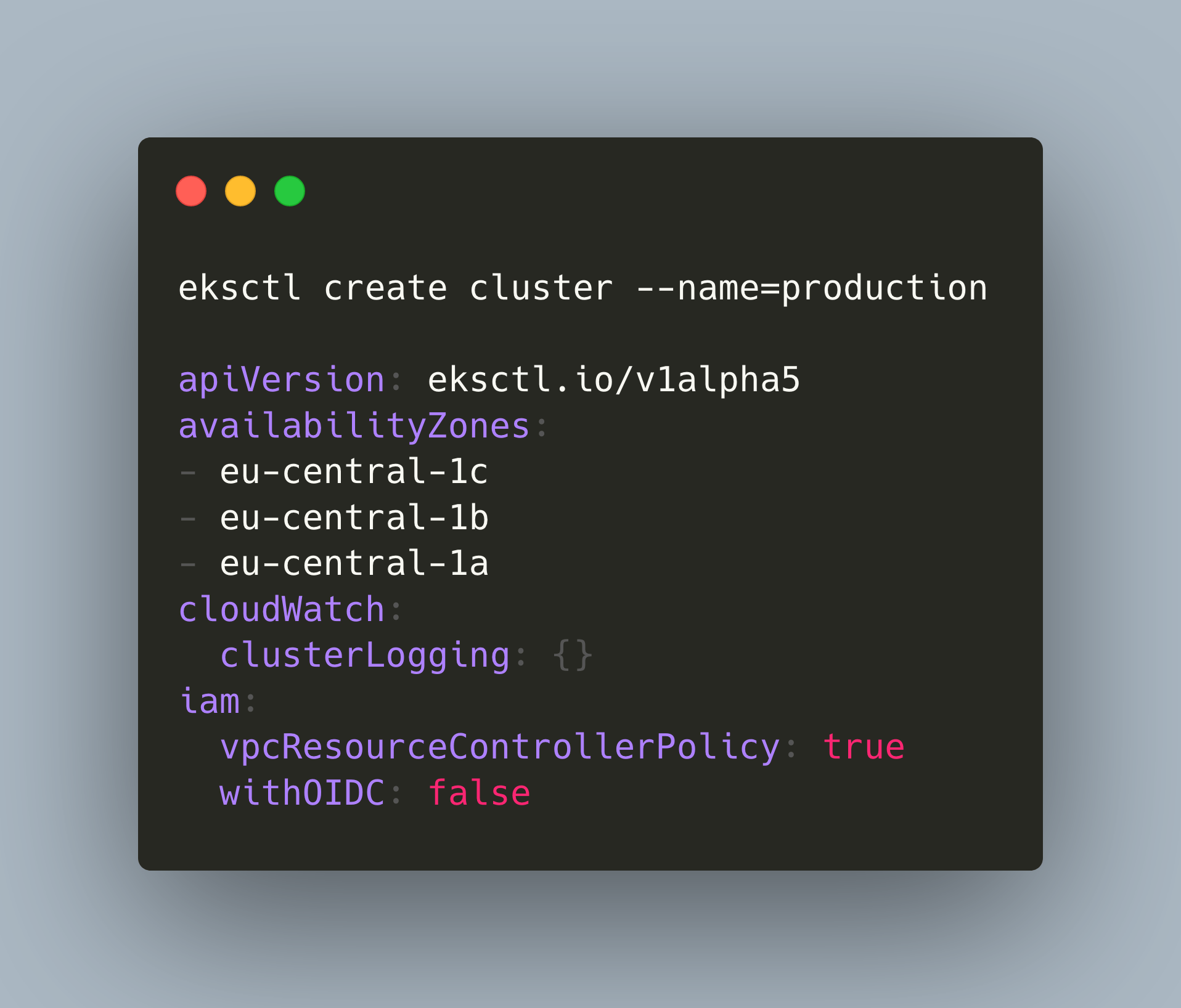
There are several options to roll your own Kubernetes cluster. In addition to provisioning on managed infrastructure, you can also create a managed cluster that is integrated with a particular cloud environment, enabling you to use other services and concepts from the cloud environment.
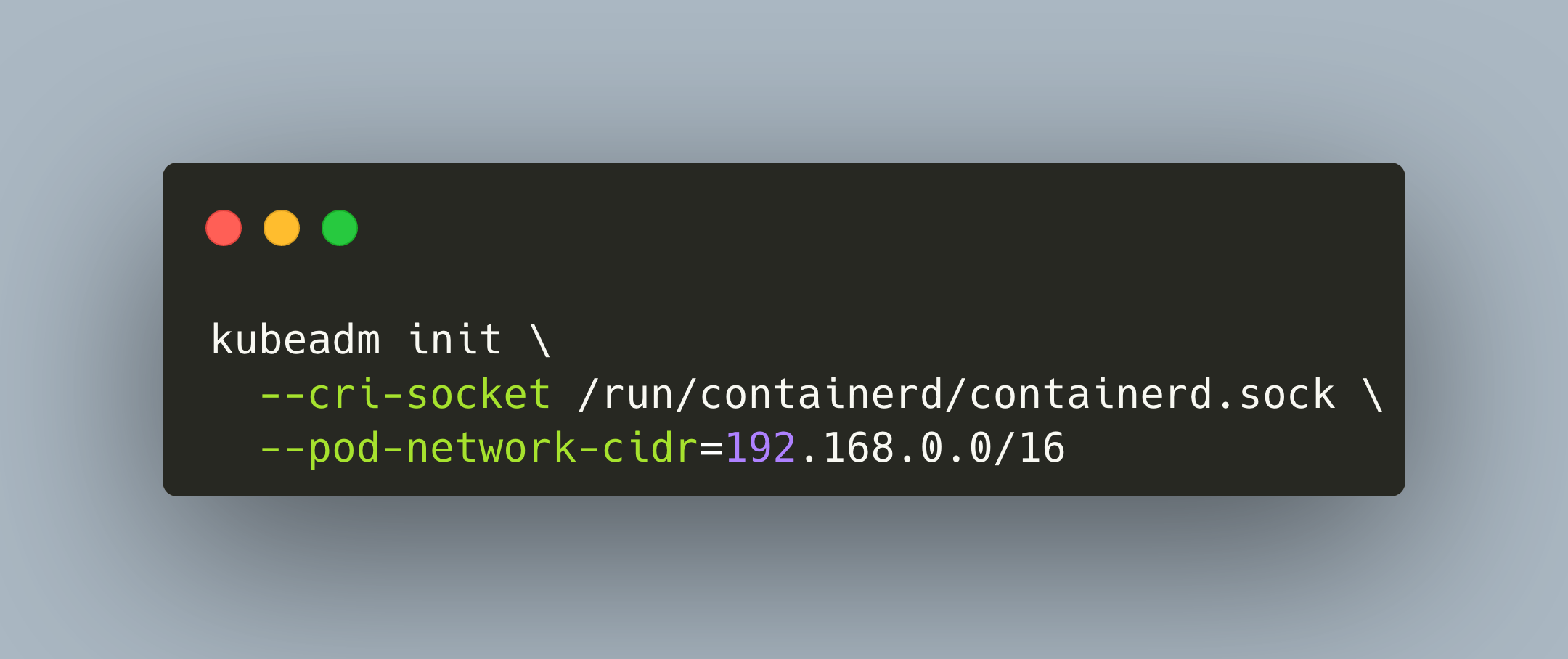
Kubeadm is a Kubernetes distribution that provides all customization options that you can think of: container runtime, container network interface, cluster storage and ingress. You can configure all these aspects of your cluster but have to understand the individual options and their setup as well. For a complete overview about this remarkable distribution, see my [previous article](https://admantium.com/blog/kube08_kubeadm/).
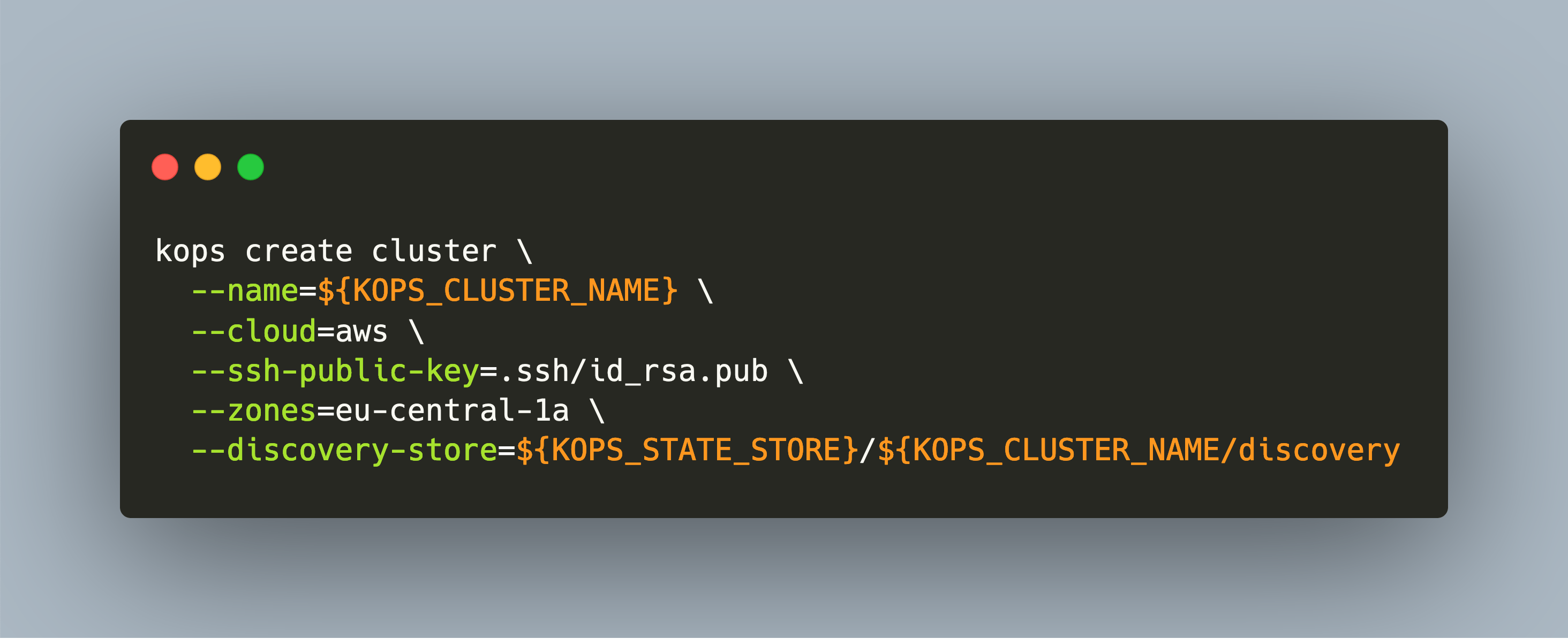
Kops is a Kubernetes distribution that installs a Kubernetes cluster on cloud providers. Fully supported are AWS und GCE, and beta support exists for Digital Ocean, Hetzner and Open Stack.
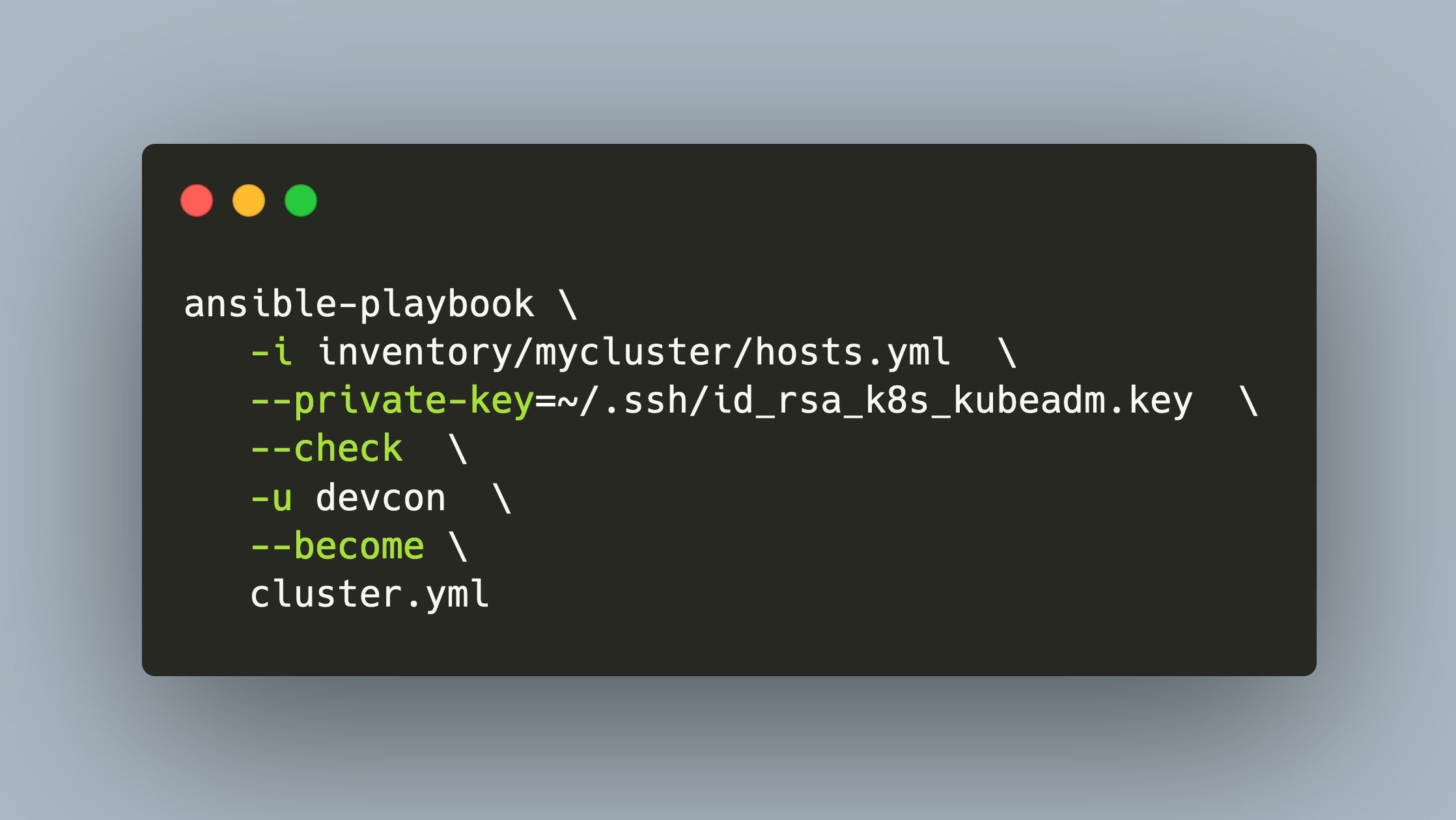
The Kubespray distribution brings the power of Ansible for configuration, setup, and maintenance of a Kubernetes cluster. Starting from an inventory file, you define which nodes are part of the cluster and which role they should play. Then, additional configuration files fine-tune the settings of the various Kubernetes components. By applying the playbook - Ansible jargon for the installation/setup scripts that consume your configuration - the desired state is manifested on the target server. Using Kubespray means to manifest your cluster as true Infrastructure as code: All subsequent runs lead to the very same desired state.
Kubeadm is a Kubernetes distribution that provides all customization options that you can think of: container runtime, container network interface, cluster storage and ingress. You can configure all these aspects of your cluster, but have to understand the individual options and their setup as well. For a complete overview about this remarkable distribution, see my [previous article](https://admantium.com/blog/kube08_kubeadm/).