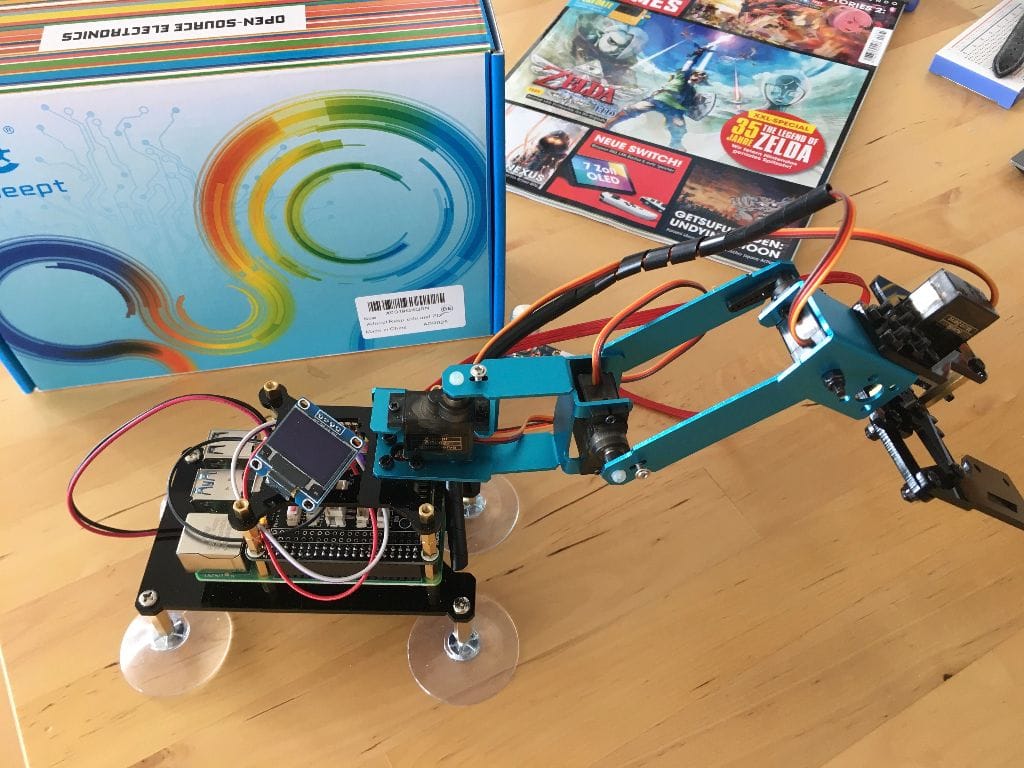
A robot arm manipulator consist of joints and servo motors. It’s attached to a fixed base, and upon receiving command, executes movement actions. Moving is a two-step process: First, the arm needs to receive a command, and second it needs to translate this command into coordinated actions that will move the joints accordingly. This article focuses on the first question: How to send commands effectively to the arm?
When you build a robot, there are basically two approaches: You can either start from scratch, get all required hardware, the chassis, sensor, actuators and microcontroller or single-board computers, and program the software. Or you buy a complete kit which includes all parts and a software stack. For the first half of 2021 I followed the first approach and build two moving robots, RADU MK1 and RADU MK2. The MK2 version also included ROS as the middleware layer, supporting the goal of semi-autonomous navigation by detecting its environment.
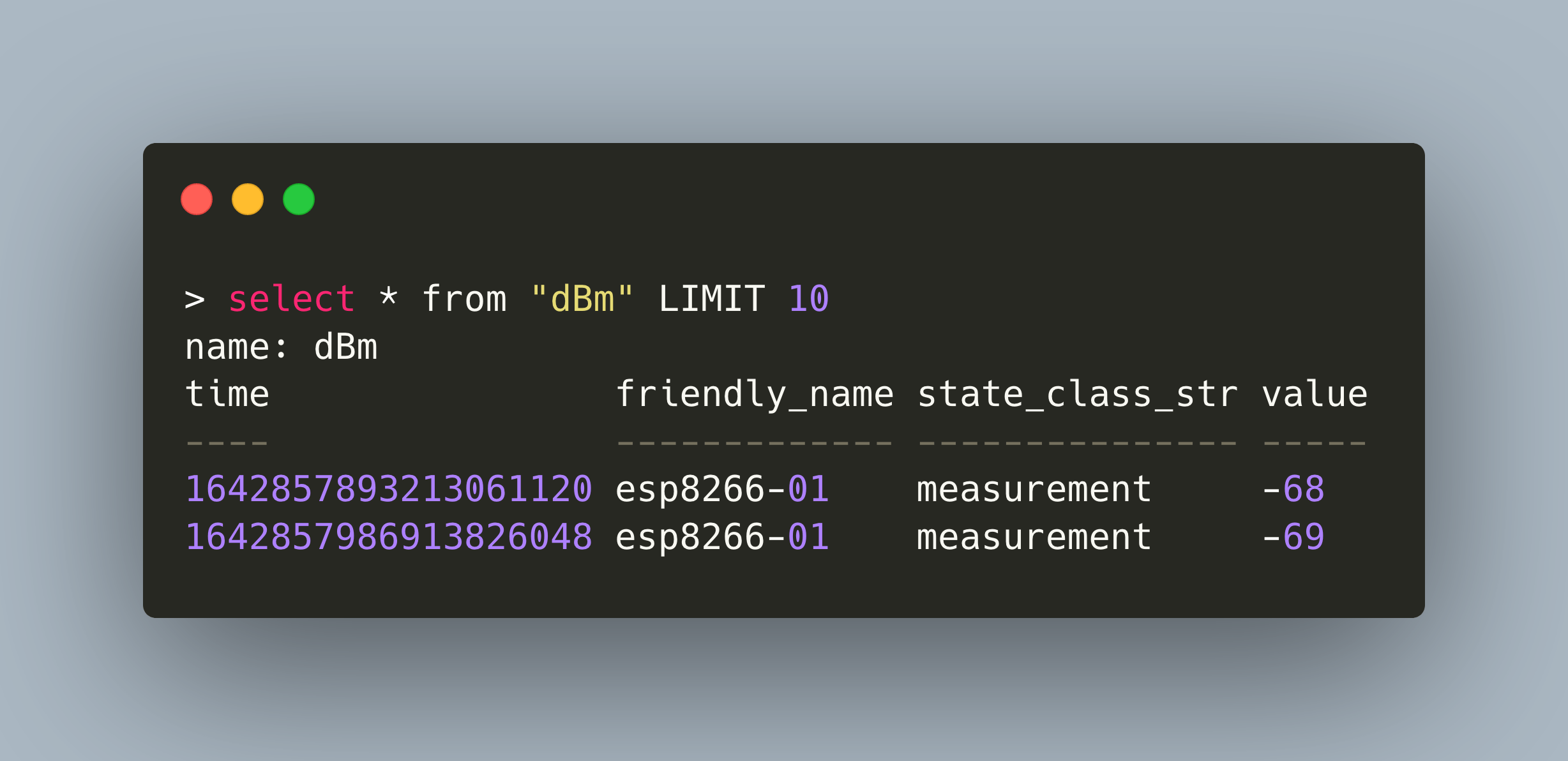
Home Assistant (HA) is a versatile solution to manage IOT boards and their sensors. It helps to facilitate data collection and provide user friendly home automation. In its default configuration, HA will store every state change in its own internal SQLite database. Yet for IOT developers, using and working with timeseries database, like InfluxDB, is the norm. Can we use HA to store sensor data in a timeseries DB as well? Short answer: Yes. Long answer: Yes, but HA makes explicit, not configurable convention how and what to save, so check the details...
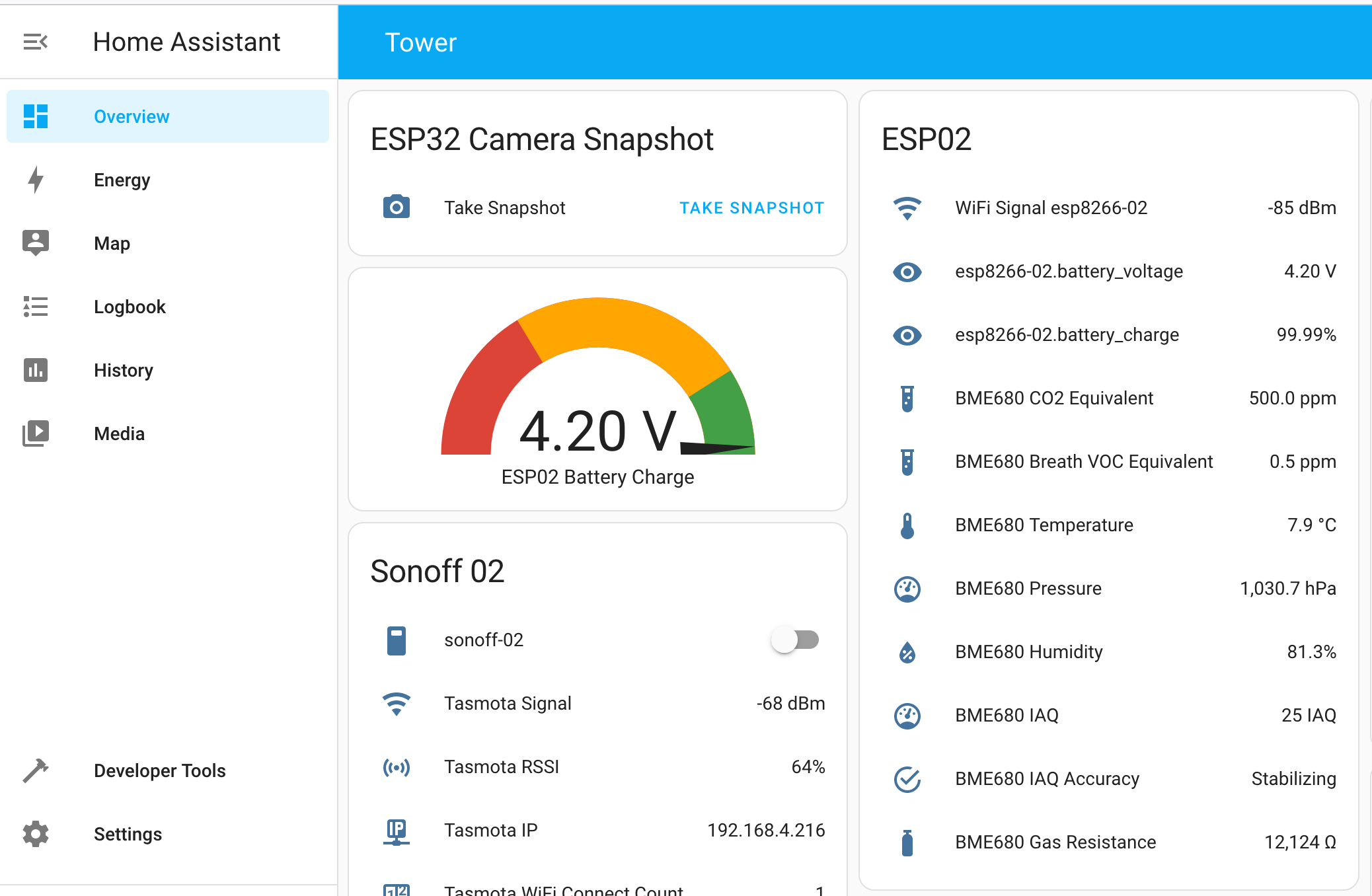
Home Assistant is an open-source software providing a complete toolset for home automation. It offers by far the biggest interoperability with all kinds of boards, sensors, and external services. Getting started with Home Assistant can be tough because it offers so many features. Yet understanding them does not only make it easier for you to get started, but will also span several ideas about which powerful automations can be achieved with this amazing system.
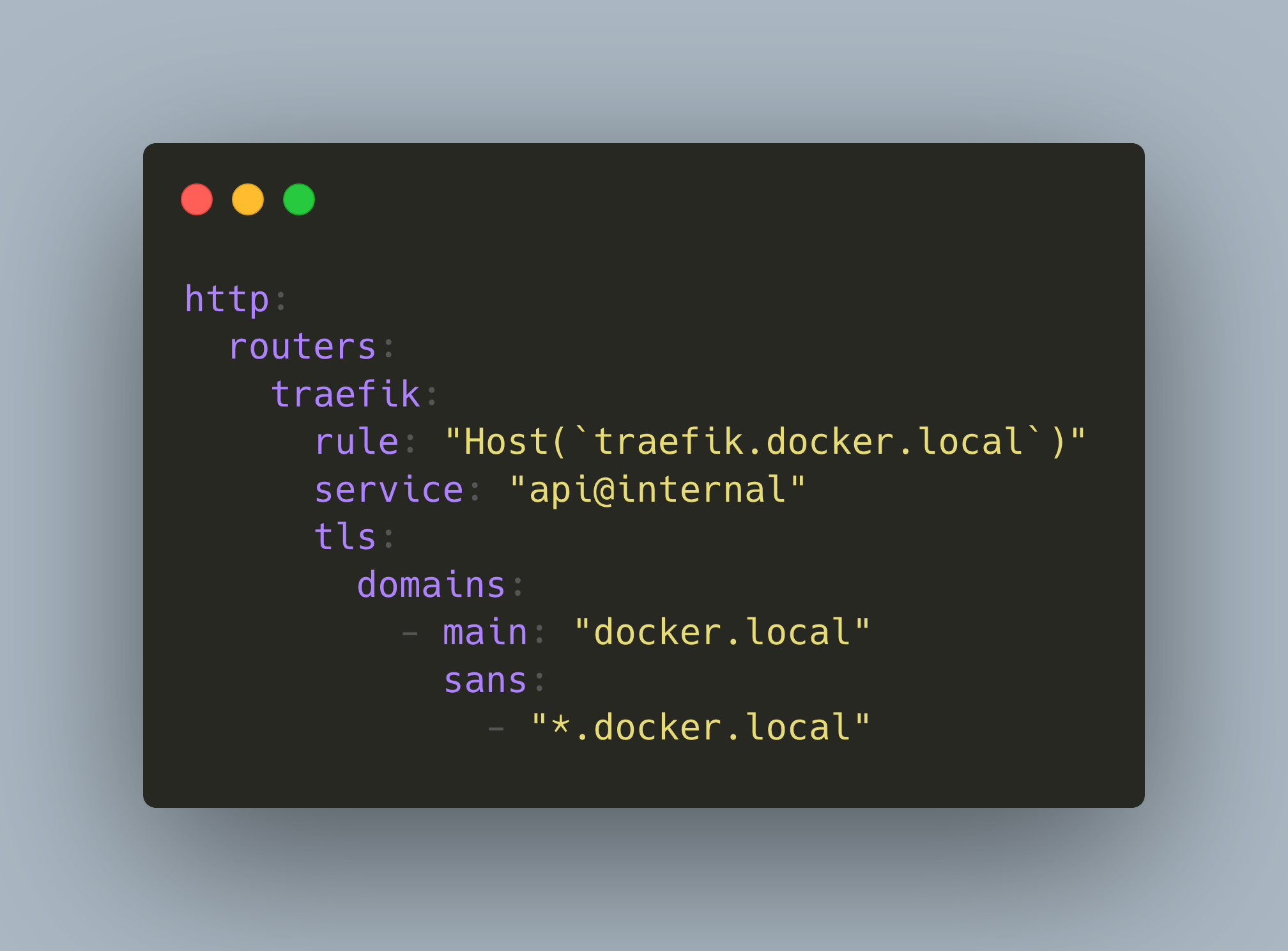
In your IOT home network, several applications are provided as Docker containers. Typically, containers expose a port on its host. To access the applications, you type in the IP address of the host and its exposed ports. This is ok if you have just one or two applications, but soon it will be hard to remember all the ports, and you are still using unencrypted HTTP which is not ideal when you use a WiFi connection to access the applications.
My Raspberry PI based IOT stack, introduced in an [earlier article](https://admantium.com/blog/iot01_installing_iot_stack/), is productive and online for more than one year. It’s time to make a full upgrade of the operating system, the Docker containers, and all associated configurations.
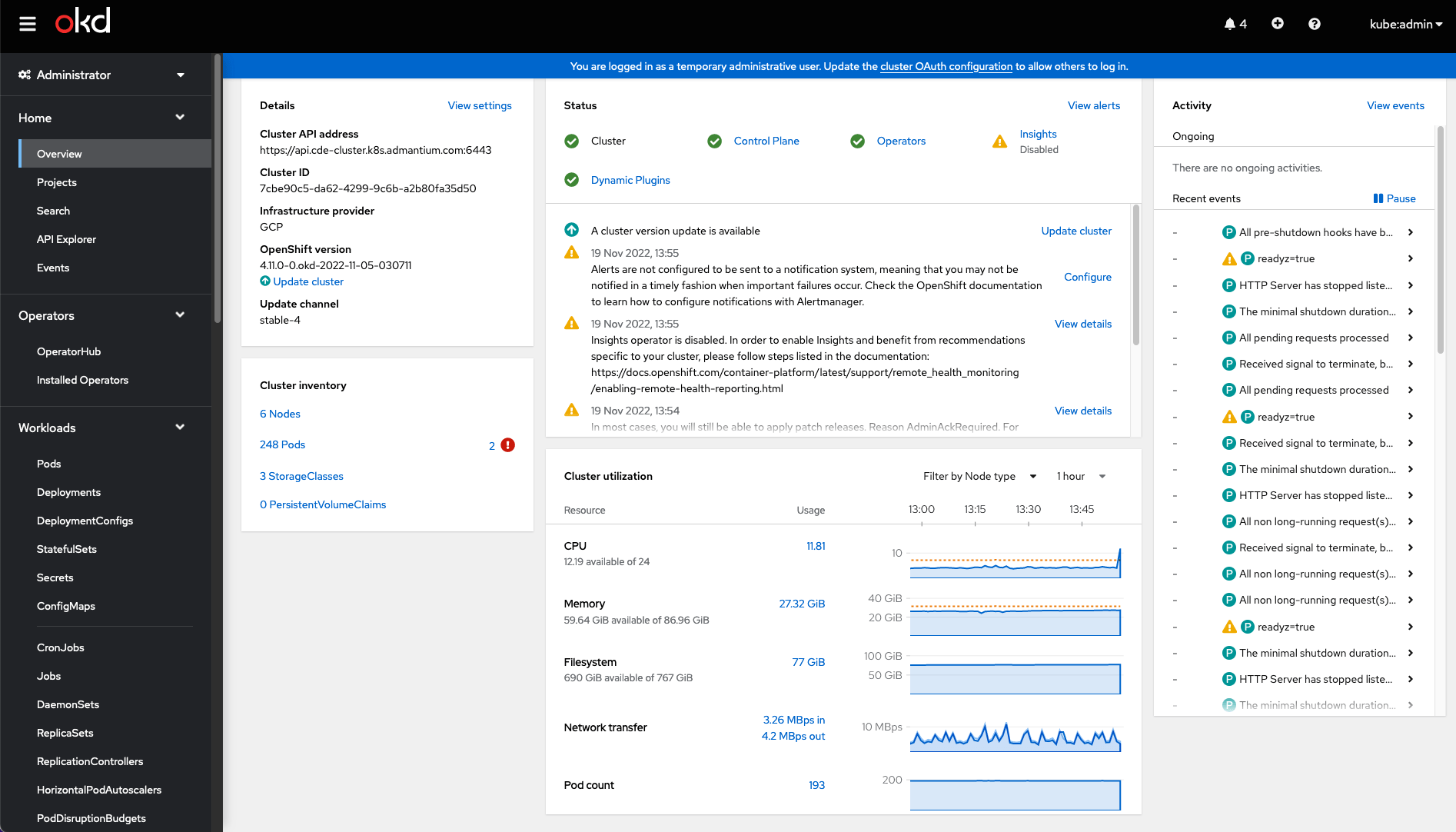
OpenShift is platform for running containerized application workloads. It’s been in development for over 10 years, and the recent version supports Kubernetes as the default orchestration mode.
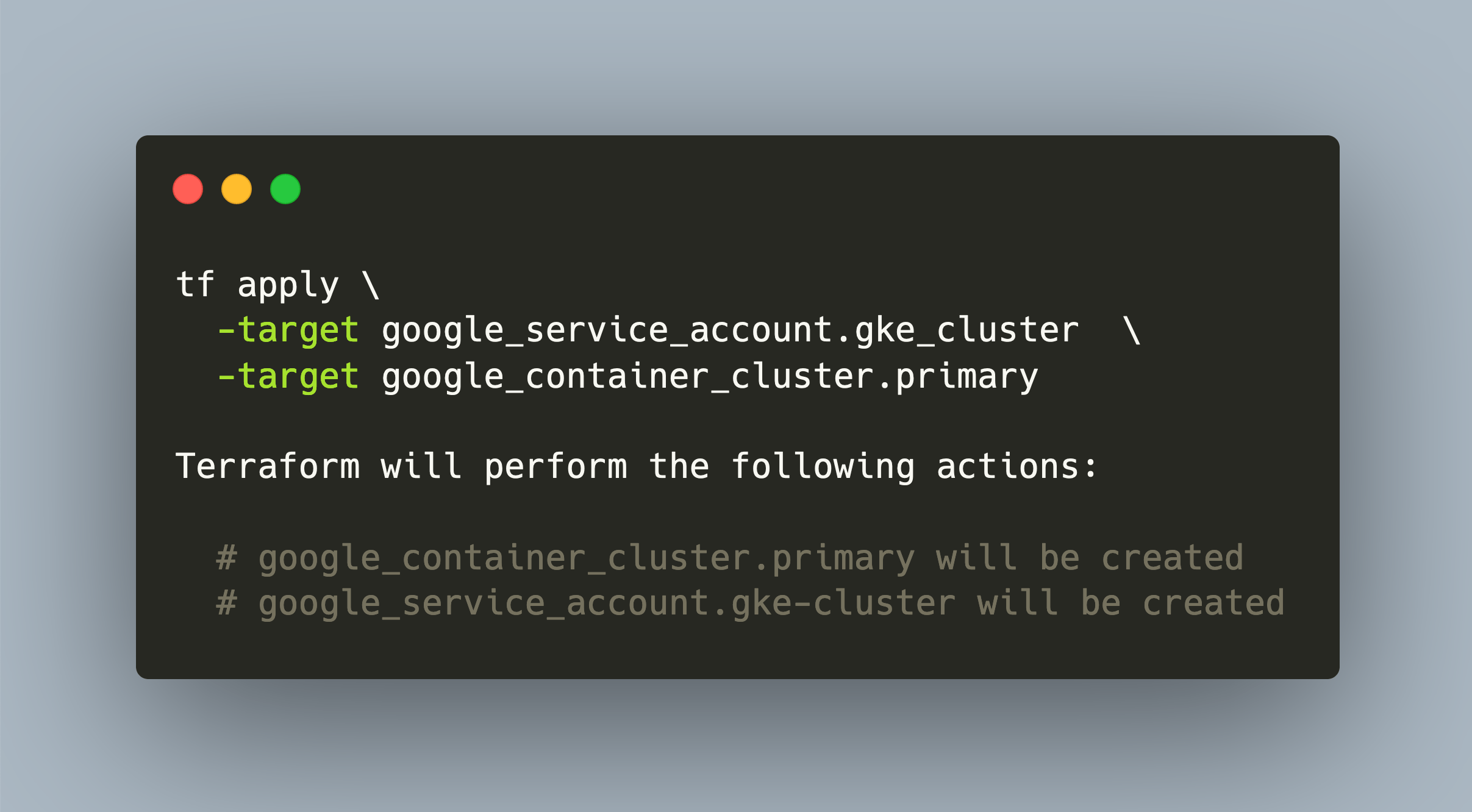
The Google Kubernetes Engine provides a managed Kubernetes environment. Like its counterpart in AWS, it is also deeply integrated into the Google cloud, and allows to use other abstractions.
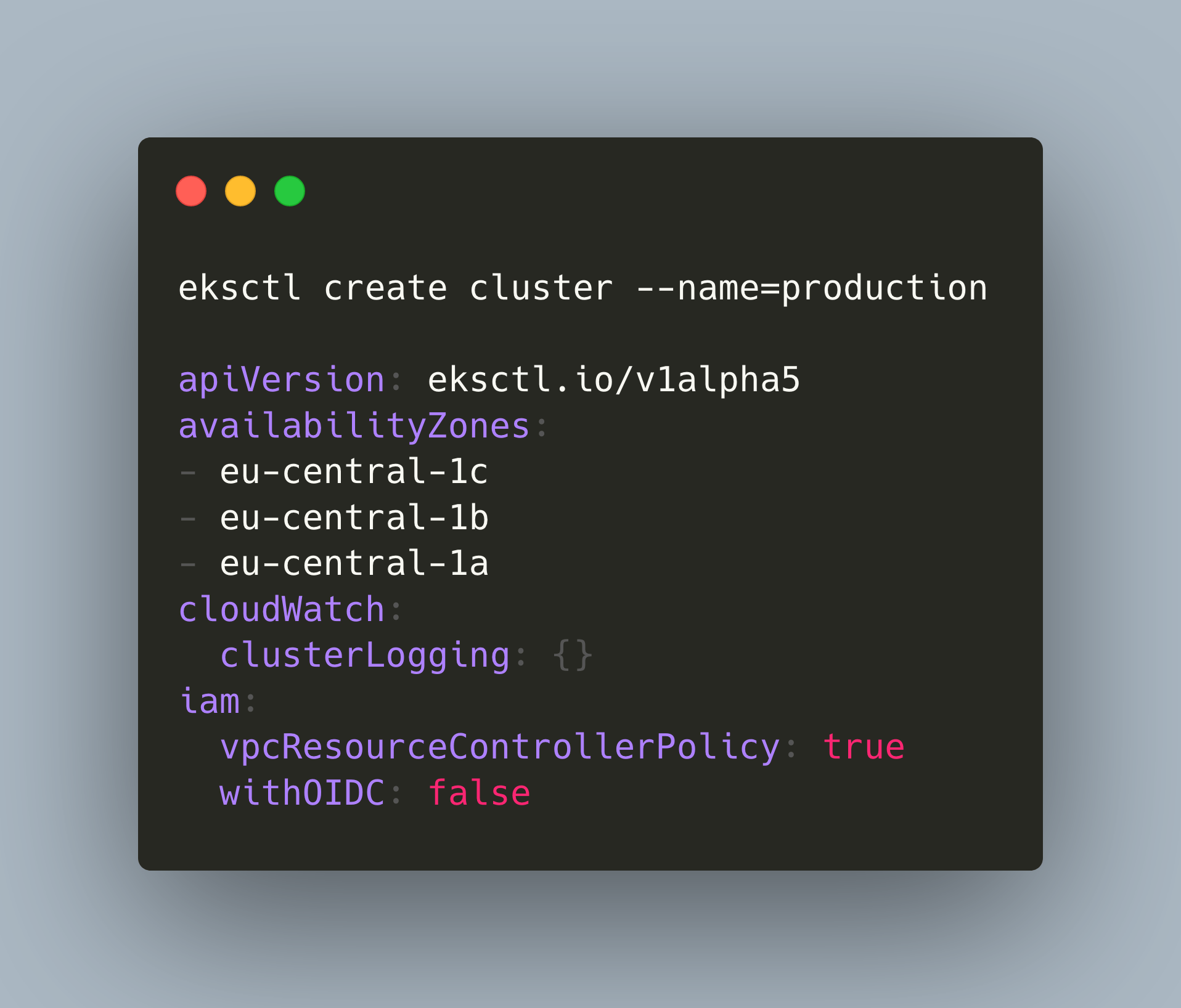
There are several options to roll your own Kubernetes cluster. In addition to provisioning on managed infrastructure, you can also create a managed cluster that is integrated with a particular cloud environment, enabling you to use other services and concepts from the cloud environment.
Kubeadm is a Kubernetes distribution that provides all customization options that you can think of: container runtime, container network interface, cluster storage and ingress. You can configure all these aspects of your cluster but have to understand the individual options and their setup as well. For a complete overview about this remarkable distribution, see my [previous article](https://admantium.com/blog/kube08_kubeadm/).