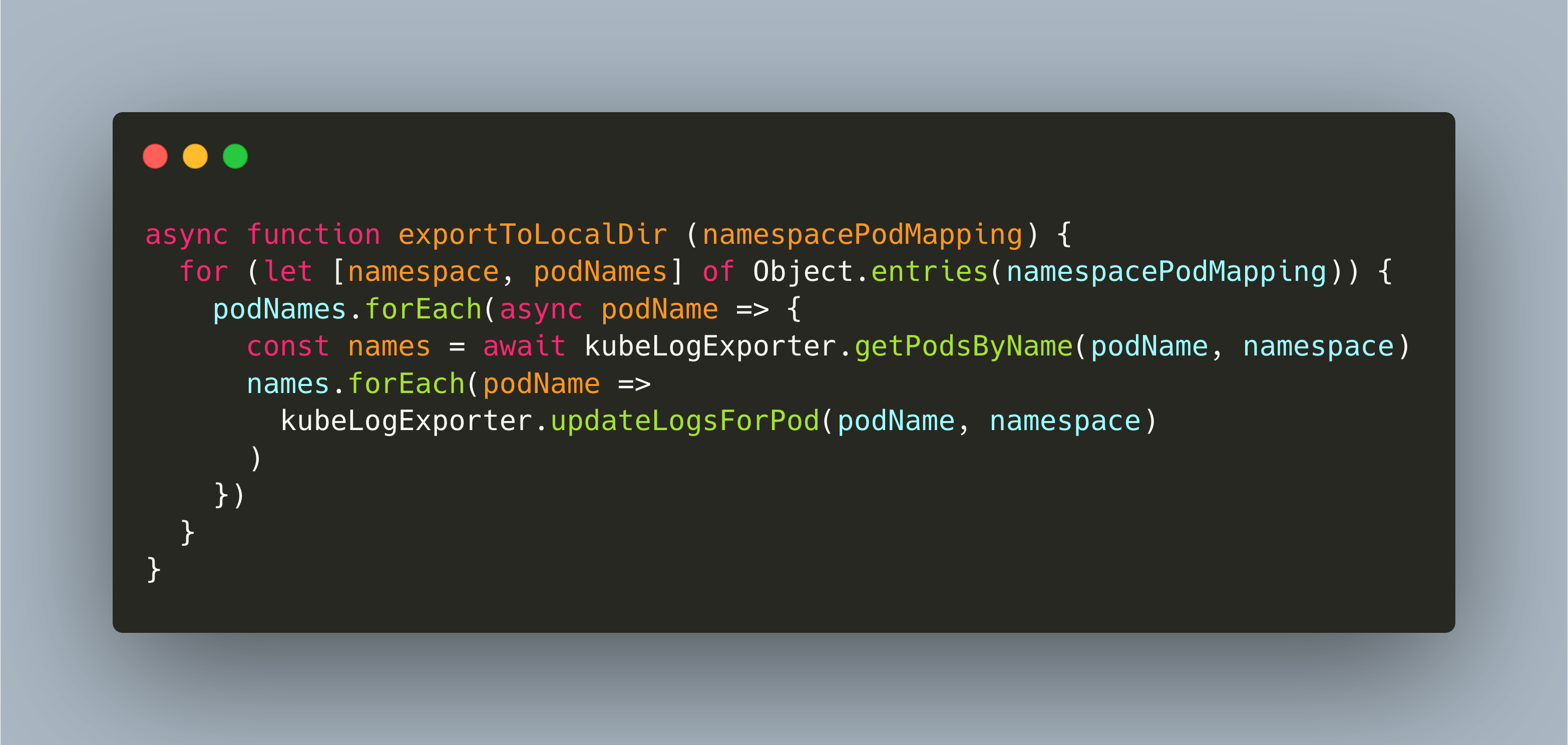
In Kubernetes, Pods are dynamic and ephemeral. And so is their log data: When a pod terminates, its gone. Retaining log files can be complex - do you really need the ELK or EFK stack? If all you need are plain text files, then my KubeLogExporter can be your solution.
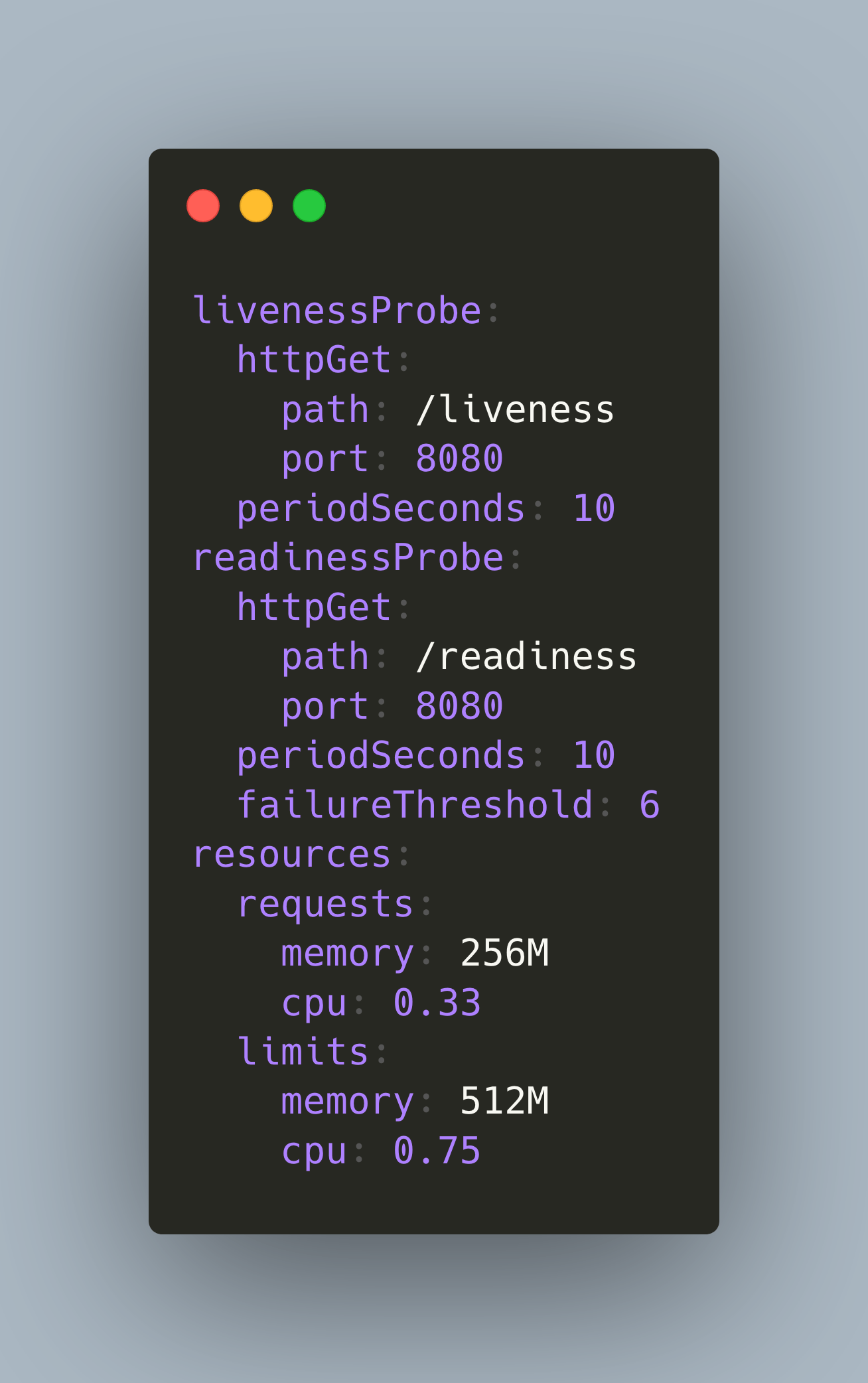
Your Kubernetes cluster provides a finite amount of resources such as CPU, memory and storage. Carefully crafting resource limitations and health checks keeps your apps running.
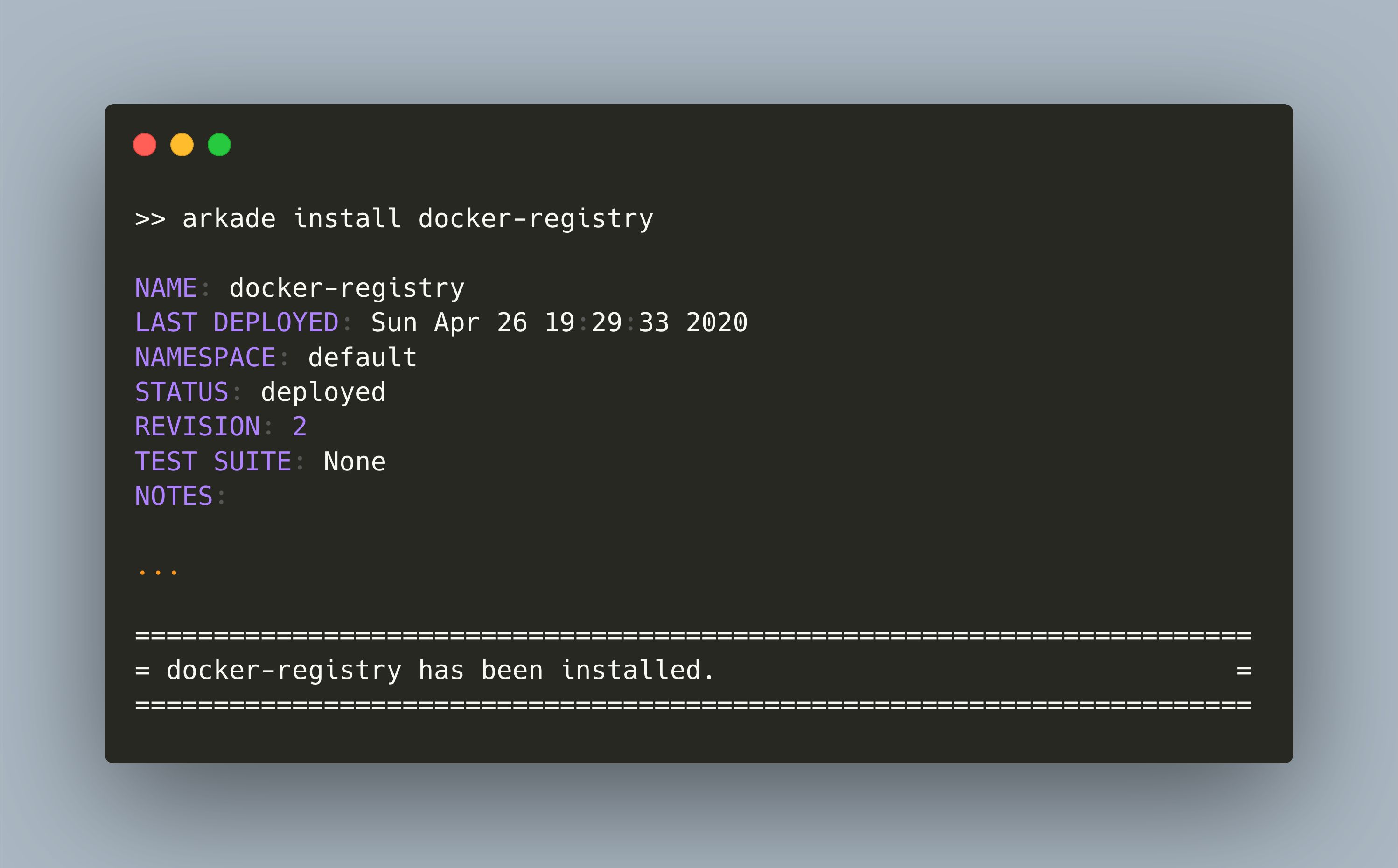
A private Docker registry simplifies managing your application deployments in Kubernetes. Read my tutorial to setup you own private Docker registry in a few minutes!
Service exposed from a Kubernetes cluster should by encrypted with TLS. Learn how to get fully automatic, self-renewed Let's Encrypt certificates.
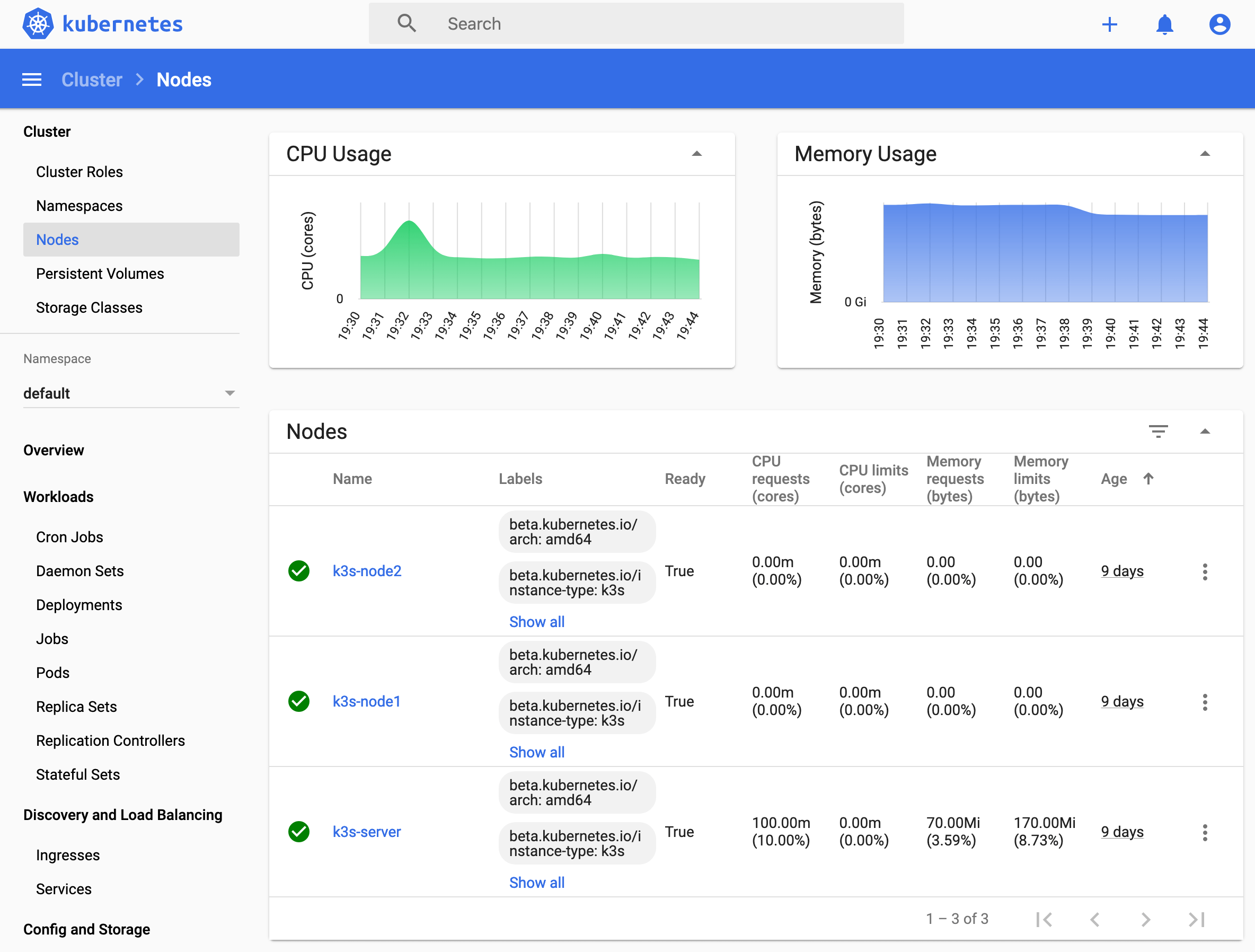
Creating a Kubernetes Cluster from scratch seemed like a daunting task to me. With the lightweight Kubernetes distribution [K3S](https://k3s.io/) it becomes a one line bash script per Node!
#Serverless functions are resource effective: Deploy and pay for consumed resources only. With #openfaas, write functions in #NodeJS, #Python, #Go and many more. Read how to redesign a microservice as a #serverless function
The #openfaas framework allows you to write serverless functions #nodejs, #python, #go, #java and other languages. It provides you with templates that are effectively Docker containers. I wanted to understand what those Docker container do and how the execution environment for functions in any of those languages is provided for you. Read more about this in my new blog post.
Are you using #kubernetes in production but #docker or #docker-compose for local testing or staging? If you do, you need to manage aspects like container communication, resource limitations and configuration with config maps or secrets differently. I had the same challenge, and switched to using pure #kubernetes. More about this redesign in my newest blog post.
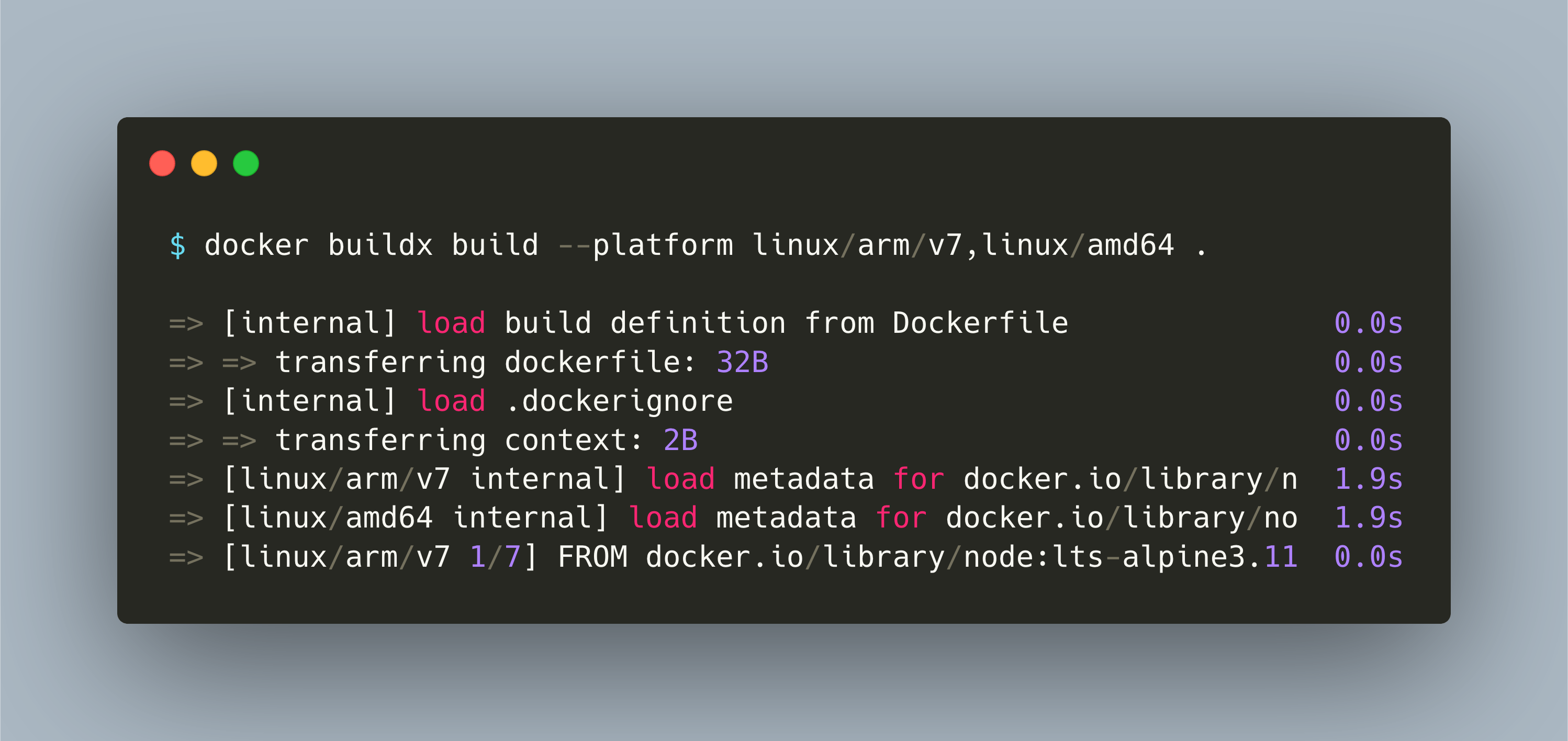
Docker images need to be build for the architecture on which they run, like amd64 or arm. The challenges: Different base images, and executing builds on different machines. This is unnecessary complexity. With the Docker `buildx` command, you can build images that run on multiple machines. You do not need to change any configuration of your build pipeline! Read more at my latest blog post:
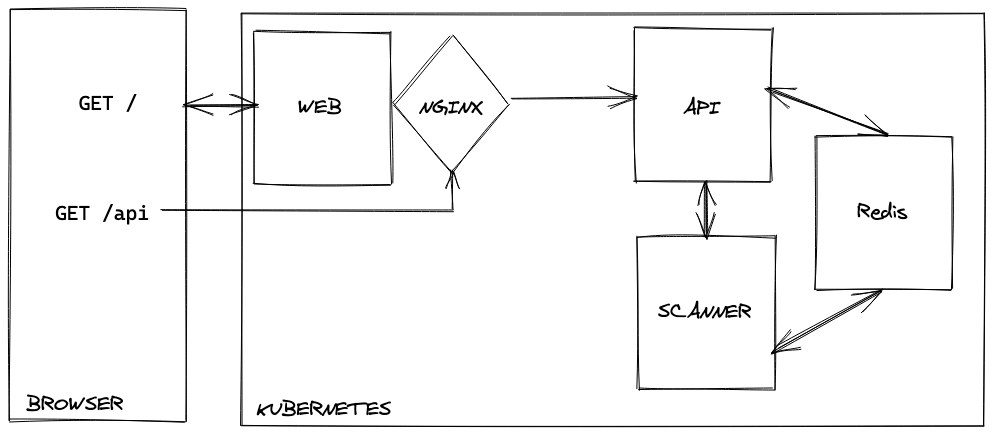
Monolithic applications can be beneficial in very complex environments. Yet, especially when thinking about scaling, isolating each distinct part of an application into dedicated microservices is beneficial. In my new articles, I explain the reason and approach to redesign a monolithic #nodejs application into three distinct #docker containers running on #kubernetes.