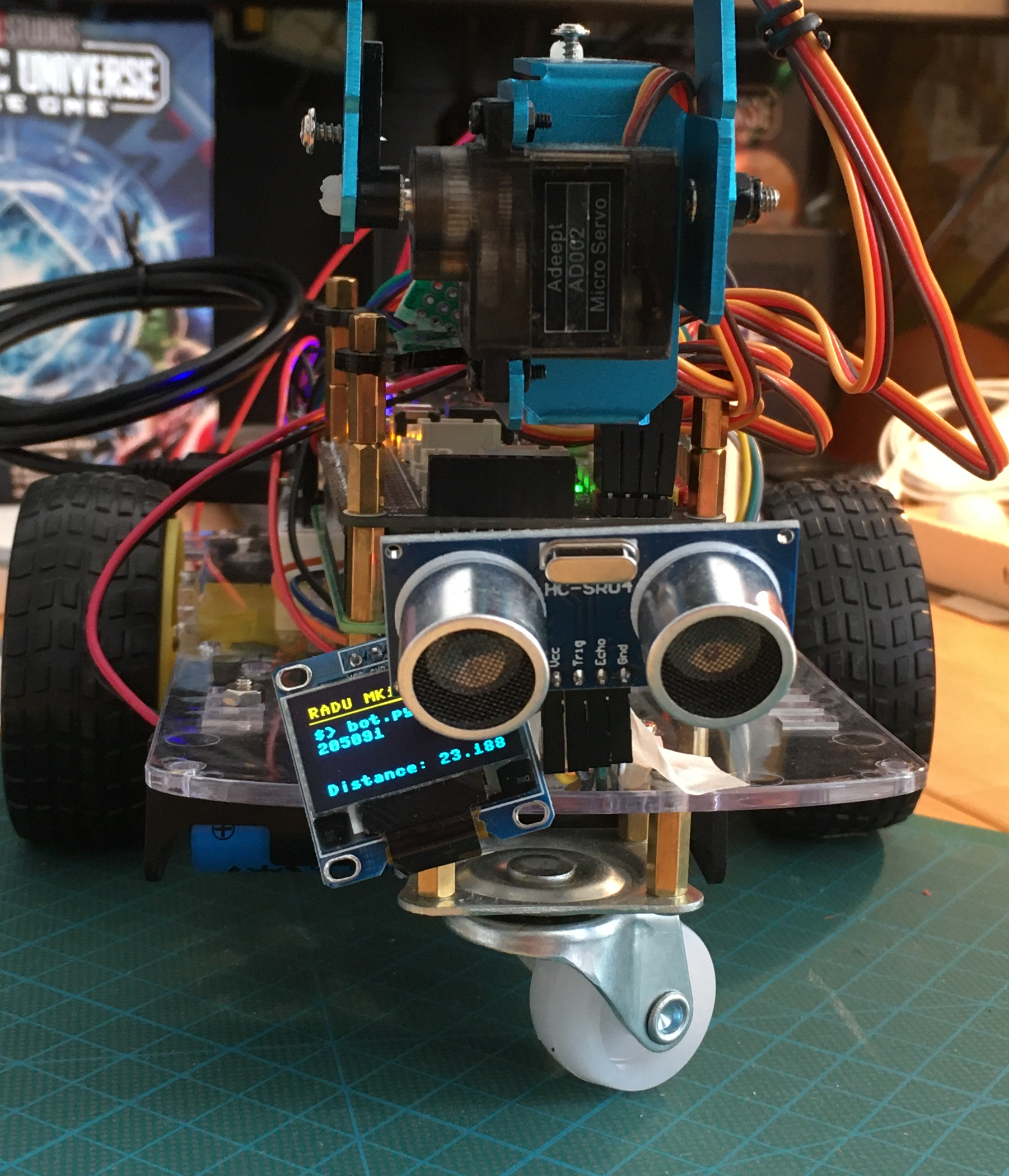
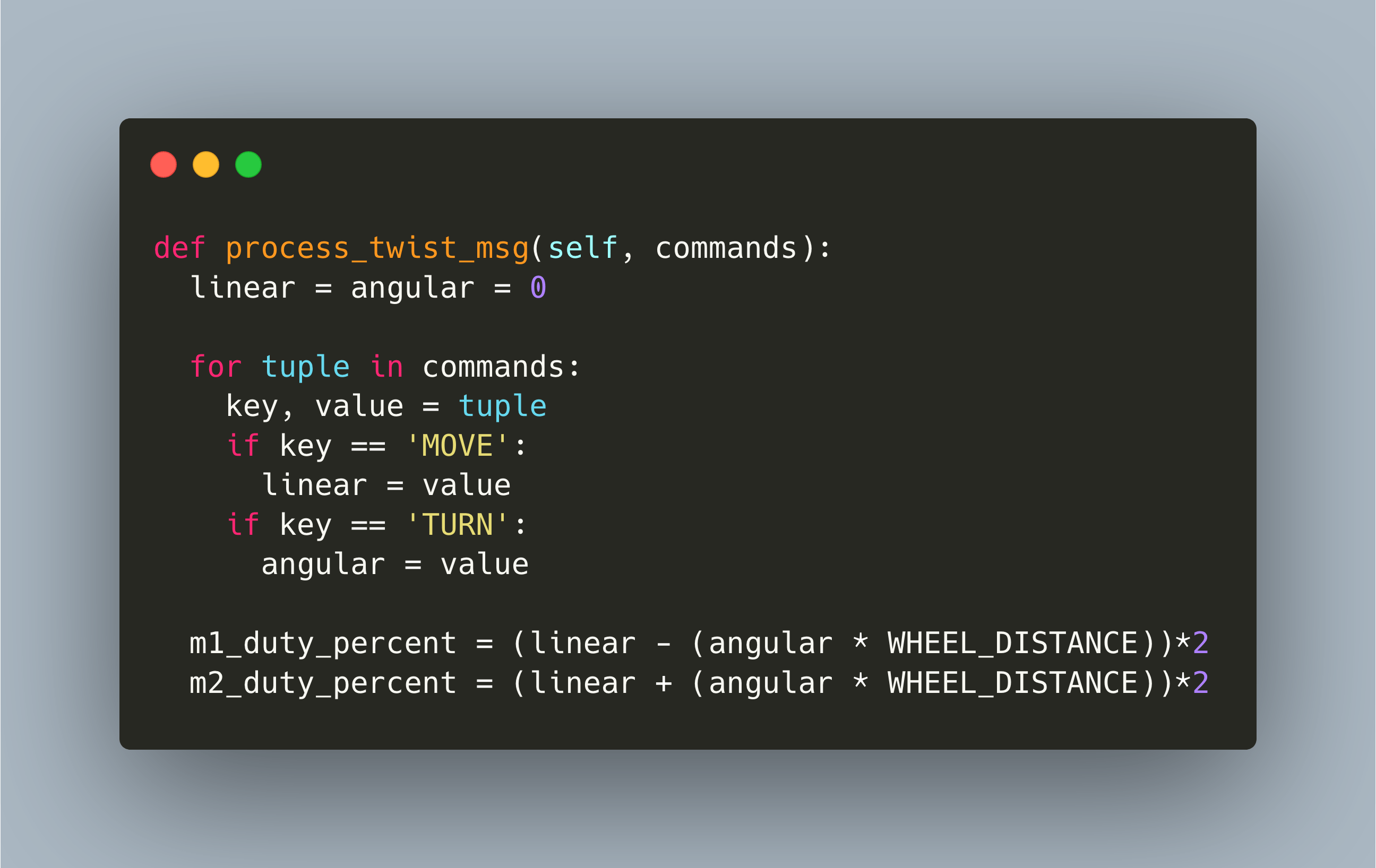
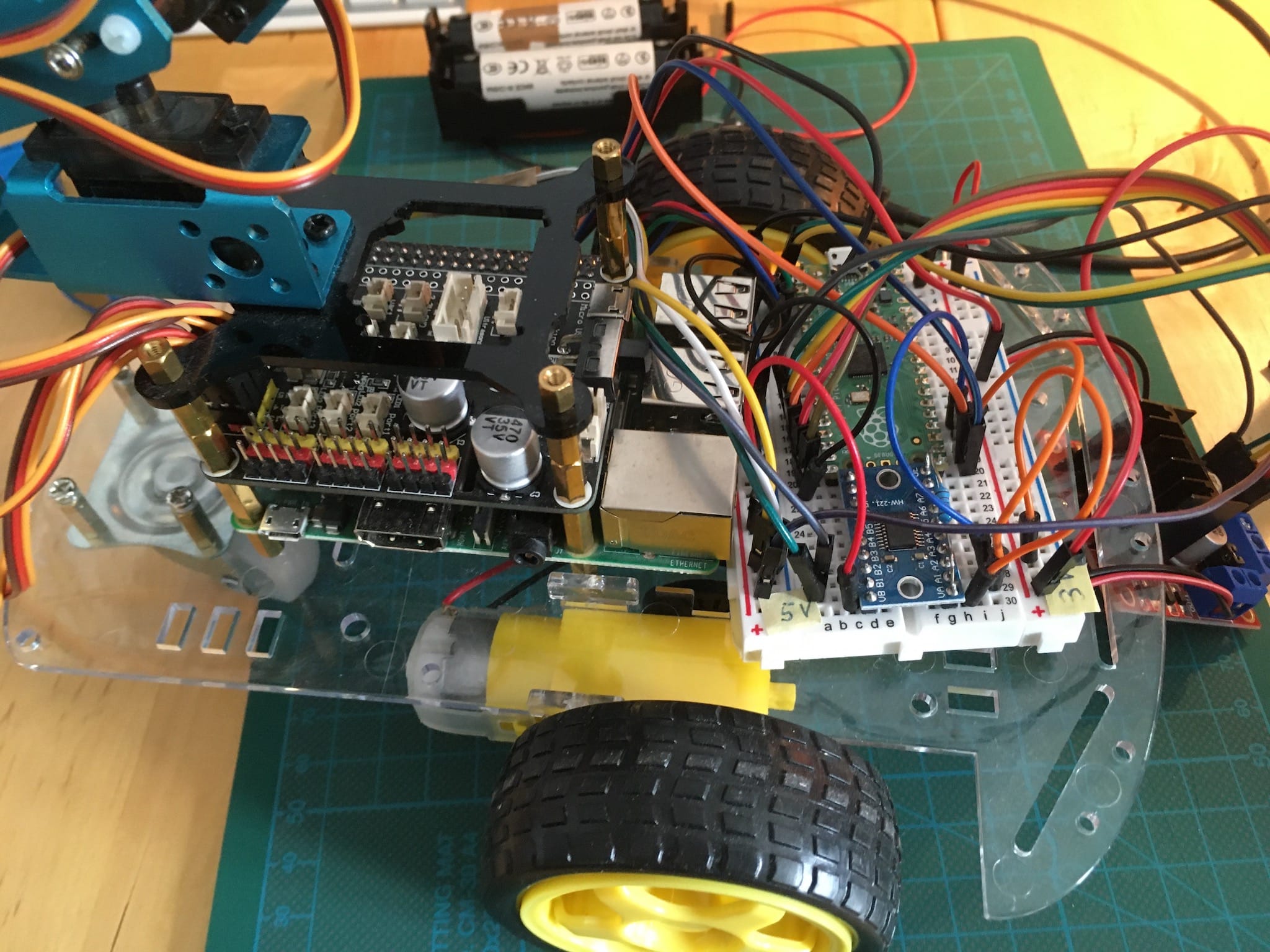
A mobile robot offers many interfaces for controlling. In my project RADU, a two-wheel movable robot, I implemented a wrap for movements commands from the Robot Operating System ROS. Commands have two parts in which we are interested: The linear velocity in meter/second, which moves the robot along its x-axis, and the angular velocity on radians/second, which turns the robot around its z-axis, also called pitch. Any controller that sends input which can be converted to these movements messages is usable by the project.
When using the Robot Operating System, nodes are started, topics published, messages send. Internally, the ROS nodes use these messages to communicate with each other. Now, if you build a robot that uses ROS as the communication middleware, you need to write custom code which will parse these messages and transform them to meaningful commands for your robot.
Building a robot is a unique project with several design decisions. Starting from the general chassis, sensors, actuators and visuals down to the concrete microcontroller, libraries and programming languages. Specifically, the later encompasses Arduino, Teensy, ESP32, Raspberry Pico and C, C++, Python, MicroPython and Lua.
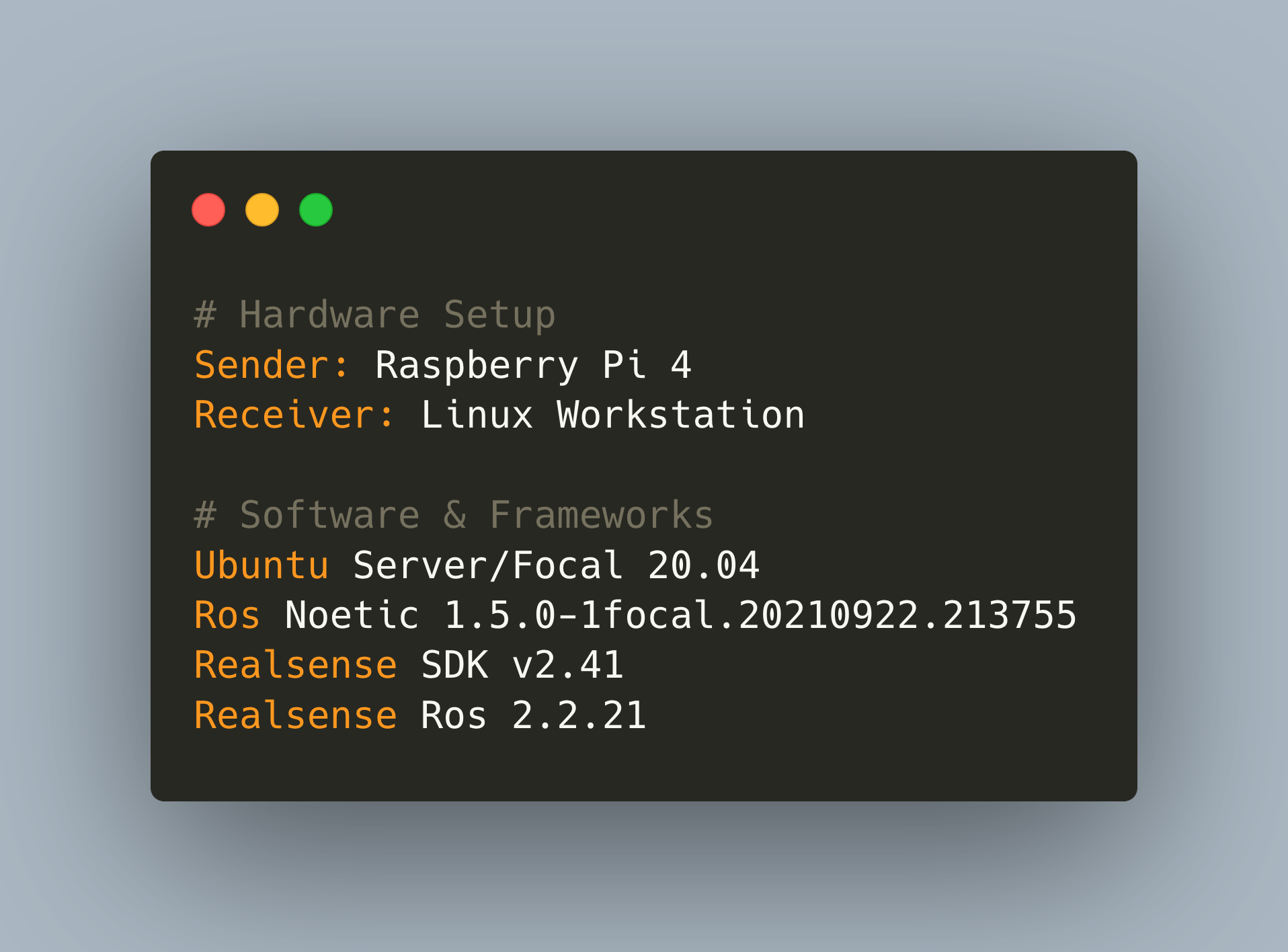
In the last article, I explained the various visual sensors that you can equip on your robot. After comparing the various sensors, I decided to use the Intel Realsense D435 camera. It provides an RGB camera, a depth camera, has a perfect form factor, and comes with an officially maintained ROS wrapper.
The robot operating system ROS is the most widely used robotic middleware platform. It’s being used in the robotics community for more than 10 years, both in the hobbyist area as in industry. ROS can be used on a wide array of microcontrollers and computers, from Arduino to Raspberry Pi to your Linux Workstation, and it offers hardware support for motor controllers, visual sensors, depth cameras and laser scanners.
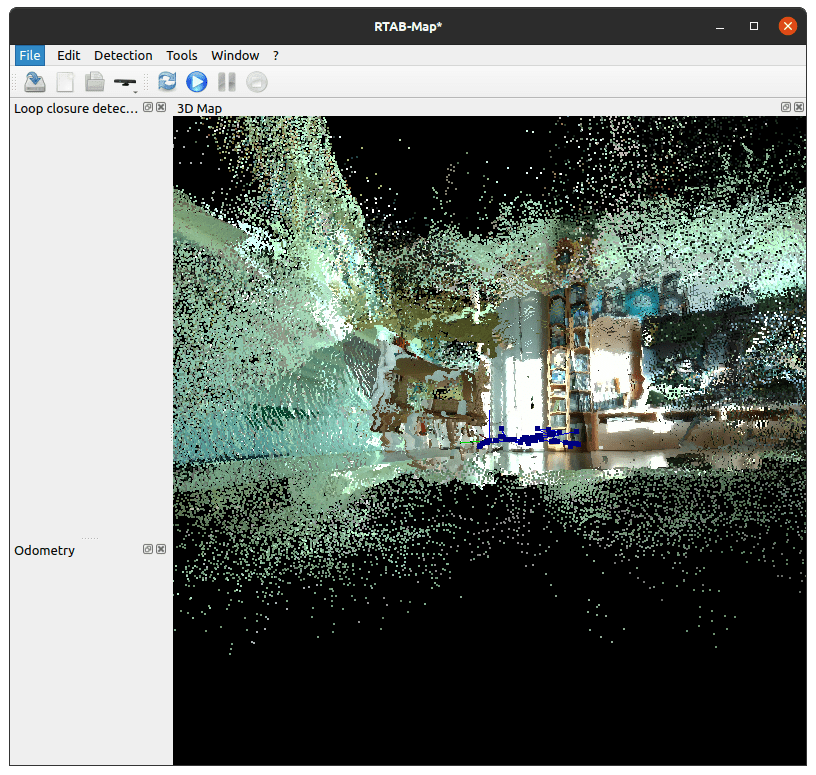
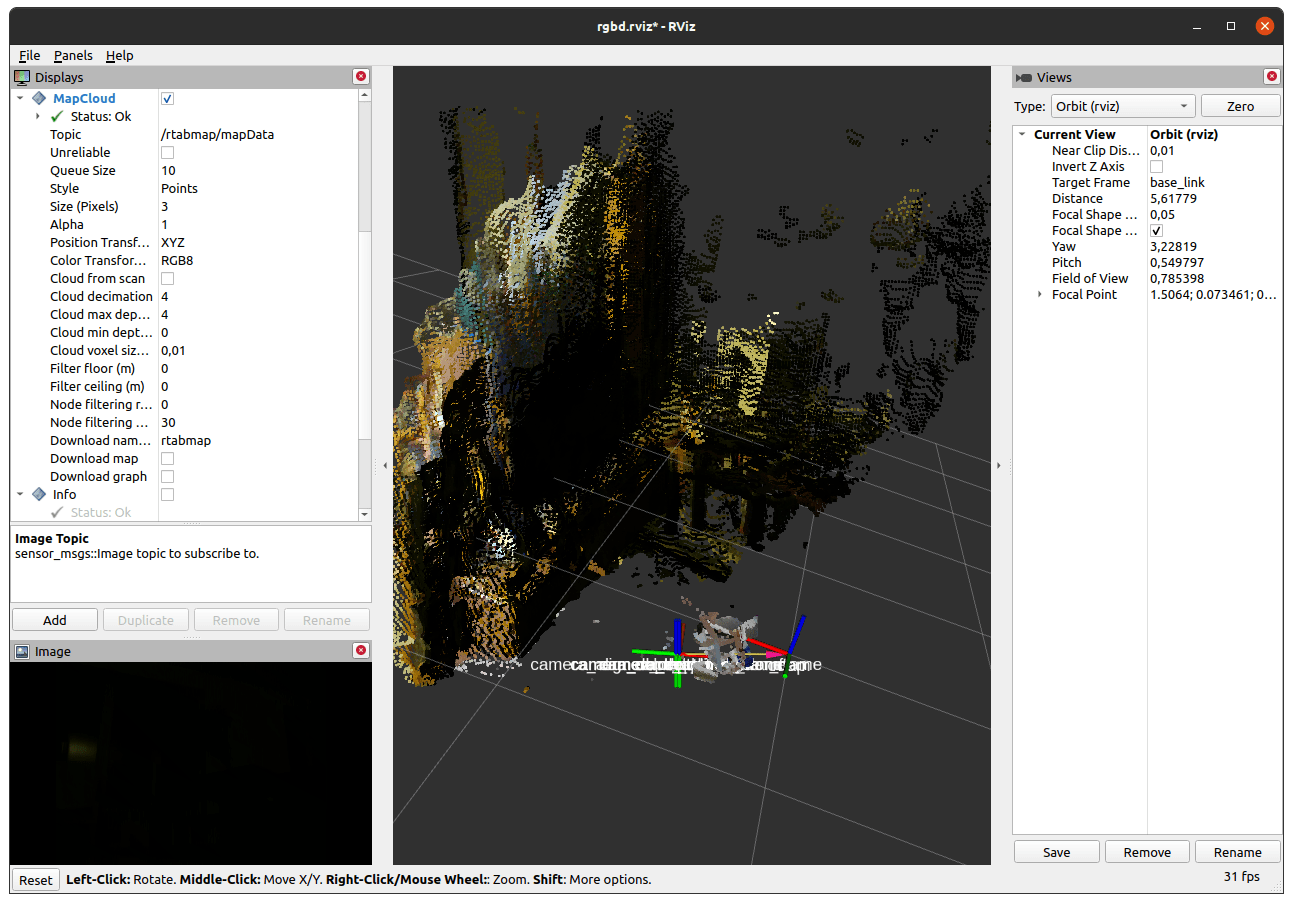
Equipped with visual sensors, a robot can create a map of its surroundings. Combining camera images, points cloud and laser scans, an abstract map can be created. Then, this map can be used to localize the robot. Combining both aspects at the same time is called SLAM - Simultaneous Localization and Mapping. This is the prerequisite for the very audacious goal is autonomous navigation: Starting at its current position, you give the robot a goal in its surroundings, and the robot moves steadily towards the target position. At a basic level, it should plan the way ahead, recognizing obstacles and estimating a way around them. At an advanced level, it should actively scan its environment and live-detect new obstacles.
Building a moving robot will typically lead to adding visual sensors that enable the robot to inspect its surroundings and navigate. Visual sensors encompass ultrasonic sensors or laser scanners for distance measurements, LIDAR for a 360-degree laser scan image, cameras that provide RGB images, and sensors that provide complex point cloud. ROS supports all these sensors: Attach the correct plugin in RVIZ and Gazebo, start the hardware sensor, publish the correct topic and subscribe to its data.
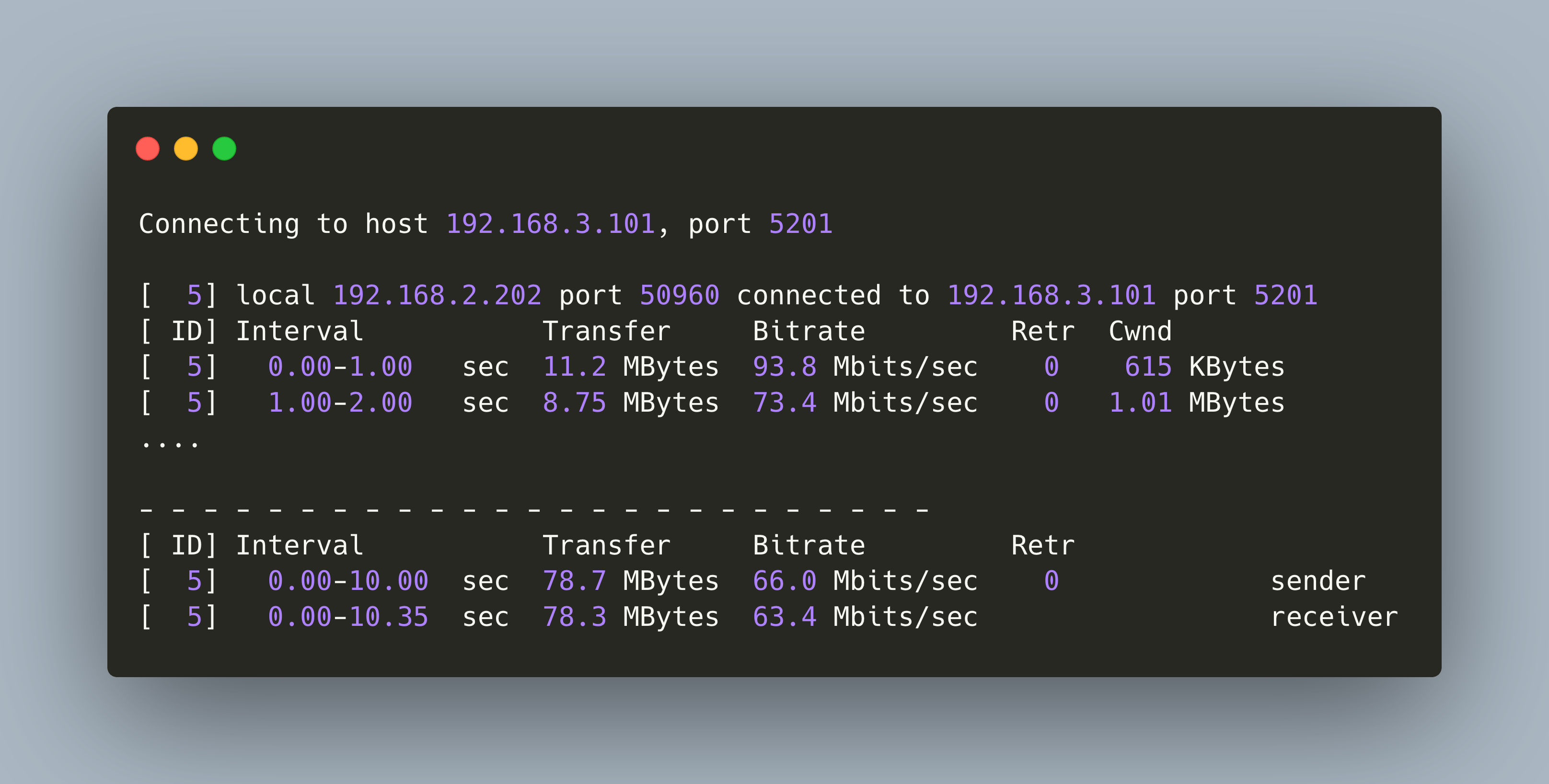
When using ROS on a small-scale computer like the Raspberry Pi, performance optimizations are very important. In the last article, I concluded an interesting experiment about network connectivity that resulted in a clear strategy: Use a dedicated 5Ghz Wi-Fi access point to connect your Raspberry Pi to your Workstation, and start the roscore node on the workstation. In this way, data streaming throughput, measures with `rostopic`, is best. This follow-up article continues the optimization for one area in which special constraints apply: The transportation of image data from camera and point cloud sensors. This article will teach you 4 optimization aspects: USB connection, ROS node parametrization, traffic shaping and using compressed data.
Robotic projects with ROS can involve multiple desktop/stationary computers and Single Board Computers that need to communicate. A very common communication protocol is Wi-Fi. When using this connection, you need to consider in which machine to start the ROS core node, which nodes publish topics, and which nodes subscribe to topics.
A self-navigating robot needs a model of its surroundings. For this, several visual sensors can be used. Following an earlier article about [an overview of visual sensors](https://admantium.com/blog/robo08_visual_sensors/), I decided to use the Intel Real Sense D435 camera. This RGB depth camera can provide stereo pictures and point cloud data, has a small factor, and is actively support by its manufacturer to provide support for the robot operating system.