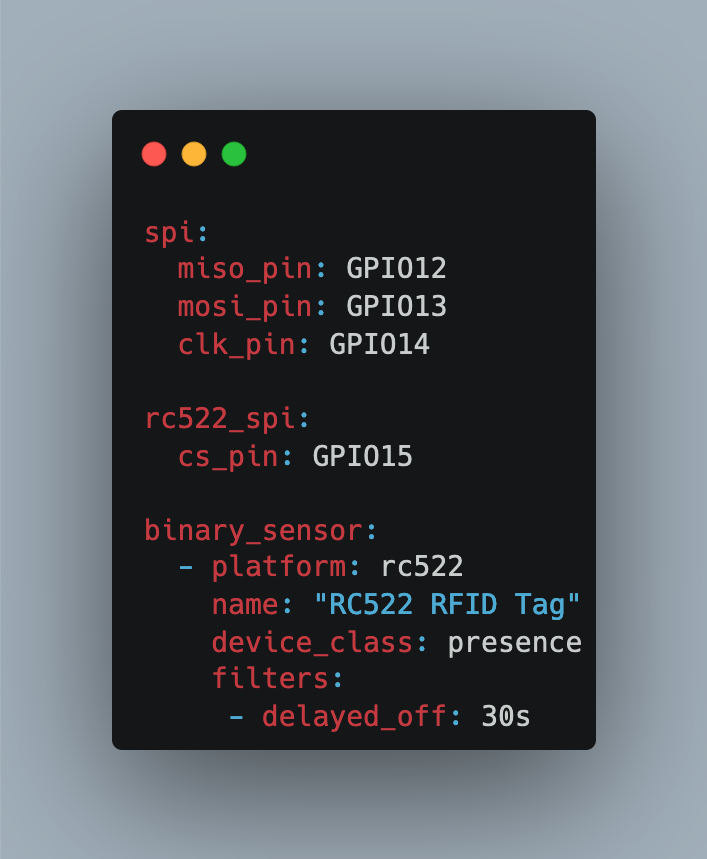
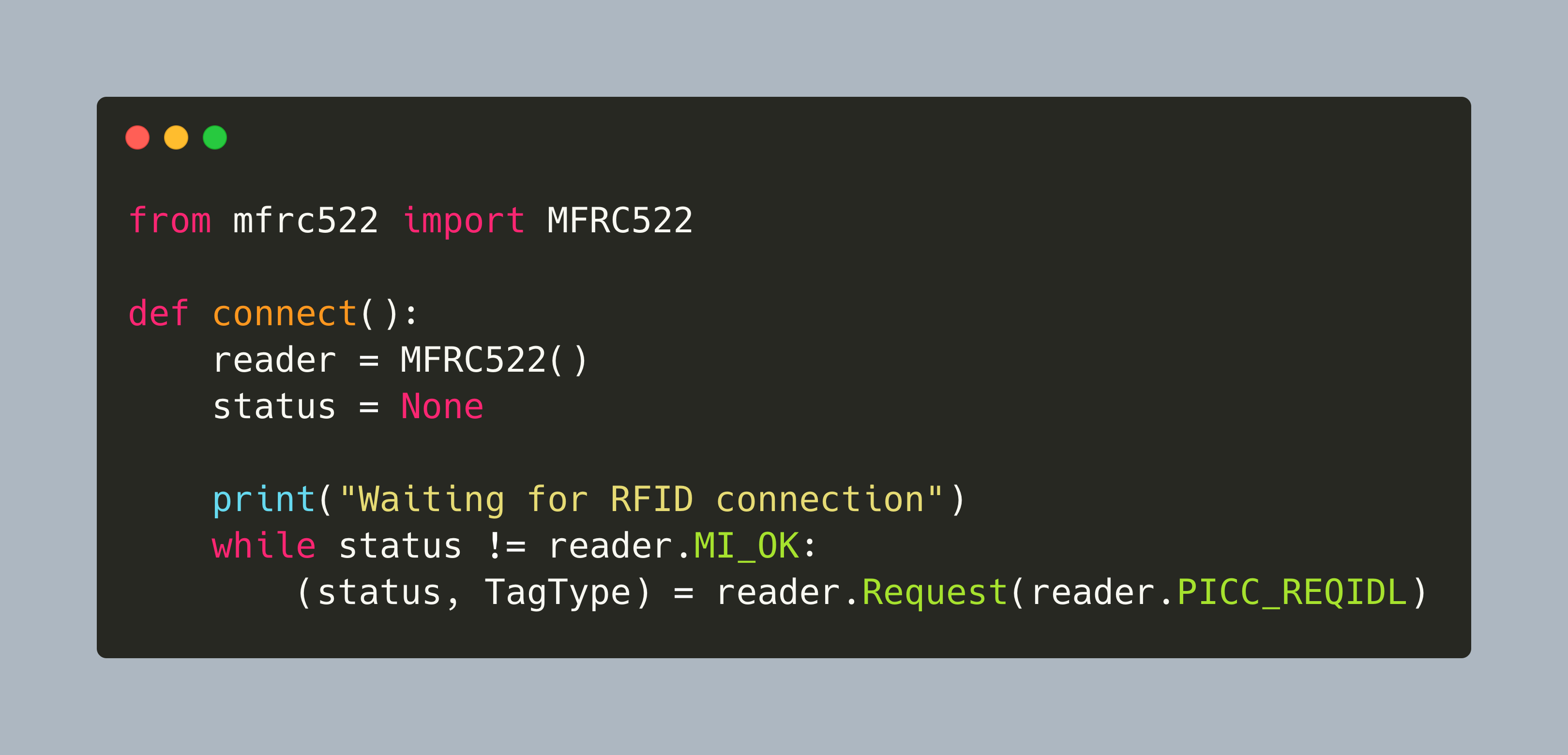
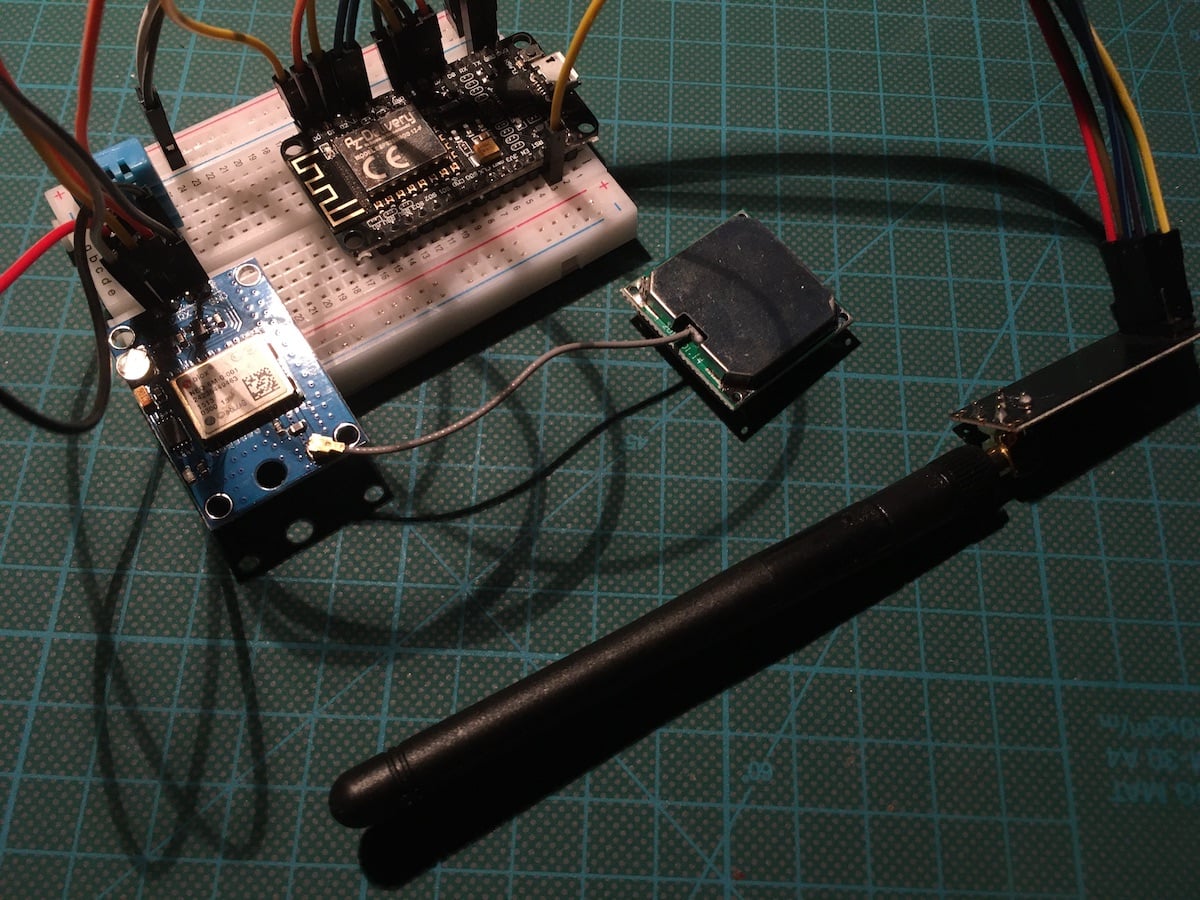
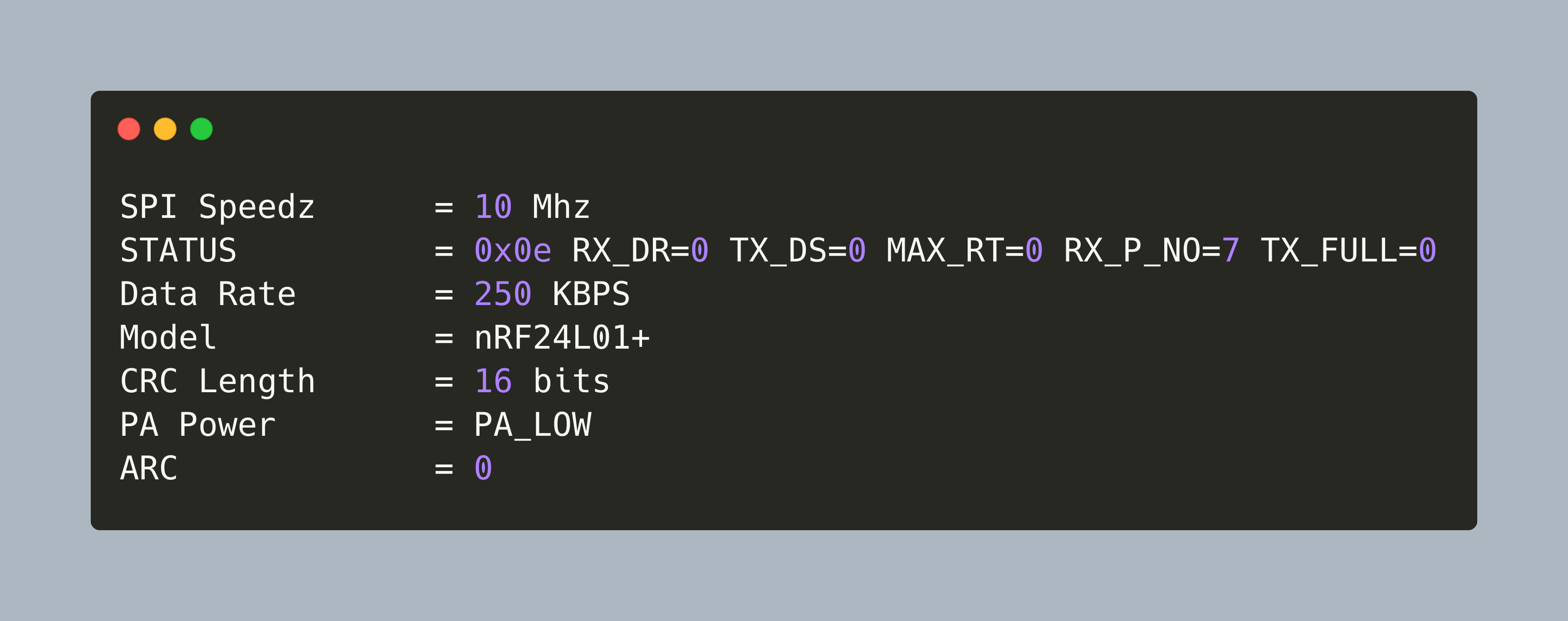
Through the combination of ESPHome and Home Assistant, a myriad of sensors can be added, managed, and their data visualized and stored. Over the previous articles, I added sensors that generally detect the presence of movements and sounds. Another signal that I want to create is a simple "I'm home" electronic message. For near-field communication, several protocols exist: RFID, NFC, LoRa, Bluetooth. This article investigates how to add RFID tag reading support to Home Assistant.
The Raspberry Pi is a single board computer with an impressive array of supported connections: A 3.3V compatible 40 pin header, integrated camera module and SPDIF sound, Wi-Fi and Bluetooth, ethernet, USB and HDMI. In addition to these hardware features, it also support a variety of operating systems specialized for certain domains, and several programming language for projects, including C and Python. This makes the Raspberry Pi a great platform for many IOT projects.
For data transmissions, IOT devices typically use protocols like Wi-Fi or Bluetooth. But if the range increases, or when living in a dense urban area with many overlapping wireless networks, other techniques are required.
For data transmissions, IOT devices typically use protocols like Wi-Fi or Bluetooth. But if the range increases or signals are congested in a dense urban area, other techniques are required.
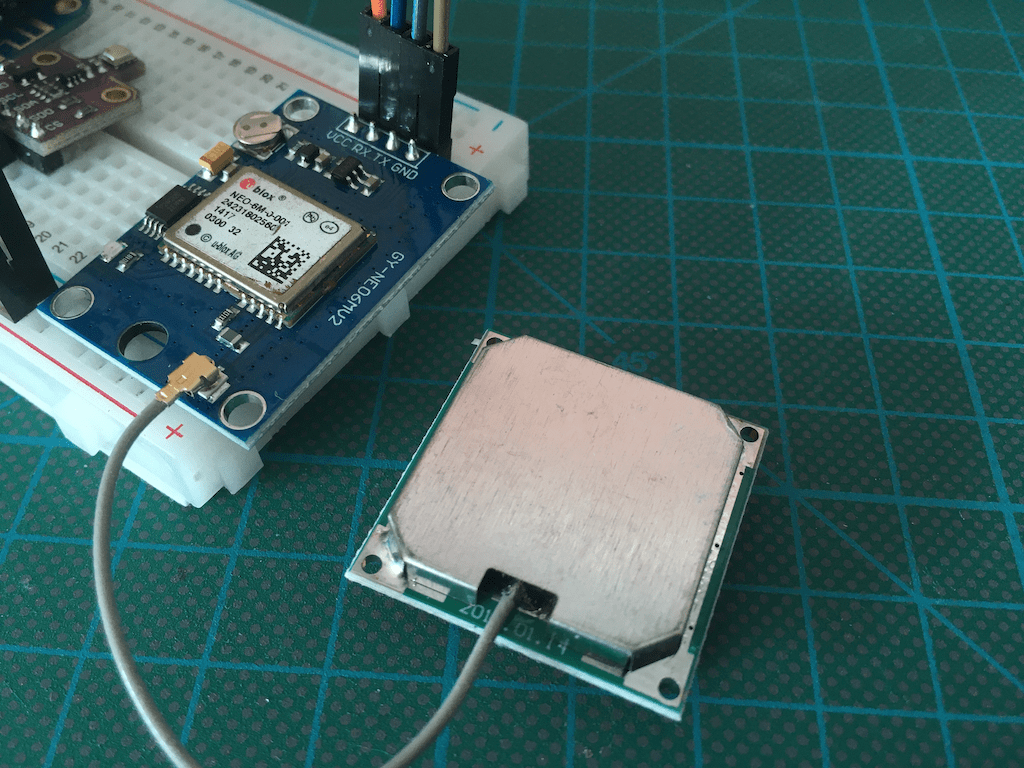
In home automation systems, several sensors transmit and consume data, leading to automations that trigger behavior like turning on lights. One typical trigger of such automations is presence, the state of an entity being in a defined vicinity. And a very fine-tuned presence detection are GPS coordinates, enabling the declaration of an area surrounding your home, and in which vicinity presence is detected. Home Assistant and ESP Home are the essential cornerstones. Home Assistant can work with devices that transmit GPS coordinates: They are defined as an entity type called tags, and this can be used to define automations. Also, ESP Home can read and show GPS coordinates.
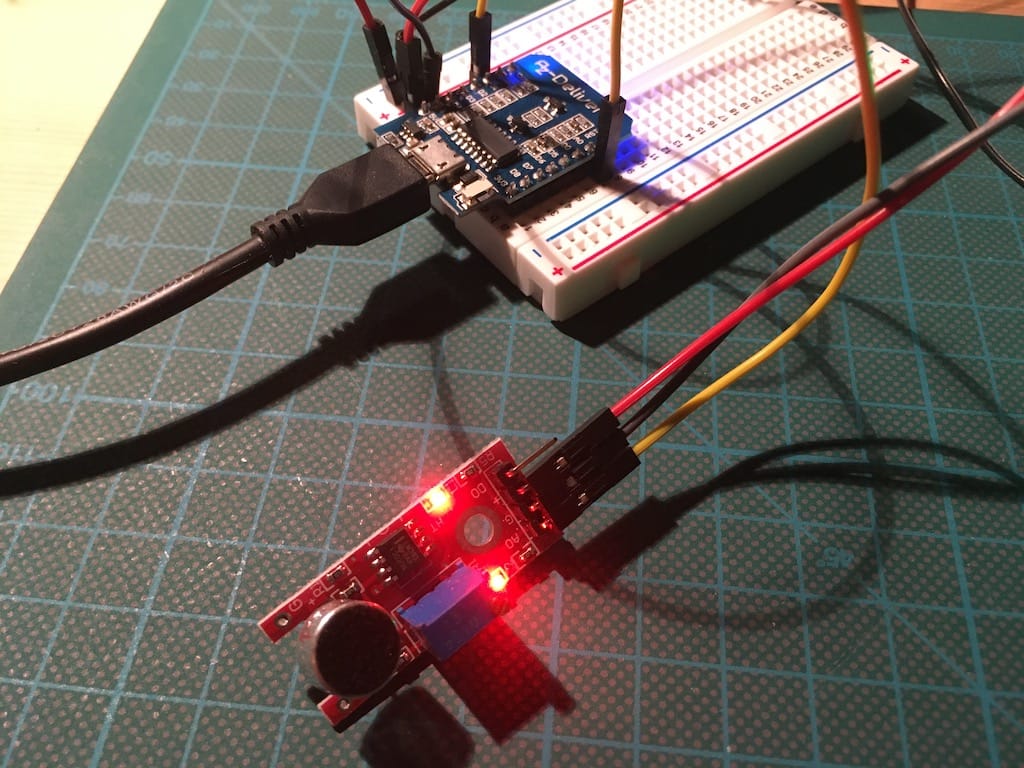
Through the combination of ESPHome and Home Assistant, a myriad of sensors can be added, managed, and their data visualized and stored. To extend the arsenal of sensor data, I wanted to detect sound and vibration data too.
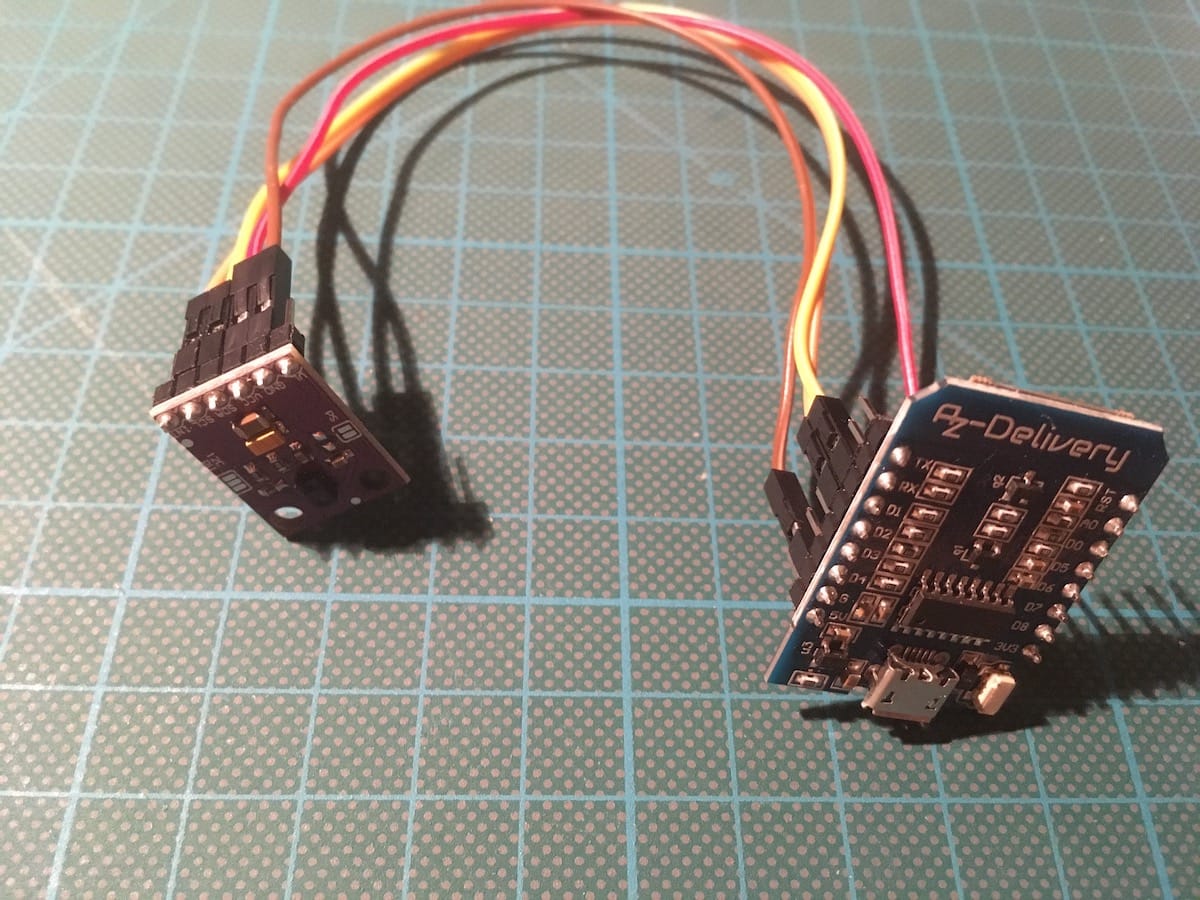
Through the combination of ESPHome and Home Assistant, a myriad of sensors can be added, managed, and their data visualized and stored. To extend the arsenal of sensor data, I wanted to detect light intensity as well. After some research on the internet, I decided to get the sensor [APDS-9960](https://www.broadcom.com/products/optical-sensors/integrated-ambient-light-and-proximity-sensors/apds-9960). It detects the intensity of red, green and blue light, and it can detect simple directional gestures like up or down.
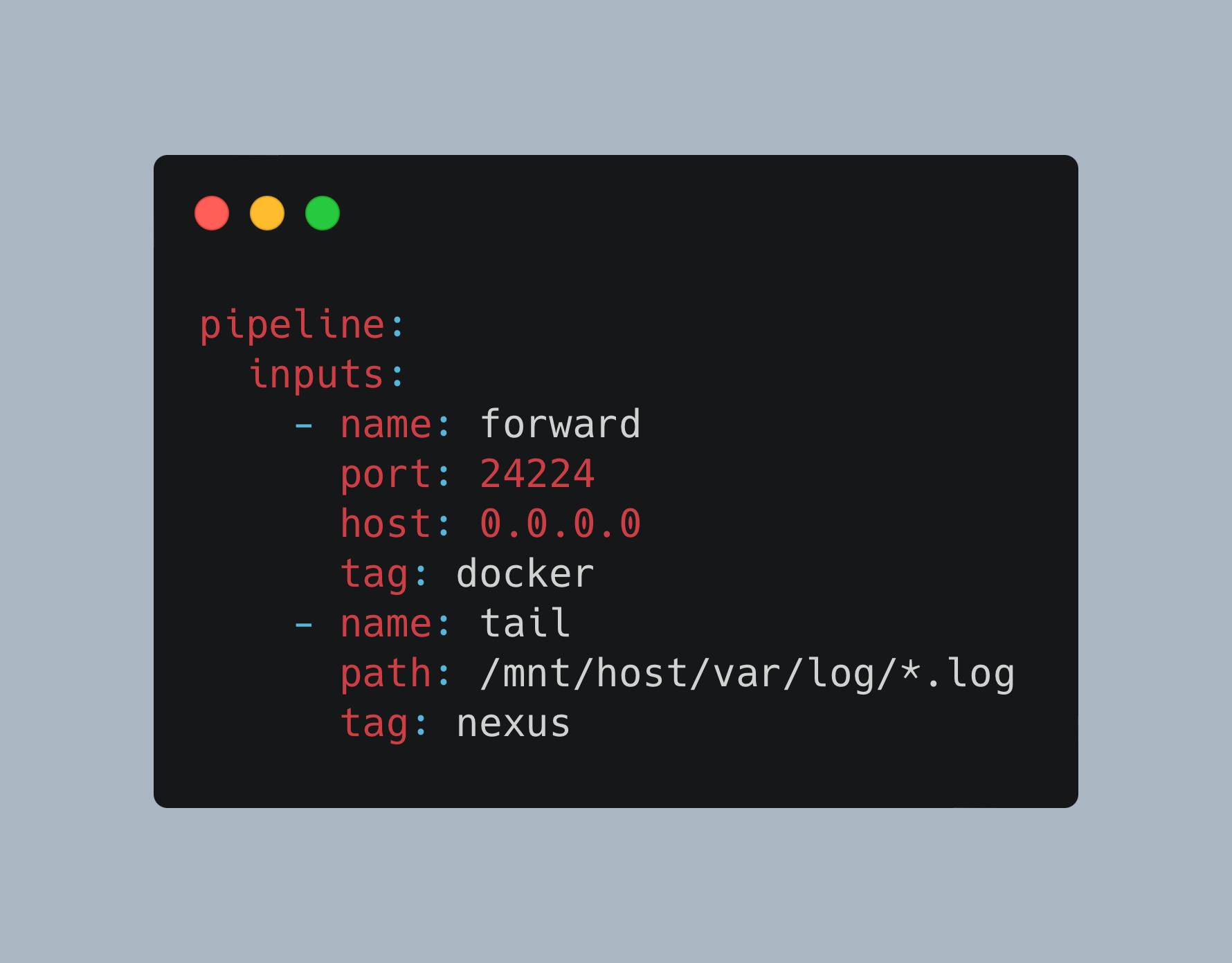
Fluent Bit is an amazing tool for logfile aggregation, processing and storing. Due to its flexible plugin architecture, each step of the processing pipeline from input, parser, filter, and output can be tailored to very specific data formats. And because of its small footprint on required computing resources, it’s also ideal to be used in an IOT context.
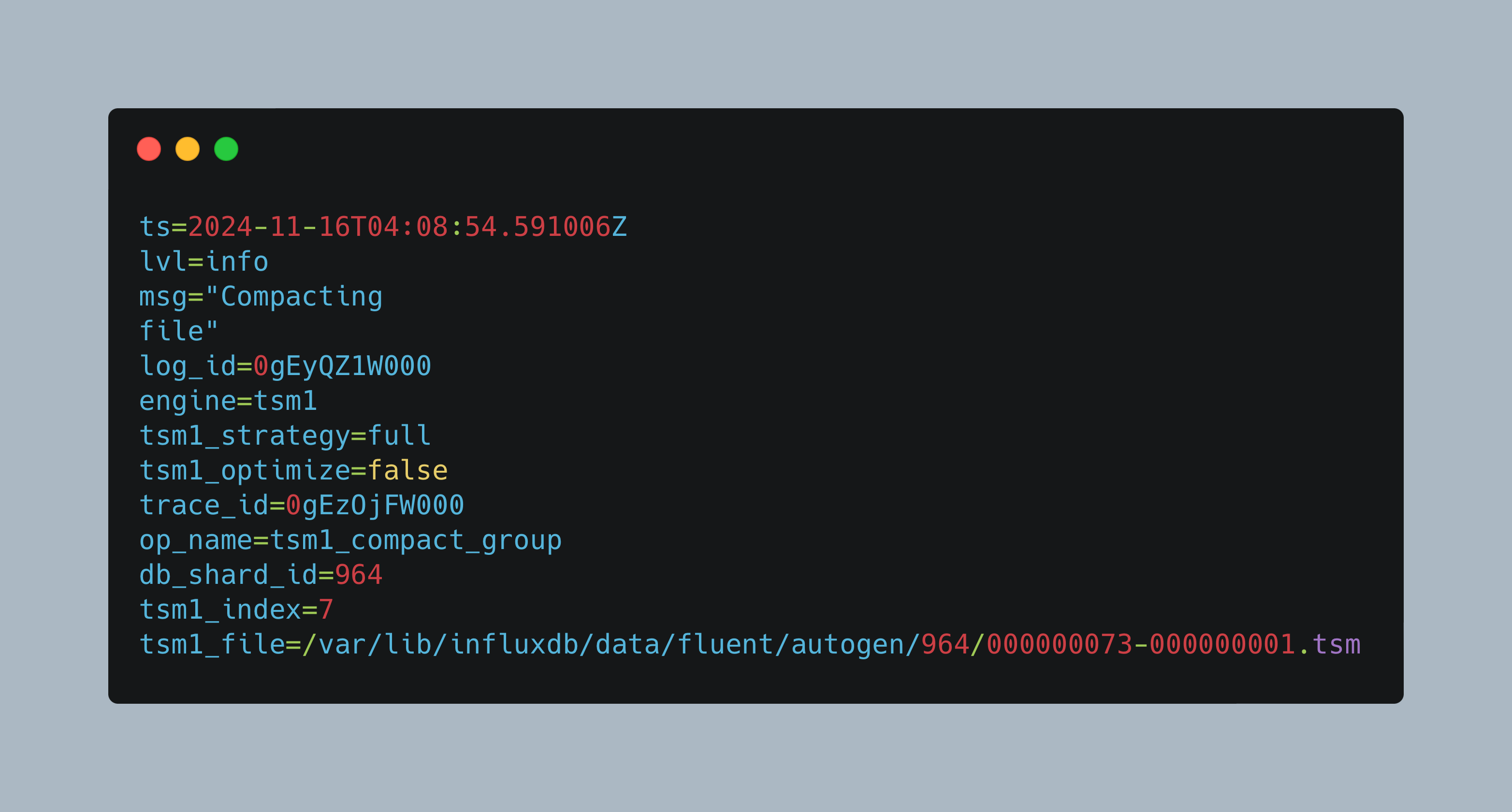
Over the course of the last articles, I introduced InfluxDB and showed how to store system and application log files coming from FluentBit inside InfluxDB. About two weeks later, the InfluxDB container would suddenly not start any more. The root cause was insufficient memory during compaction of large databases containing the log files.
In a growing network of IOT sensors and computer devices, getting quick access to essential log files is a challenge. On the one side, you have docker containers that host applications like Home Assistant or ESPHome. On another side, you have sensors that produce sensor readings, values, and log files as well. And finally, you have computers or special appliances like a firewall that also generates log files. Now, if there is an error, where do you start? Will you manually log into the systems and check the log files?