What started with a ESP8266 board and DHT11 temperature sensor to store data in a timeseries DB evolved to a Home Assistant based environment with air quality, temperature, and movement sensors and more than 5 boards. In my journey to extend the home automation systems and further learn about the fascinating and rich Home Assistant ecosystem, I want to add smart lights and smart power switches too. But which protocols do these (proprietary) devices use? Can they be integrated with home assistant?
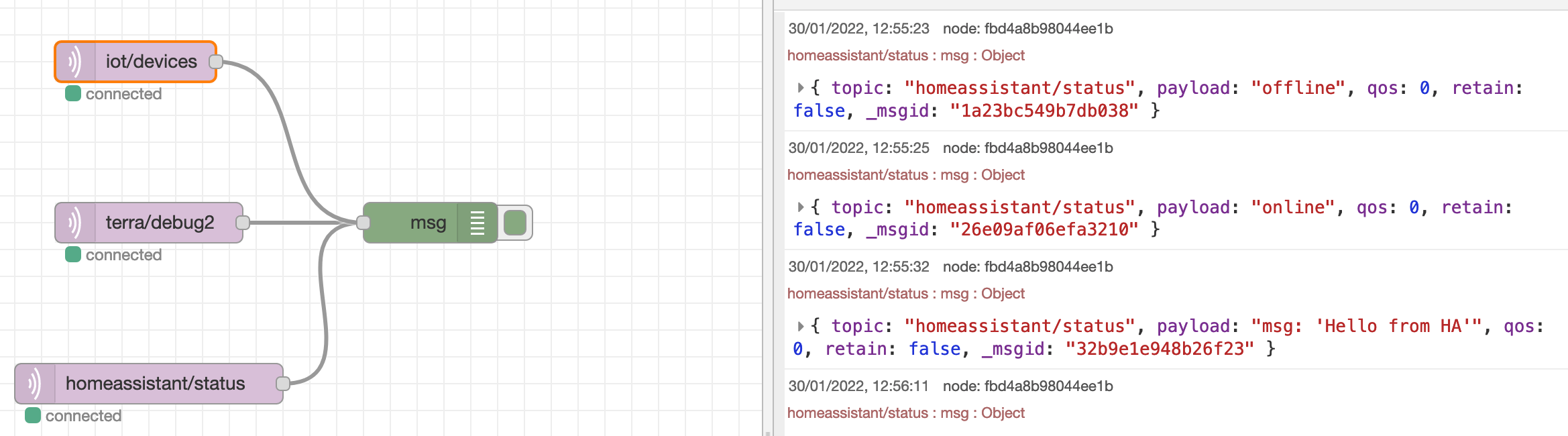
An MQTT message broker is the standard way to transfer information between different IOT devices. Home Assistant has a powerful MQTT integration for receiving, sending, and processing data. One powerful feature is to use MQTT messages as configuration instructions. The basic idea: Retained messages on the queue are read by devices to change their configuration.
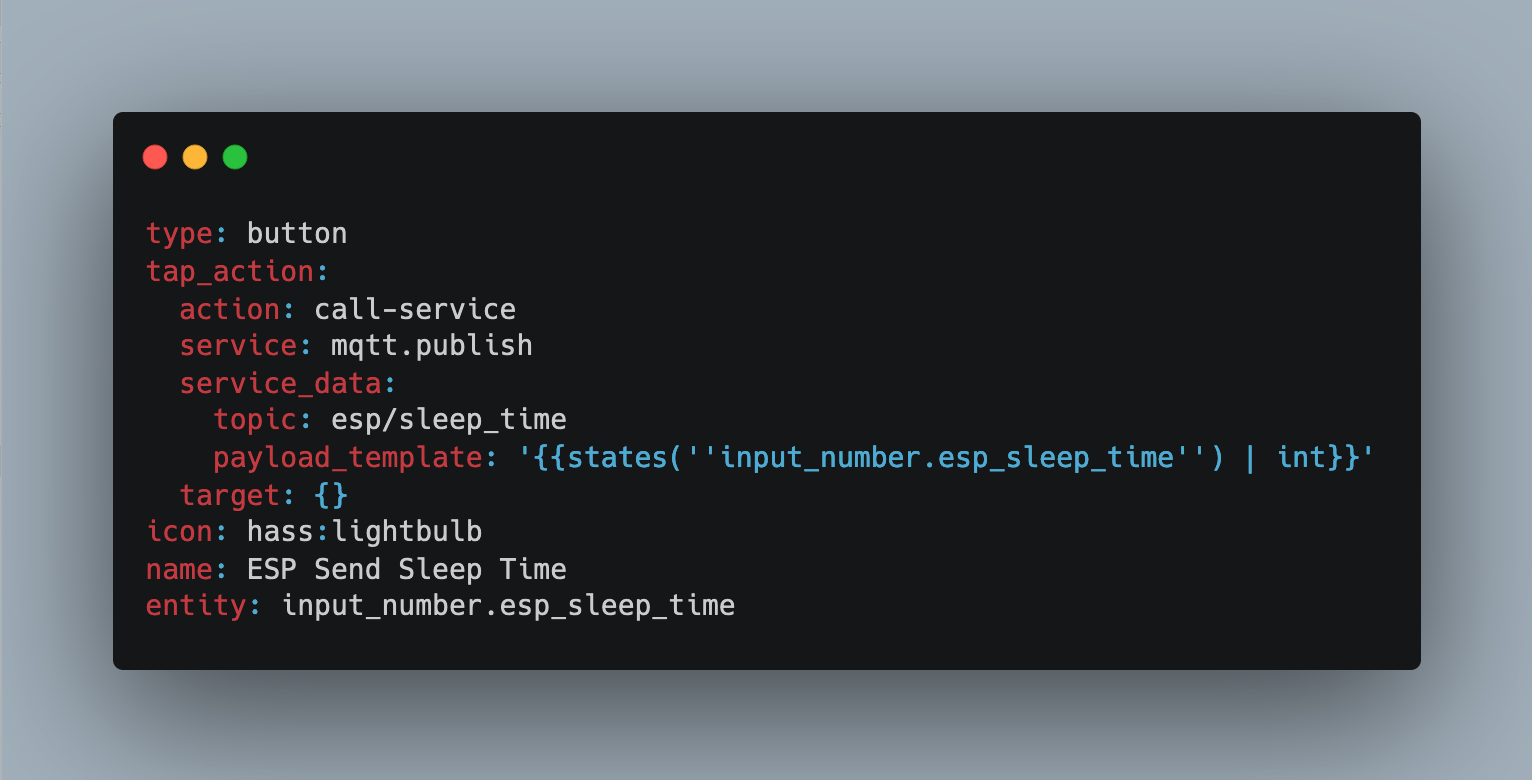
Especially when running your ESP boards on battery, conserving energy is an important aspect. ESPHome controlled boards can be configured for deep sleep, in its most simple form two values for sleep duration and run duration. Yet there are some subtleties to regard: Ensure the run time is appropriate for making WIFI connections, activate all connected sensors, and send data e.g. via MQTT. Once configured, the deep sleep behavior repeats. What will you do if you need to change it? Do you get the sensor, connect it via USB, and upload a new program? Do you hope for an OTA update during the limited time that the sensor is online?
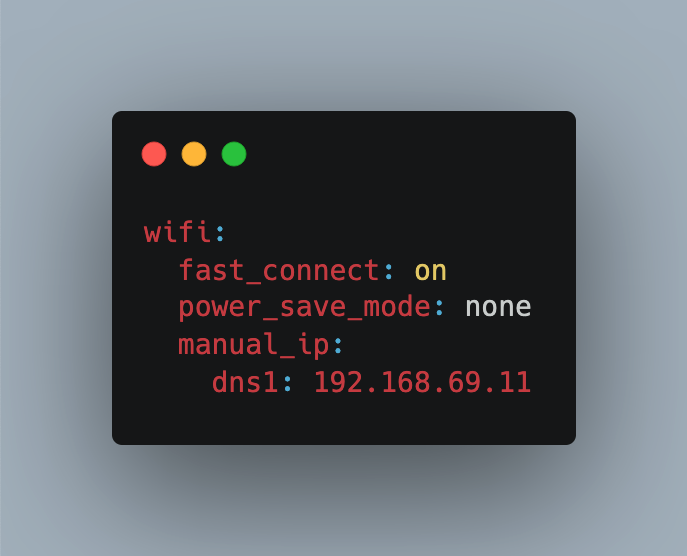
When using Home Assistant to integrate with ESPHome managed devices, connection timeouts can occur. Normally this means that the device could not be reached temporarily only, and will eventually get connected again. However, a particular behavior creates quite a disturbance: Upon reconnection, all configured sensors are activated immediately. This triggers for example motion sensors, sending a false alert. If you have sophisticated automations running, working with false positives is quite a nuisance. So, how can we prevent this?
Large Language Models are a unique emergent technology of 2024. Its fascinating capabilities to produce coherent text influences many areas and use cases, especially pushing the boundaries of classic natural language tasks.
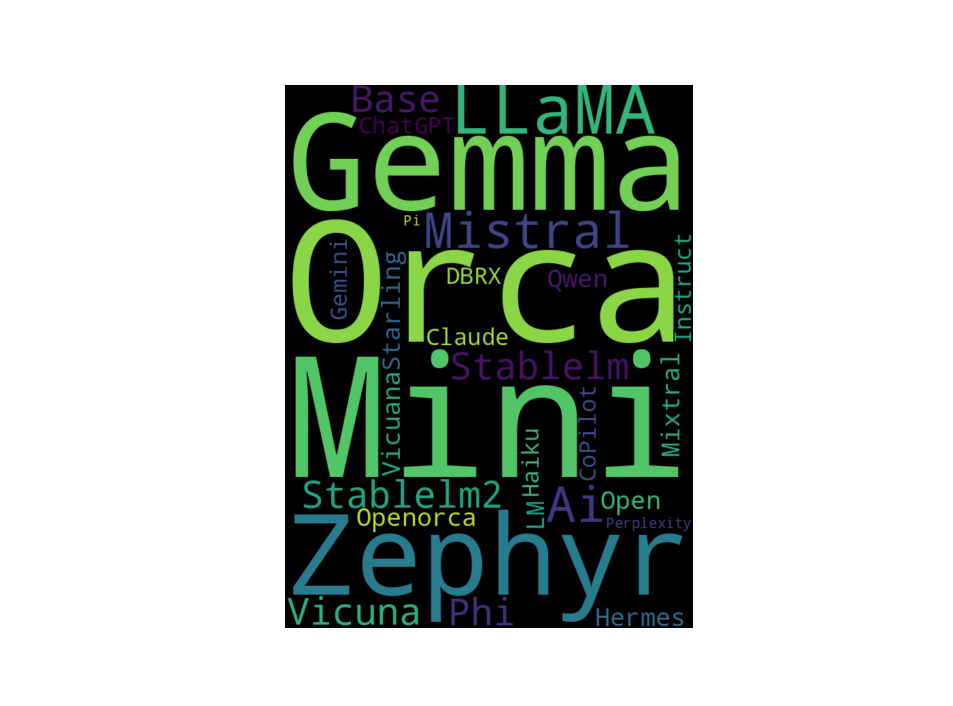
In my blog series, I covered several aspects of LLMs: Understanding their evolution, investigating libraries, researching, and trying how LLMs can be fine-tuned. Ultimately, I want to use LLMs for a personal assistant that has access to documents and databases, providing a natural language interface to books and sensor data. The explosion of open-sourced LLMs beginning in 2023 lead to exponential growth that now in earl 2024 culminates into one question: Which model to choose for which application type?
Fine-Tuning and evaluating LLMs require significant hardware resources, mostly GPUs. Building an on-premise machine learning computer is always an option. But unless you are running this machine 24-7, rented infrastructure for a short period of time may be the better option. And additionally, you get access to scalable hardware for the workload type: Why stop with a single 24GB GPU when you can have 10?
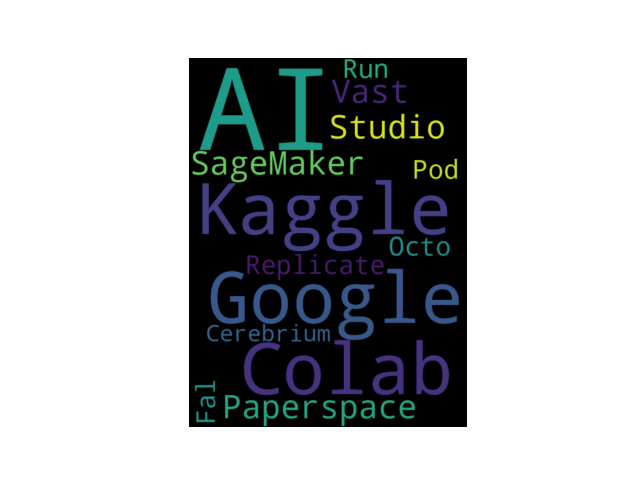
Fine-Tuning LLMs with 7B or more parameters require substantial hardware resources. One option is to build and on-premise computer with powerful and costly GPUs. The other option is to use cloud environments, including free services, like Collab and Kaggle, and paid services, like Replicate and Paperspace. These environments offer Jupyter notebooks in which you can run your LLM fine-tuning code. However, these environments have constraints and limitations that need to be considered, such as the maximum amount of time that a notebook can run.
When using Large Language Models (LLMs) via an API or locally, a quasi-standard for representing the chat history is recognizable: A list of messages, and each message denominates the speaker and the actual content. This format is provided by any OpenAI API compatible LLM engine, and it is also used internally by tools that provide a CLI-like invocation, for example AutoGen.