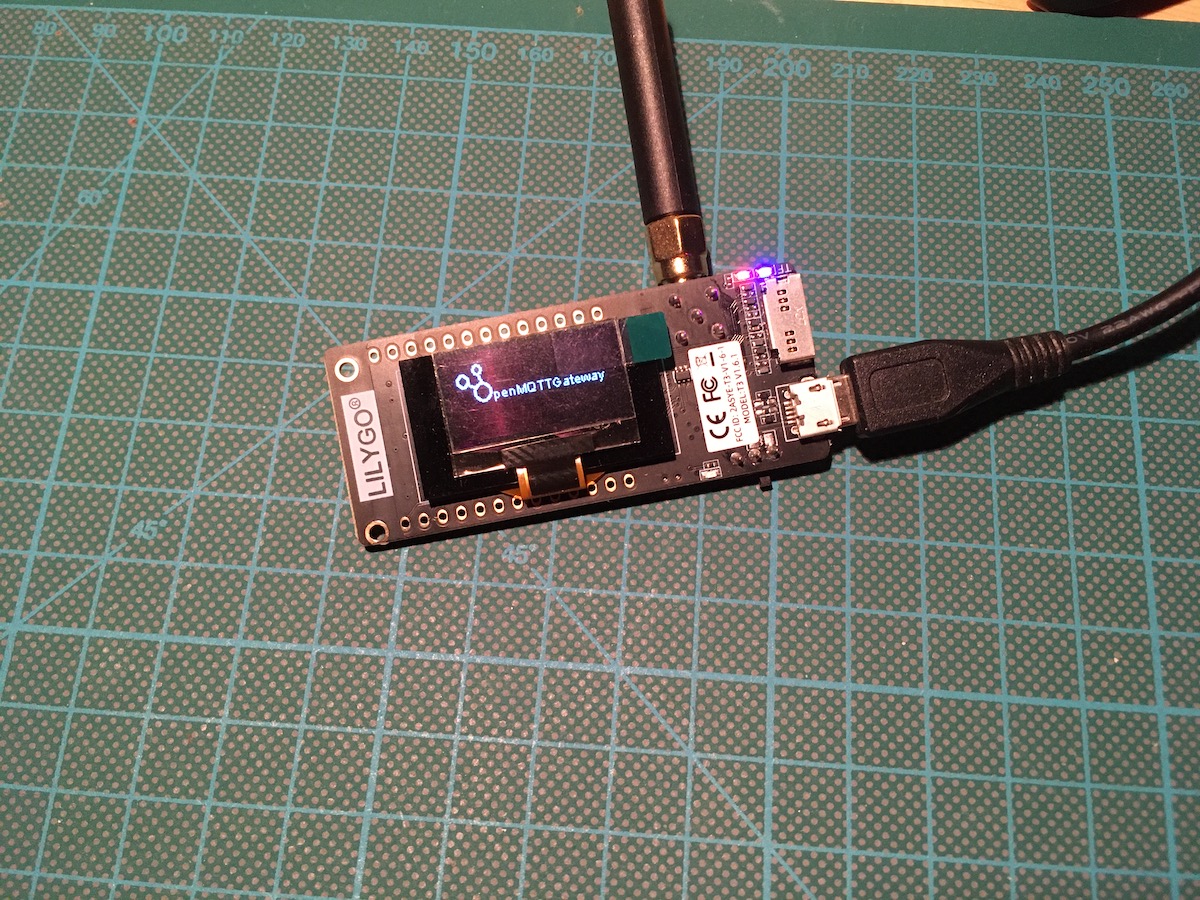
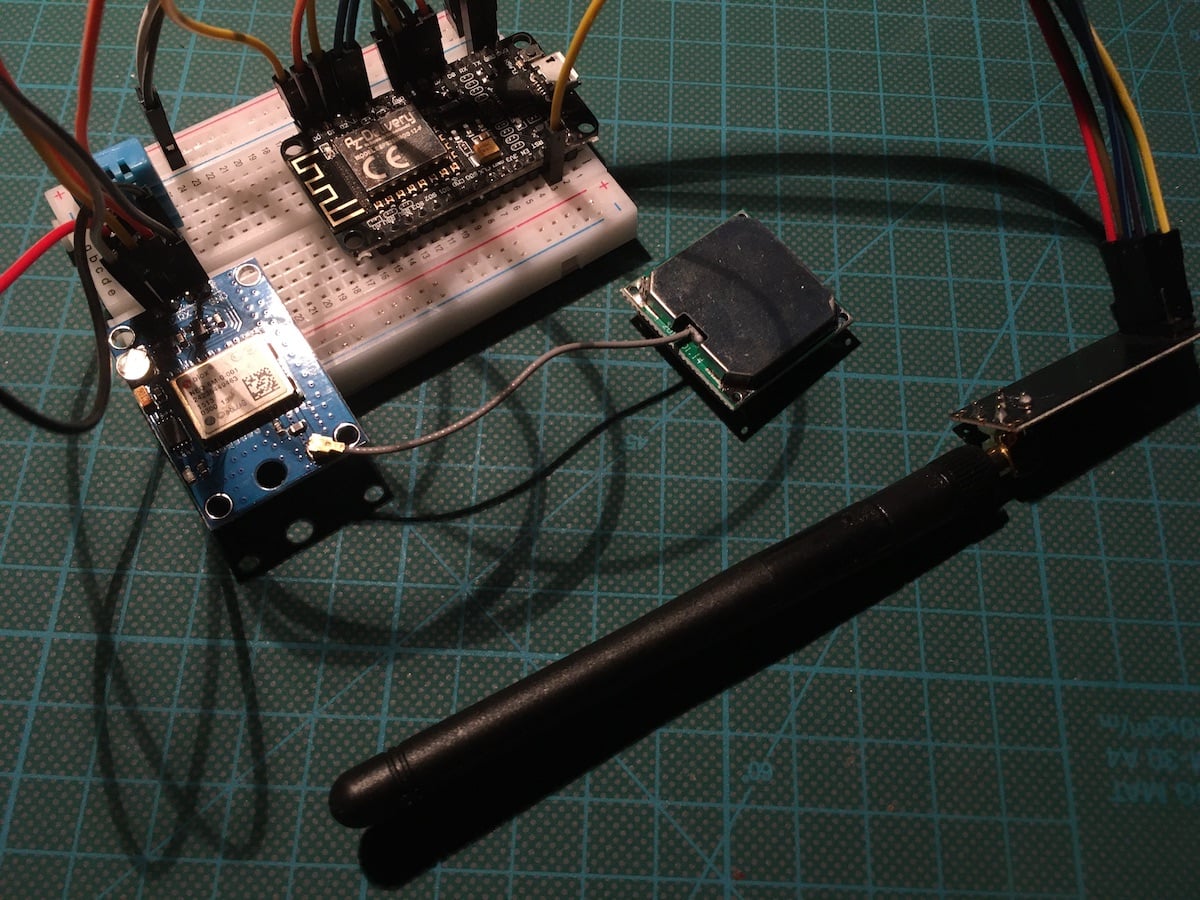
OpenMQTT Gateway is an all-in-one solution to grab consumer product sensor information via radio frequency, Bluetooth BLE, infrared, Lora or even GSM. It does only require a compatible device that is flashed with a gateway software stack, and a Wi-Fi connection and MQTT broker to send sensor data via MQTT. Once setup, it will continuously publish sensor data from a wide range of supported end consumer production. Additionally, it also provides options for sending commands to the devices.
My IOT@Home stack is based on ESP8266 boards, ESPHome, Home Assistant, and InfluxDB. Each component has a dedicated role: ESPHome is the tool to configure and manage the boards and their sensors, Home Assistant integrates all boards, provides dashboards for their data and automation options, and finally InfluxDB is for long-term data retention. During trying new sensors, a limit to the sensor network became apparent: Sensors can only be added if they are within Wi-Fi range.
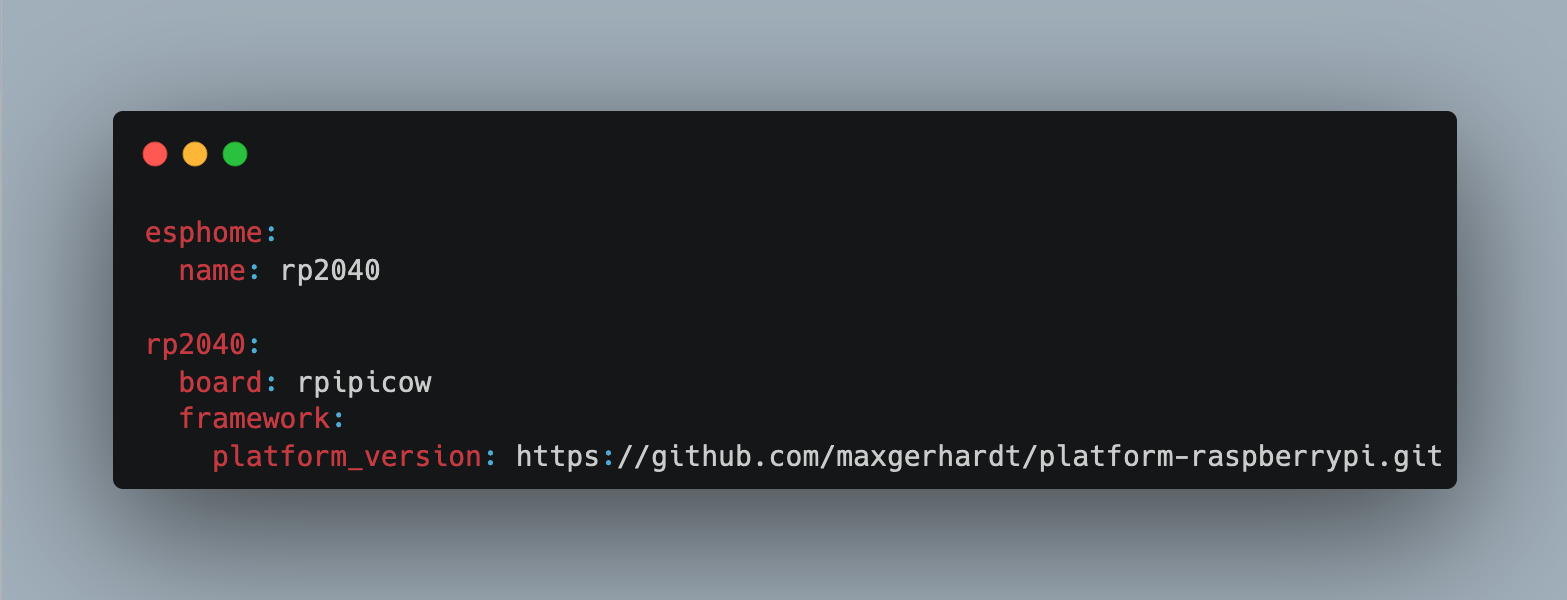
ESPHome is an amazing tool that simplifies adding various sensor to your IOT@Home. A novel feature is that it not only supports ESP8266 and ESP32 boards, but also boards based on the RP2040, first arriving in the form of the Raspberry Pi Pico. While the original RP2040 was without any Wi-Fi capabilities, a later released variant added Wireless capabilities. I was curious to see an RP2040 W board with Home Assistant added to my sensor network, and to understand if there are any limitations when using this board.
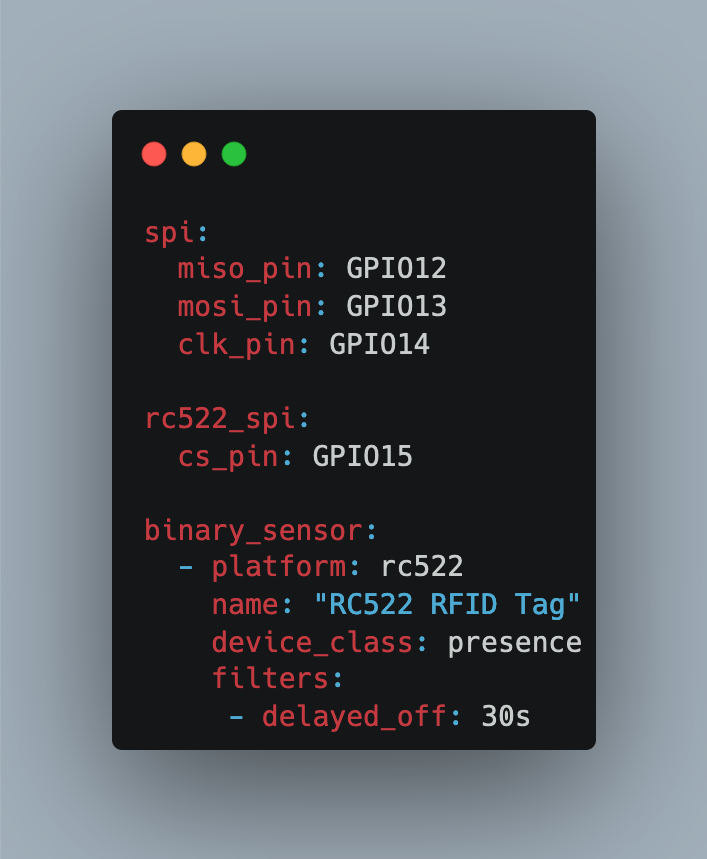
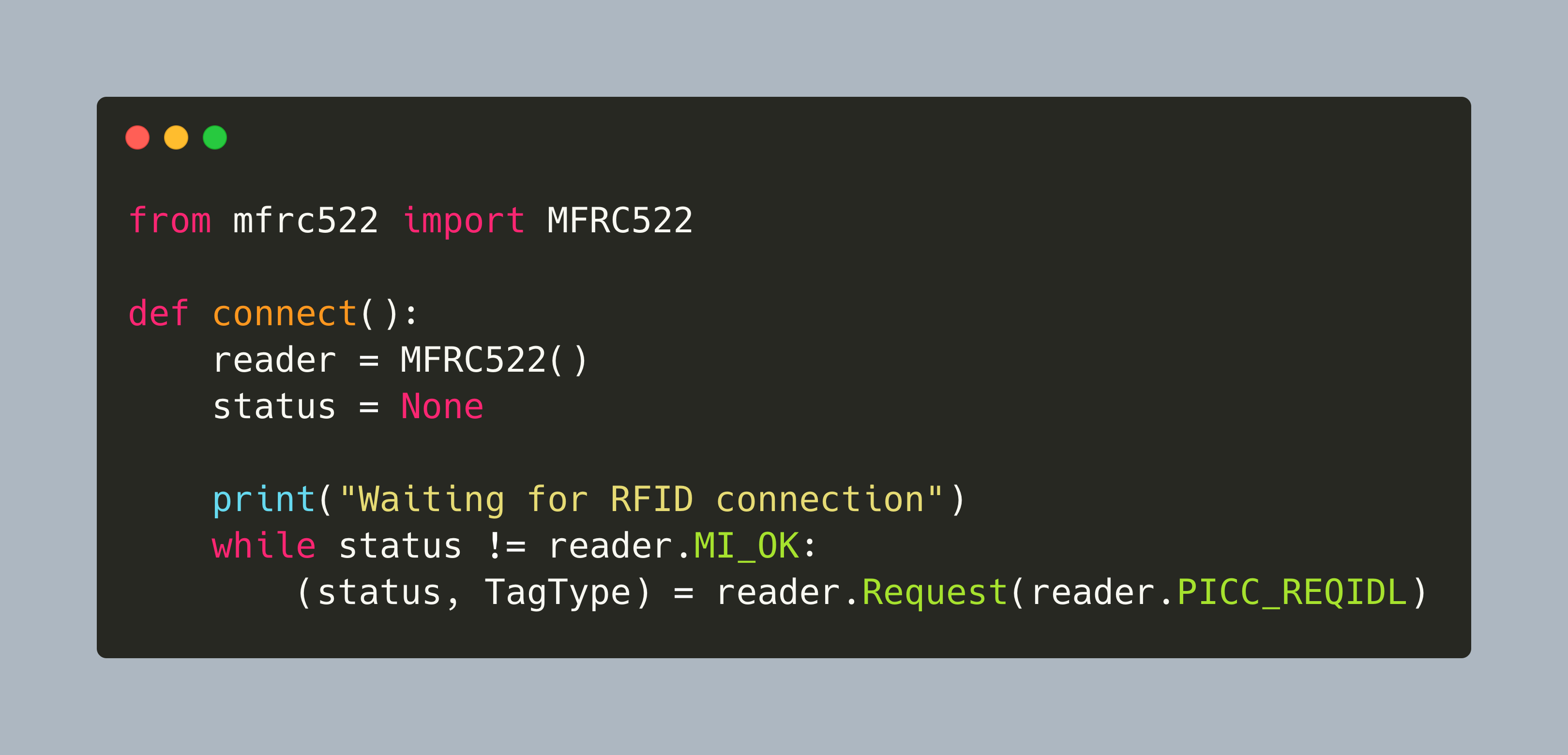
Through the combination of ESPHome and Home Assistant, a myriad of sensors can be added, managed, and their data visualized and stored. Over the previous articles, I added sensors that generally detect the presence of movements and sounds. Another signal that I want to create is a simple "I'm home" electronic message. For near-field communication, several protocols exist: RFID, NFC, LoRa, Bluetooth. This article investigates how to add RFID tag reading support to Home Assistant.
The Raspberry Pi is a single board computer with an impressive array of supported connections: A 3.3V compatible 40 pin header, integrated camera module and SPDIF sound, Wi-Fi and Bluetooth, ethernet, USB and HDMI. In addition to these hardware features, it also support a variety of operating systems specialized for certain domains, and several programming language for projects, including C and Python. This makes the Raspberry Pi a great platform for many IOT projects.
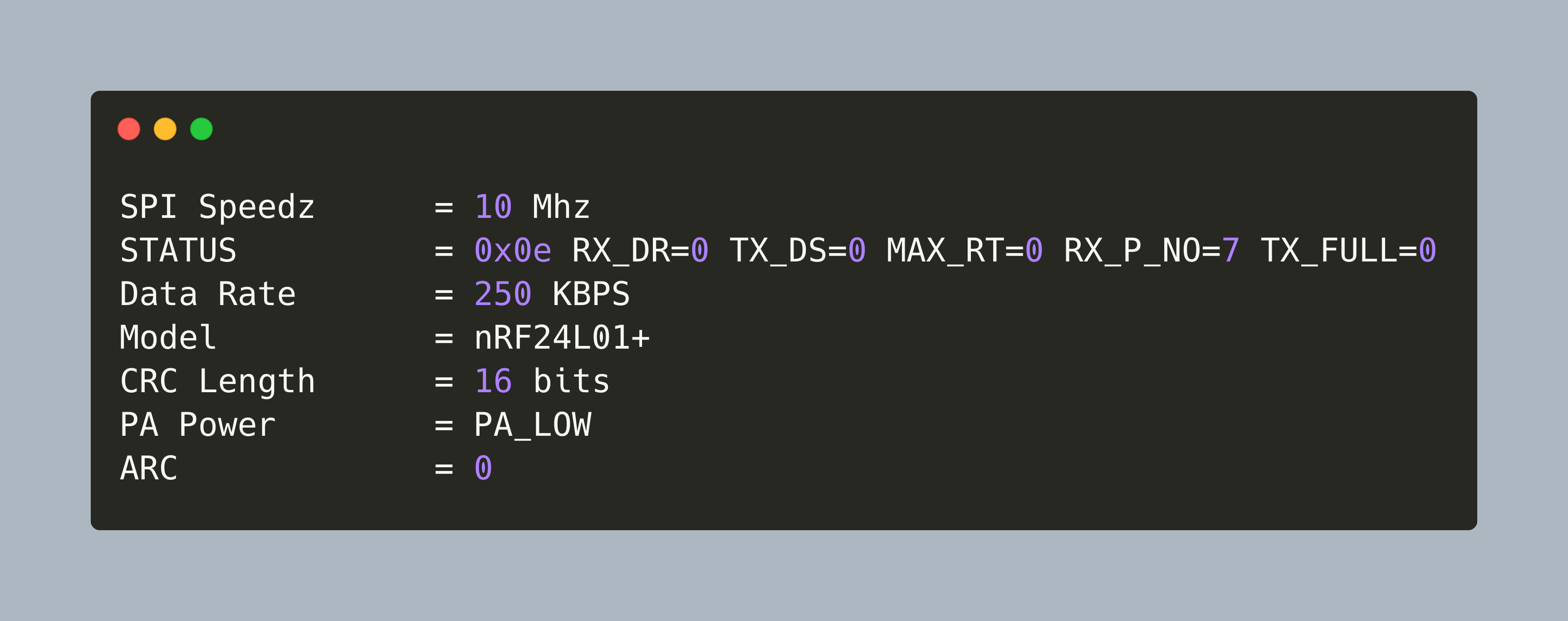
For data transmissions, IOT devices typically use protocols like Wi-Fi or Bluetooth. But if the range increases, or when living in a dense urban area with many overlapping wireless networks, other techniques are required.
For data transmissions, IOT devices typically use protocols like Wi-Fi or Bluetooth. But if the range increases or signals are congested in a dense urban area, other techniques are required.
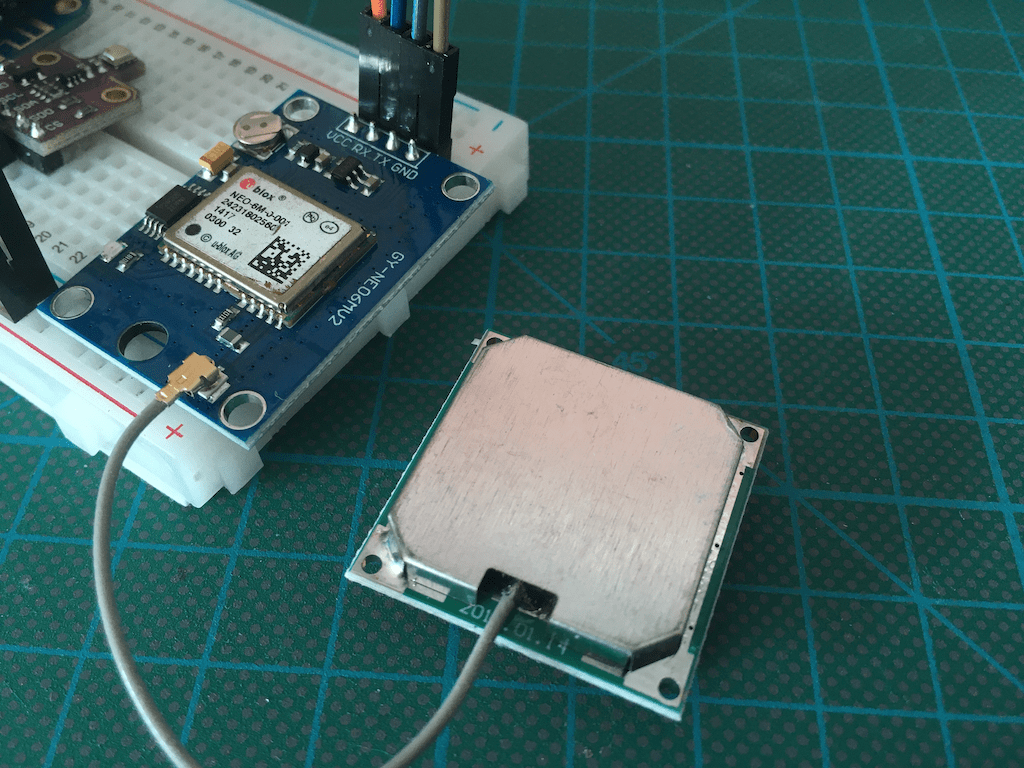
In home automation systems, several sensors transmit and consume data, leading to automations that trigger behavior like turning on lights. One typical trigger of such automations is presence, the state of an entity being in a defined vicinity. And a very fine-tuned presence detection are GPS coordinates, enabling the declaration of an area surrounding your home, and in which vicinity presence is detected. Home Assistant and ESP Home are the essential cornerstones. Home Assistant can work with devices that transmit GPS coordinates: They are defined as an entity type called tags, and this can be used to define automations. Also, ESP Home can read and show GPS coordinates.
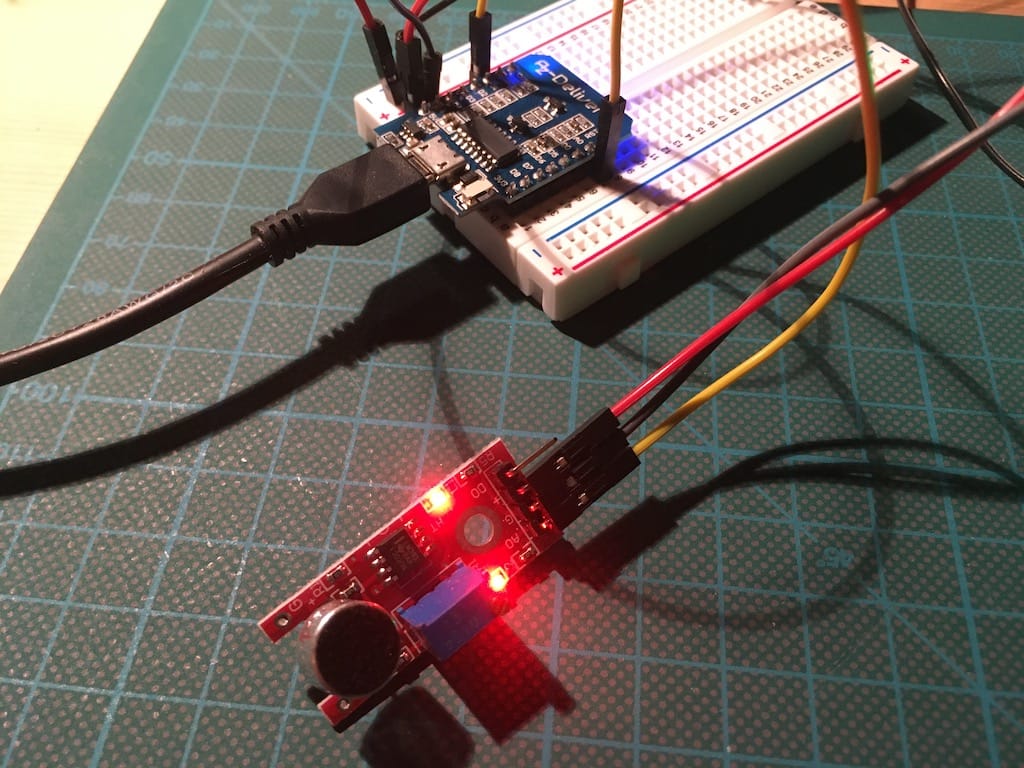
Through the combination of ESPHome and Home Assistant, a myriad of sensors can be added, managed, and their data visualized and stored. To extend the arsenal of sensor data, I wanted to detect sound and vibration data too.
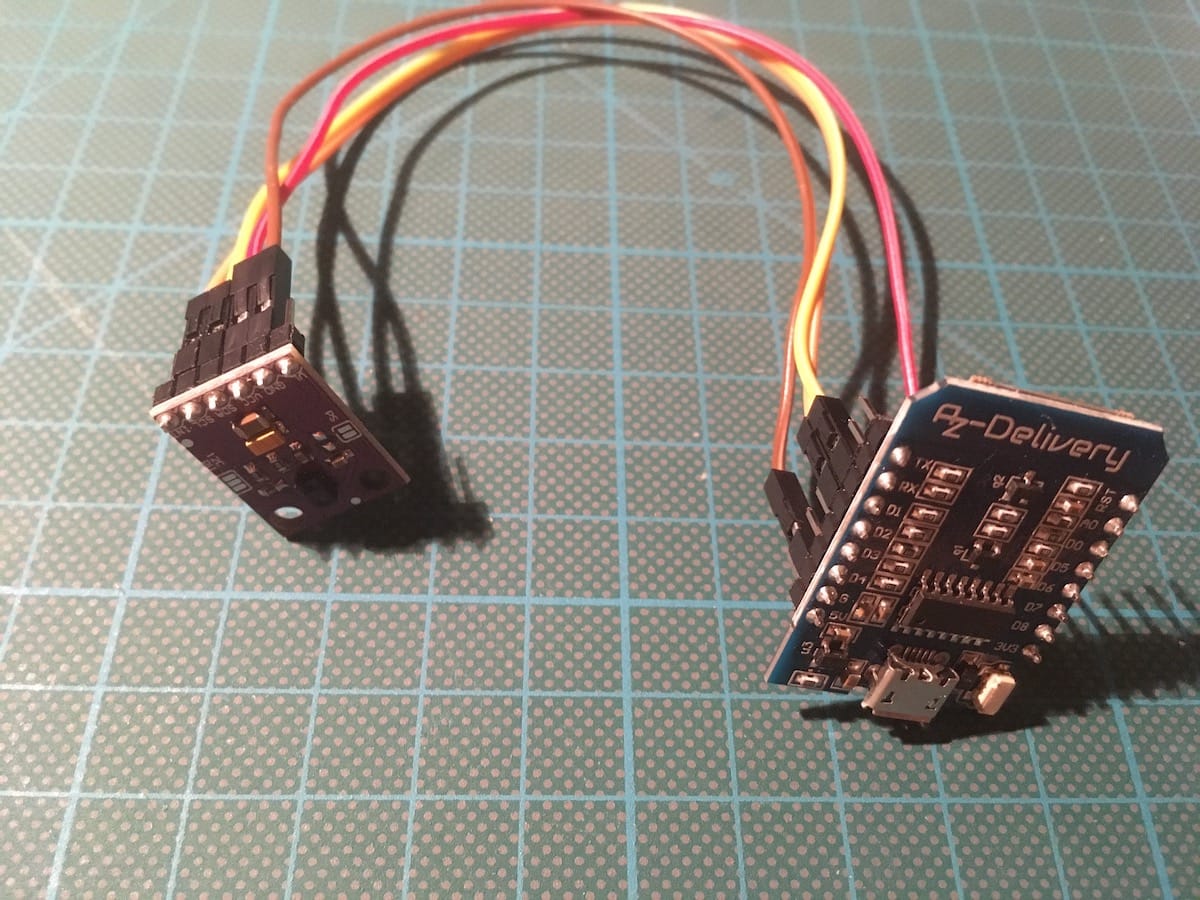
Through the combination of ESPHome and Home Assistant, a myriad of sensors can be added, managed, and their data visualized and stored. To extend the arsenal of sensor data, I wanted to detect light intensity as well. After some research on the internet, I decided to get the sensor [APDS-9960](https://www.broadcom.com/products/optical-sensors/integrated-ambient-light-and-proximity-sensors/apds-9960). It detects the intensity of red, green and blue light, and it can detect simple directional gestures like up or down.