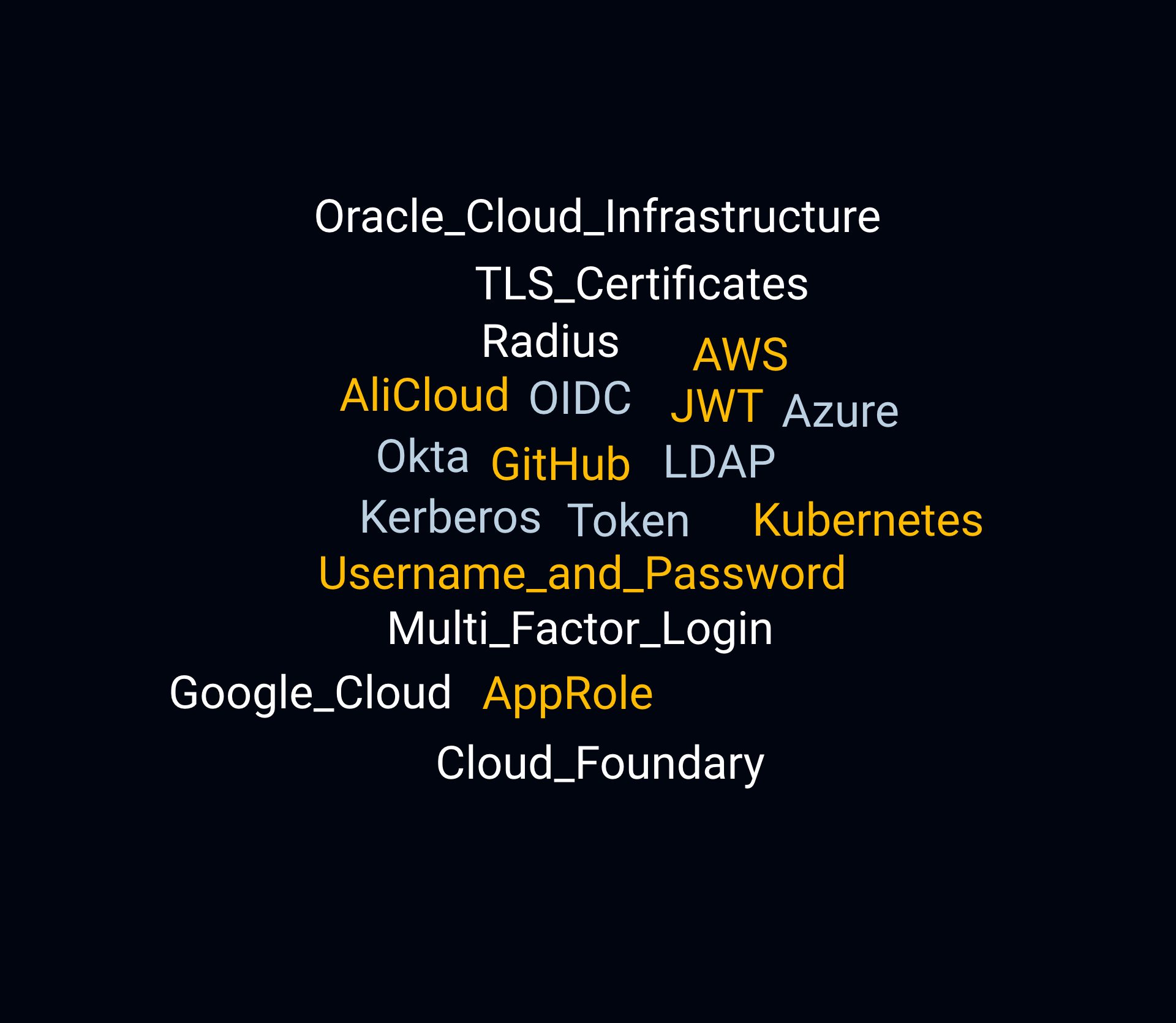
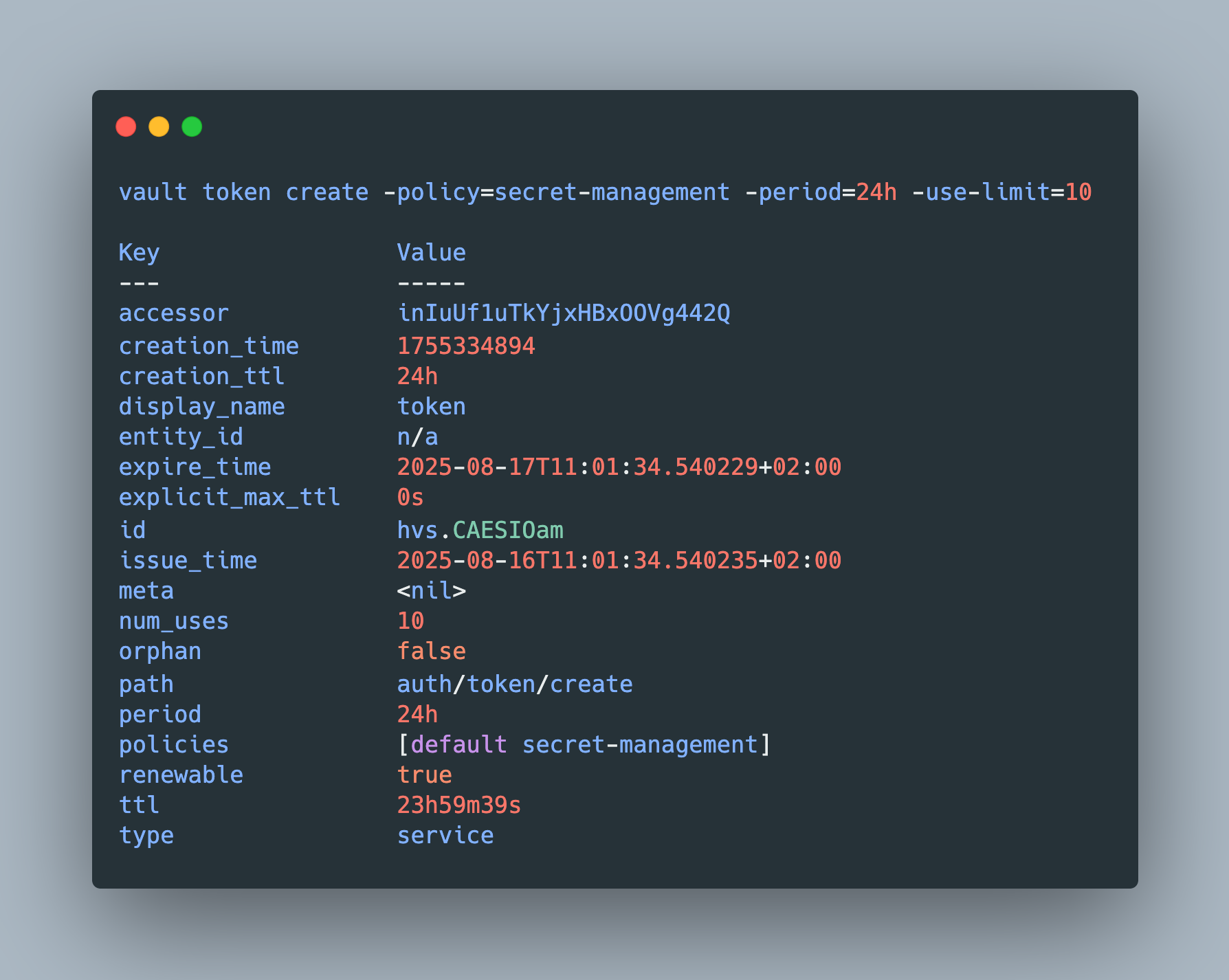
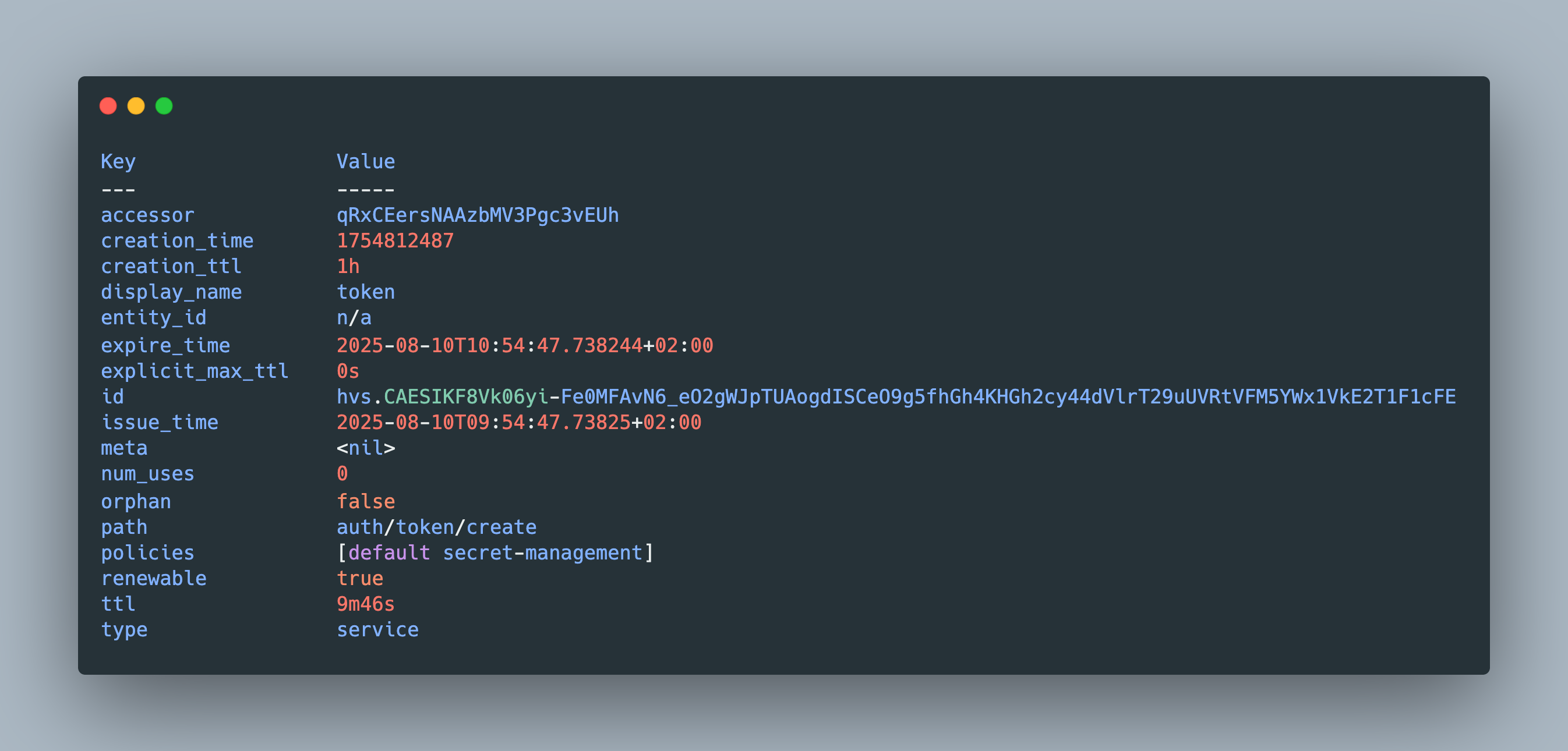
Any interaction with the secret’s management tool Hashicorp Vault requires a valid token. Tokens are issued by authentication provider, flexible plugins that communicate with other systems or cloud environments. Allowing familiar username password combinations, JWT tokens with a defined scope, or even certificates, options are plentiful, enabling Vault to be used in different environments.
When interacting with Hashicorp Vault, tokens are the means for authentication and authorization. Provided by different engines, and associated with policies and roles, they give access to path-governed functionality of Vault.
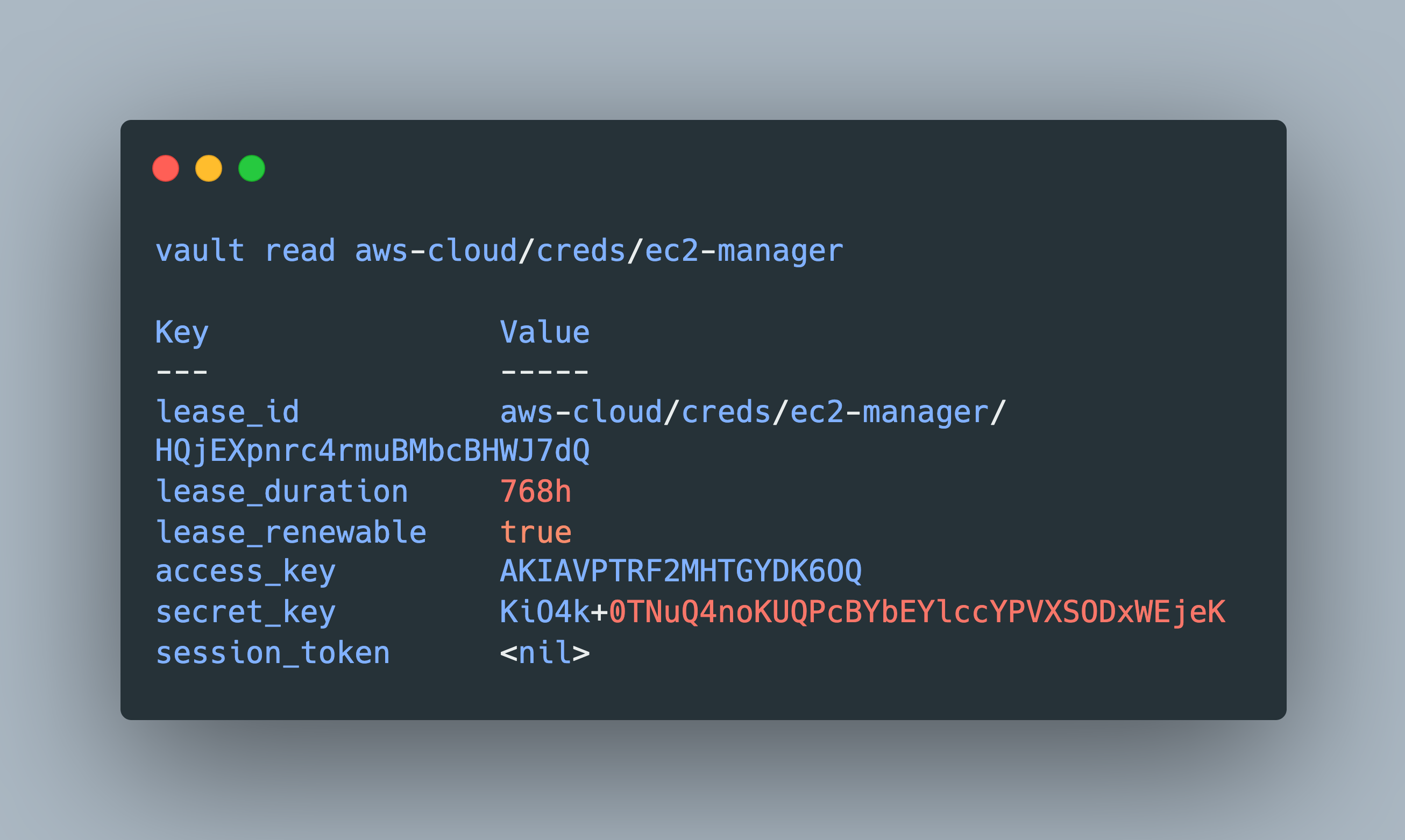
Hashicorp Vault is a secrets management tool. It provides secure storage for access credentials, certificates, or general encryption/decryption processes. To get access to any secrets, tokens are issued, providing compact, fine-grained and time-based access controls.
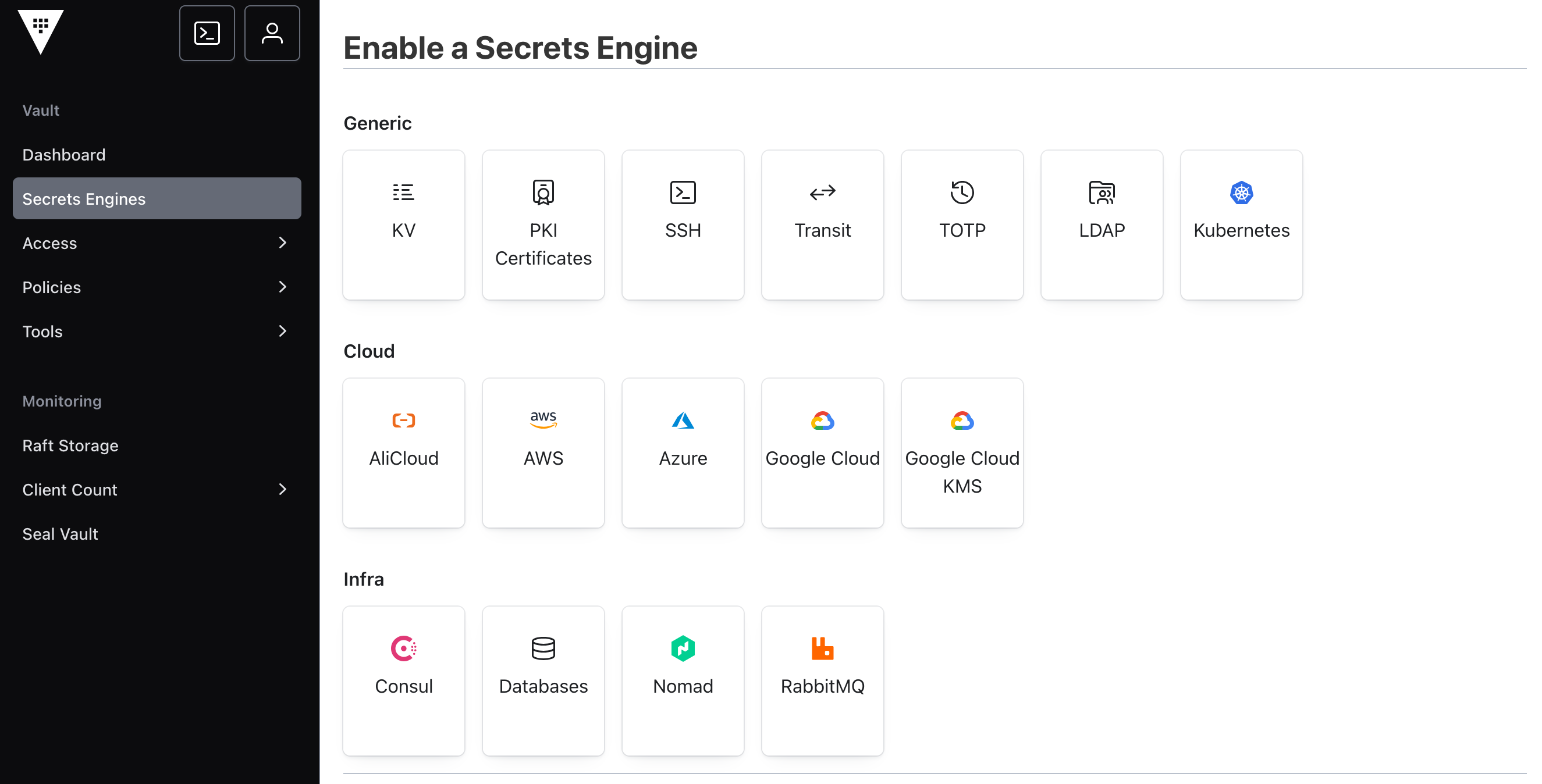
Hashicorp Vault is a secrets management tool. It enables encrypted storage of sensitive data like API credentials, database passwords, certificates and encryption keys. This is managed by flexible plugins called secrets engines. Once activated in a Vault instance, they provide a standard API and CLI access for creation, updating, reading and deleting secrets.
Hashicorp Vault is a flexible and highly configurable tool for RBAC-based access and management of secrets. Similarly, flexible is the Vault CLI binary, a tool for effective managing both single Vault instances or whole clusters.
The Hashicorp Vault secrets management tool comes as an executable binary supporting all major operating systems. The binary itself is a multi-purpose tool, providing several commands to start and configure single vault instances or a cluster of multiple servers, define authentication mechanisms and policies, and configure and work with secret engines.
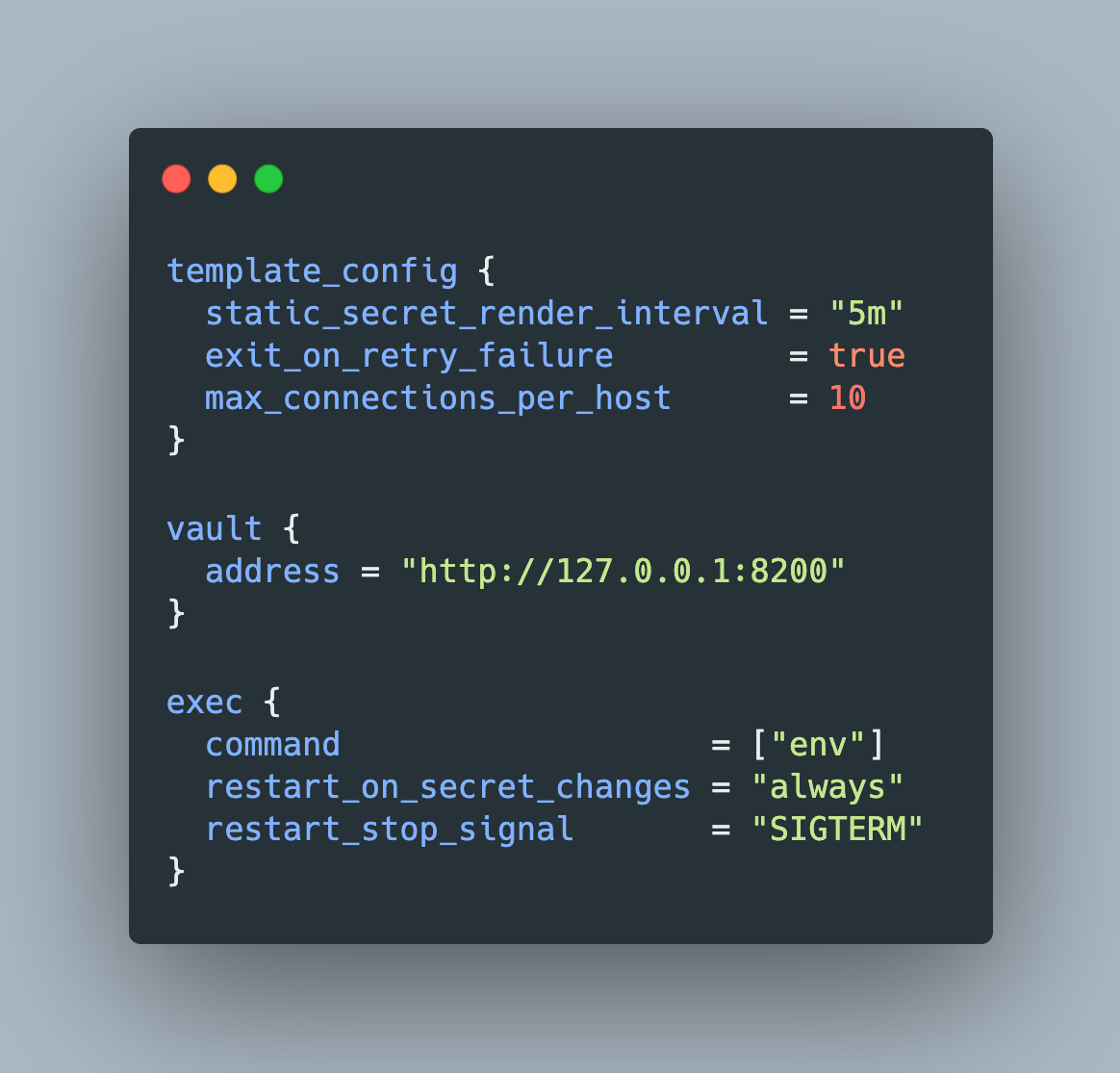
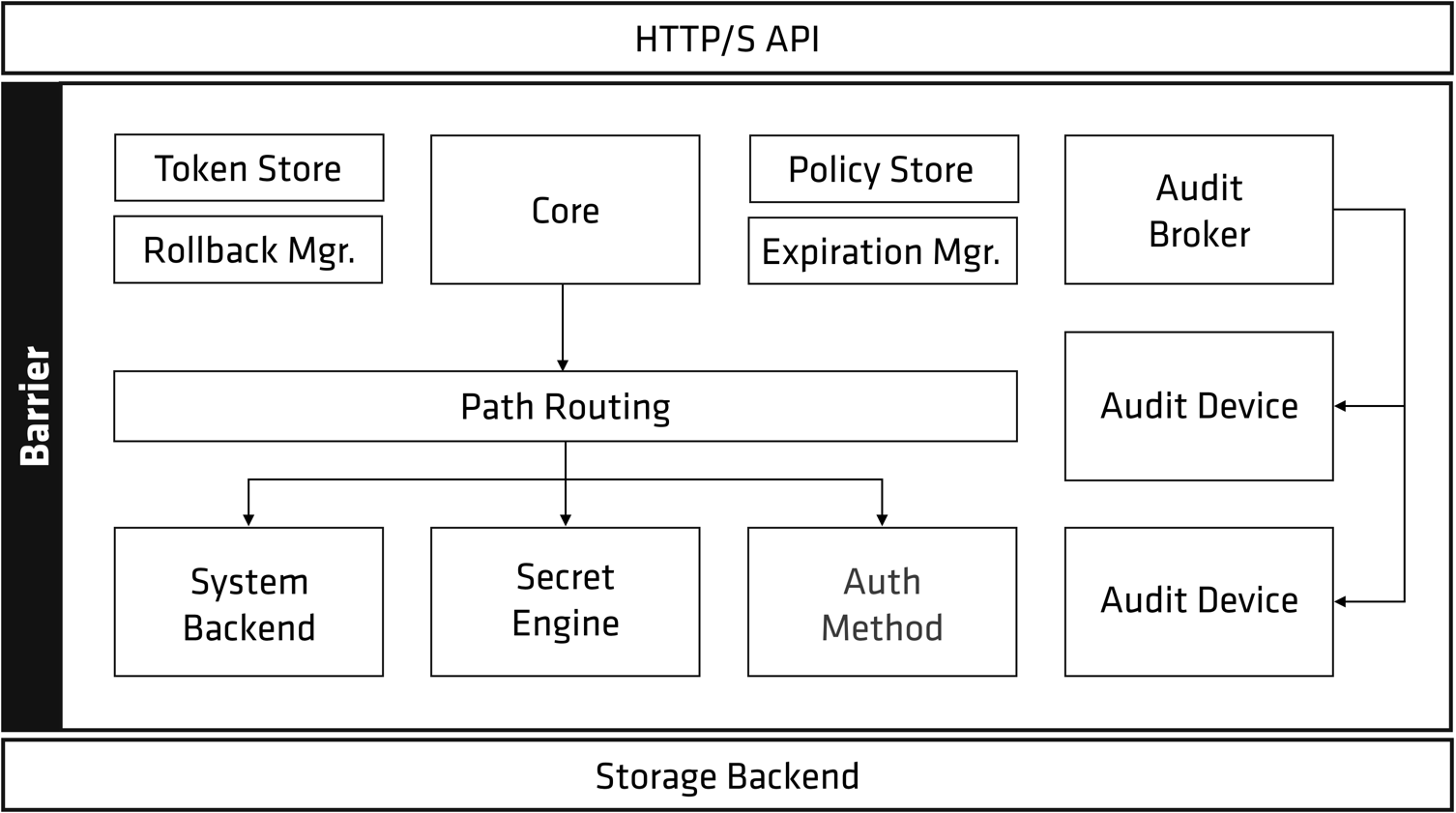
Hashicorp Vault is a flexibility and robust secrets management tool. Installable as a simple binary that starts a single server or joins others to create a server cluster, it offers token-based, policy-controlled access to encrypted data. Incorporating Vault into applications can be done directly via the exposed REST-like API interface, by running the Vault binary in an agent mode that fetches secrets in the context of a server or containers, or by installing operator abstractions directly in the container orchestrating software Kubernetes.
Application hosting is complex and manifold: starting with dedicated programs running on bare metal or virtual severs, to containers on dedicated servers or as a fleet managed by an orchestration software like Kubernetes. Most applications require secrets, access credentials for databases or services, or keys to process encrypted data. From an operations point of view, managing secrets coherently and effectively across on-premise and cloud provider hosted applications is a crucial task.
With the introduction of OpenMQTT to my IOT@Home stack, the availability of long-range sensors increased dramatically. Over the course of the last articles I explored RF433, Bluetooth BLE, and IR signals. With these gateways, messages from surrounding devices are captured, for example an outdoor temperature sensor, your smart watch, or a long-range GPS sensor. Reading messages is only one feature of OpenMQTT. Sensing messages to the devices is the opposite direction.
In the last two articles, a radio frequency sensor in the 433MHz frequency range and a BLE gateway were created. This article continues with capturing and transmitting infrared signals, opening up several options to integrate different consumer products into your home automation stack.