With Hashicorp Vault, the secure management of secrets and encrypted data becomes a manageable task. Thanks to its plugin architecture, functional extensions that target authentication, secrete creation, and short-lived access to system can be implemented and adapted to meet changing requirements.
In an ongoing blog series, all Vault CLI commands are explored systematically. This article explains three commands from the authorization group, showing how to define policies, and managing tokens and leases that embody the policies for providing access to a Vault server.
The technical context of this article is hashicorp_vault_v1.21.1, released 2025-11-18. All provided information and command examples should be valid with newer versions too, baring an update of the CLI commands’ syntax.
The background material for this article stems from the official Hashicorp Vault documentation about Vault CLI and subsequent pages, as well as information from the binary itself.
Vault CLI Overview
The Vault CLI provides more than 30 commands. For systematically explaining and contextualizing each command, they can be structured as follows.
Groups marked with a checkmark were covered in an earlier article, and the section marked with an at sign is the focus for this article. From the authorization group, the commands policy and lease will be covered here. The token command is extensively covered in my earlier article about token management_.
- ✅ Initialization
server: Starts a server processagent: Starts an agent process, a utility to communicate with a vault server to gain access to tokensproxy: Starts a vault proxy process
- ✅ Configuration
operator: Cluster management operations, including memberships, encryption and unseal keysplugin: Manage and install additional pluginsread/list: Access stored configuration and secretswrite/patch: Modify or create any datadelete: Delete configuration data or secrets
- ✅ Introspection
status: Show status information of the vault serverversion: Shows compact version information and build timestampversion-history: Shows detailed version information about all previously used vault server instancesprint: Detailed view of the vault’s server runtime configurationpath-help: Detailed documentation about API endpointsevents: Subscribe to the event stream of a running vault instancemonitor: Print vault log messagesdebug: Shows debug information of the connected Vault serveraudit: Interact with connected audit devices
- ✅ Vault Enterprise
hcp: Operate a managed Hashicorp Vault clusternamespace: Interact with configured namespaces of the cluster
- 🌀 Authorization
policy: Manage policy definitions that govern all vault operationstokens: General token managementlease: Manage current token leases, including renewal, revocation and TTL modification
- Authentication
auth: Interact with configured authentication optionslogin: Authenticates access to a Vault server
- Secrets Management
secrets: General configuration of secret engineskv: Access to the essential key-value storetransform: Interact with the transform secrets enginetransit: Interact with the Vaults transit secrets engineunwrap: One-time access to arbitrary encrypted datapki: Access the private key infrastructure secrets enginessh: Initiates SSH sessions via the SSH secrets engine
Policy Management Commands
Note: For a detailed guide to policies, see my earlier article Fine-Grained Access Control with Policies.
Policies are rules that detail which operations are available on which endpoints. Written in the Hashicorp Configuration Language, they are blocks of code consisting of a path declaration, which supports wildcard path segments, and a declaration of capabilities and other restrictions.
Here is an example that limits access to a kv-v2 secrets store.
path "kv2/*"
{
  capabilities = ["create", "update", "delete"]
}
The policy command provides high-level CRUD operations on policy definitions. All commands are explained in the following sections. To provide the example context for all commands, a kv-v2 secret store is assumed. It can be created with the following command:
vault secrets enable -max-lease-ttl=1h -path=kv2 kv-v2

# Log messages
2025-12-17T11:32:07.670+0100 [INFO]  core: successful mount: namespace="" path=kv2/ type=kv version="v0.25.0+builtin"
policy fmt
Documents written in Hashicorp Vault Configuration language should confirm with syntactic rules. This command processes a file and prints a formatted version of it.
Assuming a syntactic-valid, but ill-formatted document is created …
> echo '
path "kv2/config-db/datacenter1" { capabilities = ["read"] }


path "kv2/config-db/datacenter1"{
  capabilities = ["create"]
  required_parameters = ["server_id"]}' > datacenter1.policy.hcl
… running fmt changes the file content:
> vault policy fmt datacenter1.policy.hcl

# Log messages
Success! Formatted policy: datacenter1.policy.hcl

> cat datacenter1.policy.hcl

# Log messages
path "kv2/config-db/datacenter1" {
  capabilities = ["read"]
}

path "kv2/config-db/datacenter1" {
  capabilities        = ["create"]
  required_parameters = ["server_id"]
}
policy write
Policy declarations need to be saved in Vault to become effective. The command requires two parameters: The name of the policy object that is to be stored, and either a filename or the dash symbol so that the policy declaration is read from STDIN.
Here is the invocation that reads the content from the defined file:
> vault policy write datacenter1 ./datacenter1.policy.hcl

# Log messages
Success! Uploaded policy: datacenter1
And the invocation via STDIN:
> echo '
path "kv2/config-db/datacenter1" { capabilities = ["read"] }


path "kv2/config-db/datacenter1"{
  capabilities = ["create"]
  required_parameters = ["server_id"]}' | vault policy write datacenter1_v2 -
Success! Uploaded policy: datacenter1_v2

# Log messages
Success! Uploaded policy: datacenter1_v2
policy list
This command prints the name of all currently defined policies in a Vault server. The output can be formatted in a text table, as JSON or as YAML.
> vault policy list -format=table

#Log messages
datacenter1
datacenter1_v2
default
acl/kv-secrets
root
policy read
With the help of the read command, the full content of a policy can be shown. The command requires a concrete policy name, and the output can be formatted as a table, JSON or YAML.
> vault policy read "datacenter1"

# Log messages
path "kv2/config-db/datacenter1" {
  capabilities = ["read"]
}

path "kv2/config-db/datacenter1" {
  capabilities        = ["create"]
  required_parameters = ["server_id"]
}
Interestingly, when querying about the policy datacenter1_v2, the same ill-for mated input is returned.
> vault policy read -format=YAML "datacenter1_v2"

# Log messages
policy: |2

  path "kv2/config-db/datacenter1" { capabilities = ["read"] }

  path "kv2/config-db/datacenter1"{
    capabilities = ["create"]
    required_parameters = ["server_id"]}
policy delete
When the policy lifecycle ends, it should be removed with this command.
> vault policy delete datacenter1

# Log messages
Success! Deleted policy: datacenter1
Lease Management
Leases are special data structures in Vault, used to reference data in external systems. One type is the association of a token issued by an authentication provider with a data record at the providers system. Another type are dynamic secrets, ephemeral data that is stored at an external system, such as a database or a cloud provider.
Leases can be accessed and manipulated with the Vault CLI.
To provide a context for the following examples, a dynamic secret at a Postgres DB is assumed. Create a local Postgres DB, setup the user, then execute the following commands:
> vault secrets enable -path=postgres database

> vault write postgres/config/vault \
    plugin_name="postgresql-database-plugin" \
    connection_url="postgresql://${POSTGRES_USER}:${POSTGRES_PASSWORD}@localhost:5432/vault" \
    allowed_roles="vault"

> export ROLE_NAME=vault; \
  export ROLE_PASSWORD=SECRET; \
  vault write postgres/roles/vault \
    db_name="vault" \
    creation_statements="CREATE ROLE ${ROLE_NAME} WITH LOGIN PASSWORD '${ROLE_PASSWORD}'; \
    GRANT SELECT ON ALL TABLES IN SCHEMA public TO ${ROLE_NAME};" \
    default_ttl="1h" \
    max_ttl="24h"
Finally, the dynamic secret is created:
> vault read postgres/creds/vault

# Log message
Key                Value
---                -----
lease_id           postgres/creds/vault/St5gVIx3wlUE7YQhj4yxESsl
lease_duration     1h
lease_renewable    true
password           -EEvuNgFotraoUpBxgY4
username           v-root-vault-tkTtmMfzNdnkVHwgJ4Pq-1766045698
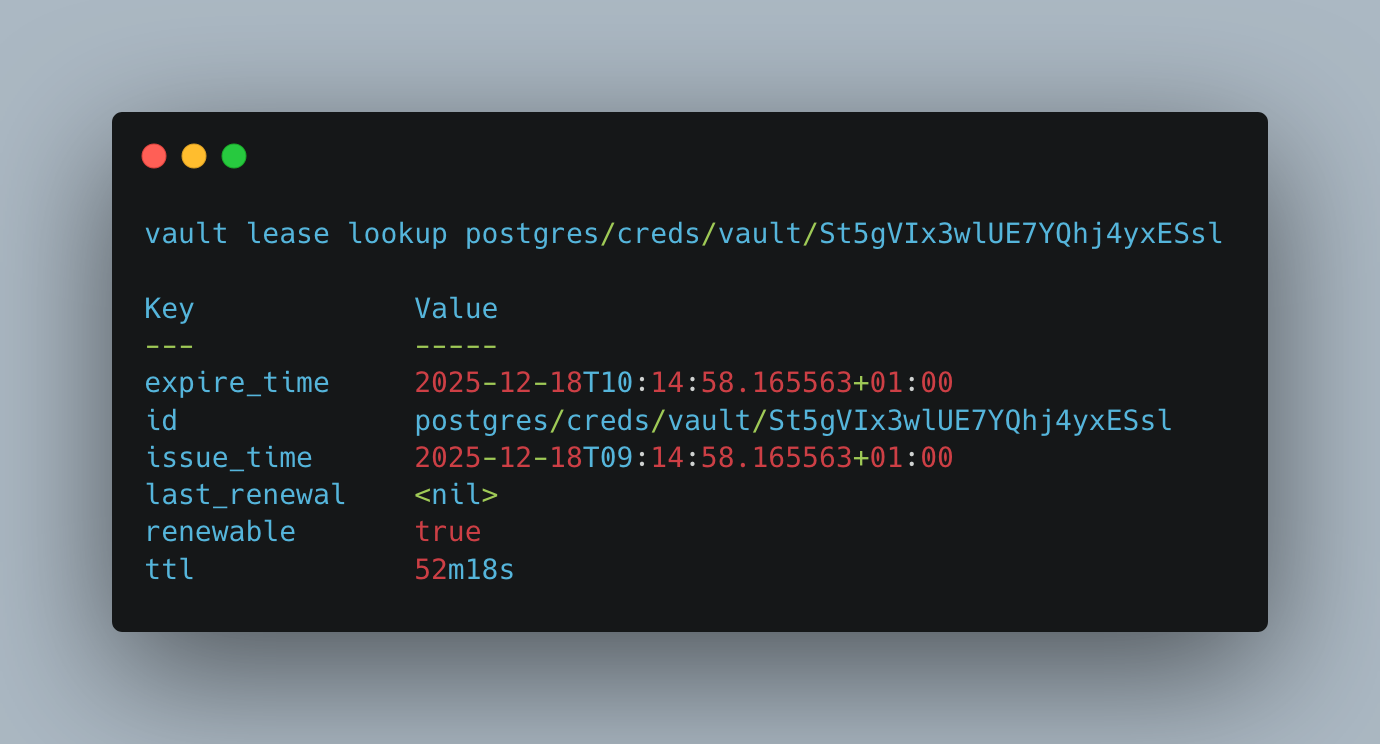
lease lookup
This command introspects an existing lease.
> vault lease lookup postgres/creds/vault/St5gVIx3wlUE7YQhj4yxESsl

# Log messages
Key             Value
---             -----
expire_time     2025-12-18T10:14:58.165563+01:00
id              postgres/creds/vault/St5gVIx3wlUE7YQhj4yxESsl
issue_time      2025-12-18T09:14:58.165563+01:00
last_renewal    <nil>
renewable       true
ttl             52m18s
lease renew
Leases have a configured TTL. When the TTL expires, so does the data record at the external system. A renewal refreshes the lease TTL.
> vault lease renew postgres/creds/vault/St5gVIx3wlUE7YQhj4yxESsl

# Log messages
Key                Value
---                -----
lease_id           postgres/creds/vault/St5gVIx3wlUE7YQhj4yxESsl
lease_duration     1h
lease_renewable    true
lease revoke
An existing lease can be immediately revoked. The data record at the external system will be deleted as well.
> vault lease revoke postgres/creds/vault/St5gVIx3wlUE7YQhj4yxESsl

# Log messages
2025-12-18T09:40:07.289+0100 [INFO]  expiration: revoked lease: lease_id=postgres/creds/vault/St5gVIx3wlUE7YQhj4yxESsl
Conclusion
Hashicorp Vault uses policy definitions, tokens, and leases to provide authorization for accessing Vault API endpoints or interact with external systems. This article about the Vault CLI explored authorization commands. You learned that policy can be used to introspected, create, and delete any system-defined policies. And you learned the application of lease for introspecting, renewing and revoking data records at external systems.