The Hashicorp Vault CLI binary is a multi-purpose tool offering several commands for all configurational and operational aspects. This article investigates two commands available in Hashicorp Vault enterprise: Connecting with managed cloud platform instances, and using namespaces.
The technical context of this article is hashicorp_vault_v1.21.1, released 2025-11-18. All provided information and command examples should be valid with newer versions too, baring an update of the CLI commands’ syntax.
The background material for this article stems from the official Hashicorp Vault documentation about Vault CLI and subsequent pages, as well as information from the binary itself.
Vault CLI Overview
The Vault CLI provides more than 30 commands. For systematically explaining and contextualizing each command, they can be structured as follows.
Groups marked with a checkmark were covered in an earlier article, and the section marked with an at sign is the focus for this article.
- ✅ Initialization
server: Starts a server processagent: Starts an agent process, a utility to communicate with a vault server to gain access to tokensproxy: Starts a vault proxy process
- ✅ Configuration
operator: Cluster management operations, including memberships, encryption and unseal keysplugin: Manage and install additional pluginsread/list: Access stored configuration and secretswrite/patch: Modify or create any datadelete: Delete configuration data or secrets
- ✅ Introspection
status: Show status information of the vault serverversion: Shows compact version information and build timestampversion-history: Shows detailed version information about all previously used vault server instancesprint: Detailed view of the vault’s server runtime configurationpath-help: Detailed documentation about API endpointsevents: Subscribe to the event stream of a running vault instancemonitor: Print vault log messagesdebug: Shows debug information of the connected Vault serveraudit: Interact with connected audit devices
- 🌀 Vault Enterprise
hcp: Operate a managed Hashicorp Vault clusternamespace: Interact with configured namespaces of the cluster
- Authorization
policy: Manage policy definitions that govern all vault operationstokens: General token managementlease: Manage current token leases, including renewal, revocation and TTL modification
- Authentication
auth: Interact with configured authentication optionslogin: Authenticates access to a Vault server
- Secrets Management
secrets: General configuration of secret engineskv: Access to the essential key-value storetransform: Interact with the transform secrets enginetransit: Interact with the Vaults transit secrets engineunwrap: One-time access to arbitrary encrypted datapki: Access the private key infrastructure secrets enginessh: Initiates SSH sessions via the SSH secrets engine
Vault Enterprise Commands
hcp
Hashicorp offers cloud-based managed installations of Vault, called Hashicorp Cloud Plattform (HCP). With the same-named command, a connection between HCP and any computer that runs the same version of the Vault CLI can be established.
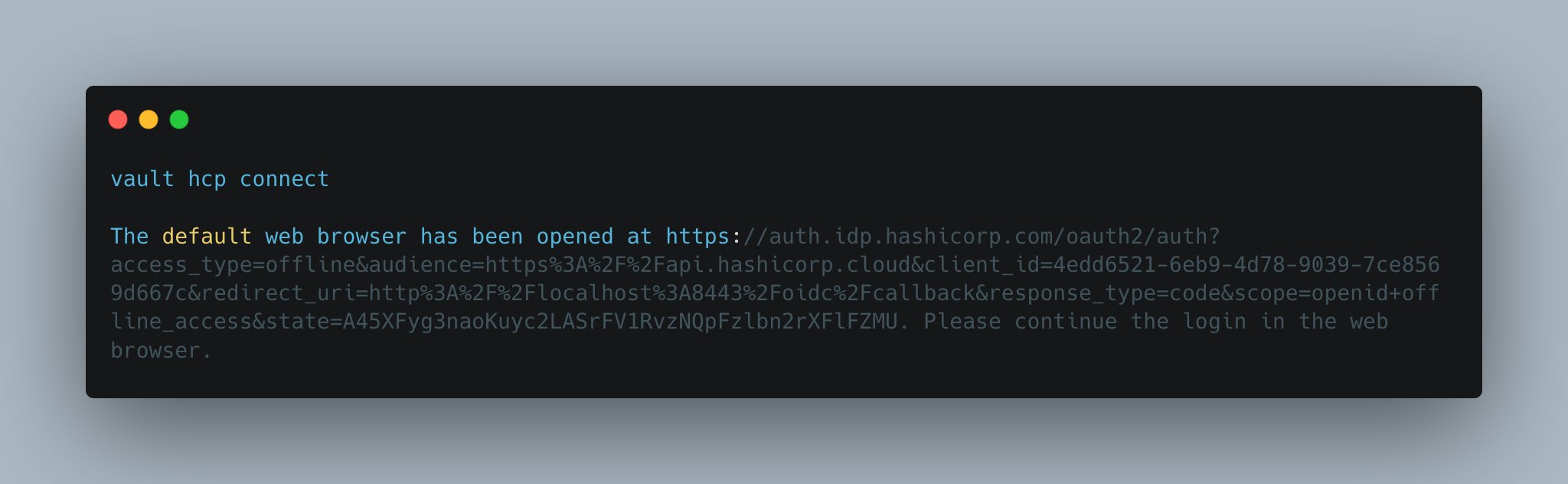
In the absence of a HCP installation, the connection establashing can only be hinted at:
> vault hcp connect

# Log messages
The default web browser has been opened at https://auth.idp.hashicorp.com/oauth2/auth?access_type=offline&audience=https%3A%2F%2Fapi.hashicorp.cloud&client_id=4edd6521-6eb9-4d78-9039-7ce8569d667c&redirect_uri=http%3A%2F%2Flocalhost%3A8443%2Foidc%2Fcallback&response_type=code&scope=openid+offline_access&state=A45XFyg3naoKuyc2LASrFV1RvzNQpFzlbn2rXFlFZMU. Please continue the login in the web browser.
namespace
In Vault, all interactions ultimately send data to a mount point. And when managing an extensive suite of multiple version of the same secrets or authentication methods, the route paths can become cobbled. Namespaces add a path-segment to the mount point, helping to structure Vault e.g. into company sections.
A full set of CRUD methods is available:
create: adds a new namespacelookup: checks if the given namespace existslist: reads all child namespacespatch: update the parameters of a given namespacedelete: removes the namespaceslock: prevents access to any endpoints mounted under a target namespaceunlock: removes the lock for a namespace
However, namespaces are a feature for enterprise hashicorp vault only. Calling any methods with the community edition results merely in an error:
> vault namespace create data-center-1

# log messages
Error creating namespace: Error making API request.

URL: PUT http://127.0.0.1:8210/v1/sys/namespaces/data-center-1
Code: 404. Errors:

* enterprise-only feature
Conclusion
The Vault CLI binary offers more than 30 subcommands. This blog post covered 2 miscellaneous commands. With hcp, a connection to a managed Hashicorp Vault Cloud Platform instance can be created. The namespace commands enables supplementing API endpoints with additional path segments to reflect organizational structure. Both commands require a Vault Enterprise server, they cannot be used in the Vault community version.