Hashicorp Vault is a secrets management tool. Its CLI is a powerful companion, supporting all tasks from setup to configuration and troubleshooting. Continuing the series about all CLI commands, this article focuses the introspection group. All available commands will be listed, explained, and applied in the context of a locally running cluster with three servers.
The technical context of this article is hashicorp_vault_v1.21.1, released 2025-11-18. All provided information and command examples should be valid with newer versions too, baring an update of the CLI commands’ syntax.
The background material for this article stems from the official Hashicorp Vault documentation about Vault CLI and subsequent pages, as well as information from the binary itself.
Vault CLI Overview
The Vault CLI provides more than 30 commands. For systematically explaining and contextualizing each command, they can be structured as follows.
Groups marked with a checkmark were covered in an earlier article, and the section marked with an at sign is the focus for this article.
- ✅ Initialization
server: Starts a server processagent: Starts an agent process, a utility to communicate with a vault server to gain access to tokensproxy: Starts a vault proxy process
- ✅ Configuration
operator: Cluster management operations, including memberships, encryption and unseal keysplugin: Manage and install additional pluginsread/list: Access stored configuration and secretswrite/patch: Modify or create any datadelete: Delete configuration data or secrets
- 🌀 Introspection
status: Show status information of the vault serverversion: Shows compact version information and build timestampversion-history: Shows detailed version information about all previously used vault server instancesprint: Detailed view of the vault’s server runtime configurationpath-help: Detailed documentation about API endpointsevents: Subscribe to the event stream of a running vault instancemonitor: Print vault log messagesdebug: Shows debug information of the connected Vault serveraudit: Interact with connected audit devices
- Vault Enterprise
hcp: Operate a managed Hashicorp Vault clusternamespace: Interact with configured namespaces of the cluster
- Authorization
policy: Manage policy definitions that govern all vault operationstokens: General token managementlease: Manage current token leases, including renewal, revocation and TTL modification
- Authentication
auth: Interact with configured authentication optionslogin: Authenticates access to a Vault server
- Secrets Management
secrets: General configuration of secret engineskv: Access to the essential key-value storetransform: Interact with the transform secrets enginetransit: Interact with the Vaults transit secrets engineunwrap: One-time access to arbitrary encrypted datapki: Access the private key infrastructure secrets enginessh: Initiates SSH sessions via the SSH secrets engine
Introspection Commands
status
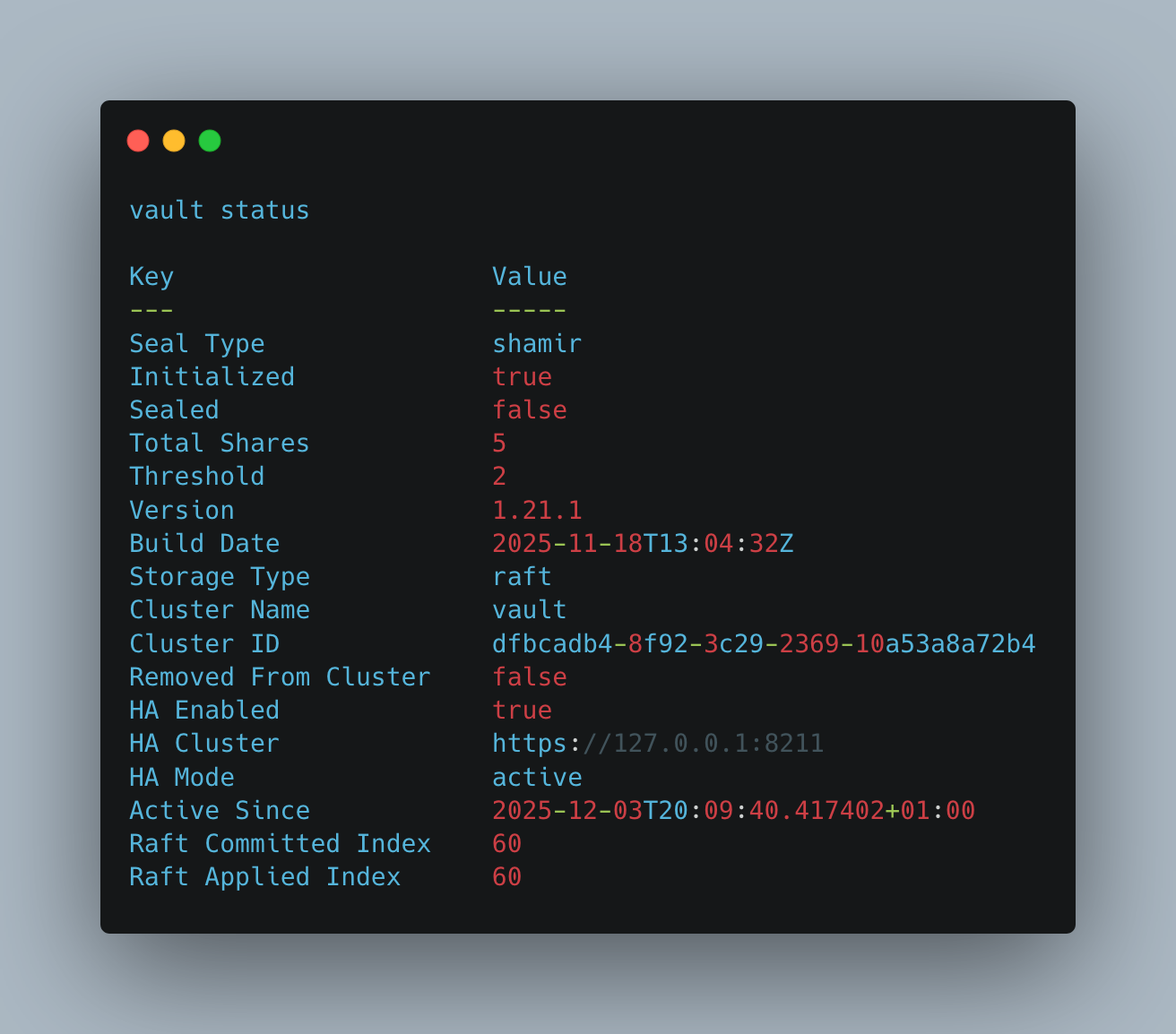
This convenient method shows the current status of the vault server.
> vault status

# Log messages
Key                     Value
---                     -----
Seal Type               shamir
Initialized             true
Sealed                  false
Total Shares            5
Threshold               2
Version                 1.21.1
Build Date              2025-11-18T13:04:32Z
Storage Type            raft
Cluster Name            vault
Cluster ID              dfbcadb4-8f92-3c29-2369-10a53a8a72b4
Removed From Cluster    false
HA Enabled              true
HA Cluster              https://127.0.0.1:8211
HA Mode                 active
Active Since            2025-12-03T20:09:40.417402+01:00
Raft Committed Index    60
Raft Applied Index      60
version
Prints the version of the vault server, complete with a verifiable hast value and timestamp.
> vault version

# Log messages
Vault v1.21.1 (2453aac2638a6ae243341b4e0657fd8aea1cbf18), built 2025-11-18T13:04:32Z
version-history
When upgrading the Vault binary, information about its installation date is gathered. This command lists all update information.
> vault version-history

# Log messages
Note:
Use of this command requires a server running Vault 1.10.0 or greater.
Version tracking was added in 1.9.0. Earlier versions have not been tracked.

Version  Installation Time     Build Date
-------  -----------------     ----------
1.20.0   2025-06-29T1142:02Z   2025-06-23T10:21:30Z
1.21.1   2025-12-02T18:57:15Z  2025-11-18T13:04:32Z
print
This command shows the currently used vault token. It either reflects the environment variable VAULT_TOKEN, or the content of the currents user ~/.vault-token file.
Here is an example of a successful invocation:
> vault print

# log messages
hvs.HTMdJOhLMnJ0l3mHYB242Swv
When no token is defined, the command merely prints an empty line and exits with status code 0.
path-help
This handy command prints compact information about any configured mount point of Vault. This helps to quickly find out which parameters can be used on which endpoint.
Here are some examples, showing the responses for endpoints accessible to the admin only, as well as generic endpoints for secrets.
> vault path-help sys

# log messages
## DESCRIPTION

The system backend is built-in to Vault and cannot be remounted or
unmounted. It contains the paths that are used to configure Vault itself
as well as perform core operations.

## PATHS

The following paths are supported by this backend. To view help for
any of the paths below, use the help command with any route matching
the path pattern. Note that depending on the policy of your auth token,
you may or may not be able to access certain paths.

    ^(leases/)?renew(/(?P<url_lease_id>.+))?$
        Renew a lease on a secret

    ^(leases/)?revoke(/(?P<url_lease_id>.+))?$
        Revoke a leased secret immediately

    ^(leases/)?revoke-force/(?P<prefix>.+)$
        Revoke all secrets generated in a given prefix, ignoring errors.

    ^(leases/)?revoke-prefix/(?P<prefix>.+)$
        Revoke all secrets generated in a given prefix
    ...
> vault path-help auth/token

# log messages
## DESCRIPTION

## PATHS

The following paths are supported by this backend. To view help for
any of the paths below, use the help command with any route matching
the path pattern. Note that depending on the policy of your auth token,
you may or may not be able to access certain paths.

    ^accessors/?$
        List token accessors, which can then be
        be used to iterate and discover their properties
        or revoke them. Because this can be used to
        cause a denial of service, this endpoint
        requires 'sudo' capability in addition to
        'list'.

    ^create$
        The token create path is used to create new tokens.
events
Vault usage logs data to an internal event system, and with the same named command, a live trail of events from a specific topic can be obtained. Alas, in the vault community edition, events are not implemented yet. Checking the official documentation about the /sys/experiments endpoint does not reveal information how to get events operational.
Calling the command returns an error only.
> vault events subscribe '*'

# Log messages
events endpoint not found; check `vault read sys/experiments` to see if an events experiment is available but disabled
monitor
This command continuously streams live log files. It gives an immediate insight into a Vault server.
> vault monitor

# Log messages
2025-12-07T10:20:26.602+0100 [INFO]  core: successful mount: namespace="" path=ldap/ type=ldap version="v1.21.1+builtin.vault"
2025-12-07T10:20:26.608+0100 [INFO]  secrets.ldap.ldap_e03497d2: initializing database rotation queue
2025-12-07T10:20:26.608+0100 [INFO]  secrets.ldap.ldap_e03497d2: populating role rotation queue
2025-12-07T10:20:26.617+0100 [INFO]  secrets.ldap.ldap_e03497d2: starting periodic ticker
2025-12-07T10:20:42.356+0100 [INFO]  core: successful mount: namespace="" path=totp/ type=totp version="v1.21.1+builtin.vault"
2025-12-07T10:21:00.354+0100 [INFO]  core: successfully unmounted: path=totp/ namespace=""
debug
While Vault’s configuration can be determined statically, its runtime behavior needs to be actively observed and measured.
When executed, the debug command start a process that connects to the Vault server instance, captures data for a specific time, and creates an archive file with all individual results. The command uses the configured vault token and attached policies - to ensure complete coverage of all required endpoints, elevated access rights are required.
> vault debug

==> Starting debug capture...
         Vault Address: http://127.0.0.1:8210
        Client Version: 1.21.1
        Server Version: 1.21.1
              Duration: 2m0s
              Interval: 30s
      Metrics Interval: 10s
               Targets: config, host, requests, metrics, pprof, replication-status, server-status, log
                Output: vault-debug-2025-12-05T15-58-58Z.tar.gz

==> Capturing static information...
2025-12-05T17:58:58.830+0100 [INFO]  capturing configuration state

==> Capturing dynamic information...
2025-12-05T17:58:58.834+0100 [INFO]  capturing pprof data: count=0
2025-12-05T17:58:58.835+0100 [INFO]  capturing in-flight request status: count=0
2025-12-05T17:58:58.835+0100 [INFO]  capturing server status: count=0
2025-12-05T17:58:58.835+0100 [INFO]  capturing host information: count=0
2025-12-05T17:58:58.835+0100 [INFO]  capturing metrics: count=0
2025-12-05T17:58:58.835+0100 [INFO]  capturing replication status: count=0
2025-12-05T17:59:08.834+0100 [INFO]  capturing metrics: count=1
2025-12-05T17:59:18.834+0100 [INFO]  capturing metrics: count=2
2025-12-05T17:59:28.833+0100 [INFO]  capturing replication status: count=1
2025-12-05T17:59:28.833+0100 [INFO]  capturing server status: count=1
2025-12-05T17:59:28.833+0100 [INFO]  capturing in-flight request status: count=1
2025-12-05T17:59:28.833+0100 [INFO]  capturing metrics: count=3
2025-12-05T17:59:28.833+0100 [INFO]  capturing host information: count=1
2025-12-05T17:59:38.833+0100 [INFO]  capturing metrics: count=4
2025-12-05T17:59:48.832+0100 [INFO]  capturing metrics: count=5
2025-12-05T17:59:58.831+0100 [INFO]  capturing replication status: count=2
2025-12-05T17:59:58.831+0100 [INFO]  capturing metrics: count=6
2025-12-05T17:59:58.831+0100 [INFO]  capturing host information: count=2
2025-12-05T17:59:58.831+0100 [INFO]  capturing in-flight request status: count=2
2025-12-05T17:59:58.831+0100 [INFO]  capturing server status: count=2
2025-12-05T17:59:58.833+0100 [INFO]  capturing pprof data: count=1
2025-12-05T18:00:08.831+0100 [INFO]  capturing metrics: count=7
2025-12-05T18:00:18.830+0100 [INFO]  capturing metrics: count=8
2025-12-05T18:00:28.829+0100 [INFO]  capturing metrics: count=9
2025-12-05T18:00:28.830+0100 [INFO]  capturing in-flight request status: count=3
2025-12-05T18:00:28.830+0100 [INFO]  capturing host information: count=3
2025-12-05T18:00:28.830+0100 [INFO]  capturing replication status: count=3
2025-12-05T18:00:28.830+0100 [INFO]  capturing server status: count=3
2025-12-05T18:00:38.829+0100 [INFO]  capturing metrics: count=10
2025-12-05T18:00:48.828+0100 [INFO]  capturing metrics: count=11
2025-12-05T18:00:58.828+0100 [INFO]  capturing metrics: count=12
2025-12-05T18:00:58.828+0100 [INFO]  capturing host information: count=4
2025-12-05T18:00:58.828+0100 [INFO]  capturing in-flight request status: count=4
2025-12-05T18:00:58.828+0100 [INFO]  capturing replication status: count=4
2025-12-05T18:00:58.828+0100 [INFO]  capturing server status: count=4
2025-12-05T18:00:58.830+0100 [INFO]  capturing pprof data: count=2
Finished capturing information, bundling files...
Success! Bundle written to: vault-debug-2025-12-05T17-58-58Z.tar.gz
The created archive file contains the following:
config.json: Lists the derived, complete configuration of the Vault server, including TCP listeners, plugins, storage and listenershost_info.json: Detailed hardware metrics of the host, including CPU, memory and storageindex.json: Meta information about the debug process, like timestamps and endpoint targets, and about the archive itself, listing all individual filesmetrics.json: fine-grained measurements of the Vault process, such as read-write statistics of the storage and memory, health of replication, and otherreplication_status.json: time-base probes about the status of replicationrequests.json: A logfile detailing which Vault-internal endpoints were queried to obtain dataserver_status.json: Reports the health and seal status monitored over the debug command durationvault.log: An export of log statements printed by vault for the duration of the debug command
audit
Audit devices are files, syslog servers, or any sockets that can process a text stream. When configured, all API calls and responses to the Vault server are logged in these audit devices. In the logs, all string-encoded content is hashed in order to prevent the clear-text recording of sensitive data. If other value types are considered sensitive, they should be output as string values too.
Once configured, audit devices are strictly required: Vault logs first to an audit device, and then returns responses to the client. If all configured audit devices are non-responsive, the Vault server effectively stops functioning.
Finally, not all API endpoints are stored to an audit device - see the documentation about exempted API endpoints.
The audit command distinguishes three subcommands:
enable: Activate and configure an audit text file or streamlist: Shows all configured audit devices and their statusdisable: Disables a device
The first step is to define an audit device. The following example activates a log file and the syslog stream.
> vault audit enable file \
    file_path=/var/log/vault/audit.log

# Log messages
Success! Enabled the file audit device at: file/
2025-12-08T20:34:08.865+0100 [INFO]  core: enabled audit backend: path=file/ type=file
> vault audit enable syslog

# Log messages
Success! Enabled the syslog audit device at: syslog/
2025-12-08T20:34:21.429+0100 [INFO]  core: enabled audit backend: path=syslog/ type=syslog
Now, any interactions with Vault are logged to the audit devices. Here is an example during interacting with Vault via the GUI. A read request to sys/internal/ui/mounts creates the following record:
{
  "auth": {
    "accessor": "hmac-sha256:8b11128ad2c588dfb8266c831fca6967ffb2248bb880c62ca7d5a997ea3df2f4",
    "client_token": "hmac-sha256:9b4208cf75a780083842745f54a4fa3827b2120af50c560aa74a03f83009d320",
    "display_name": "root",
    "policies": [
      "root"
    ],
    "policy_results": {
      "allowed": true
    },
    "token_policies": [
      "root"
    ],
    "token_issue_time": "2025-12-02T19:57:16+01:00",
    "token_type": "service"
  },
  "request": {
    "client_id": "0DHqvq2D77kL2/JTPSZkTMJbkFVmUu0TzMi0jiXcFy8=",
    "client_token": "hmac-sha256:9b4208cf75a780083842745f54a4fa3827b2120af50c560aa74a03f83009d320",
    "client_token_accessor": "hmac-sha256:8b11128ad2c588dfb8266c831fca6967ffb2248bb880c62ca7d5a997ea3df2f4",
    "headers": {
      "user-agent": [
        "Mozilla/5.0 (Macintosh; Intel Mac OS X 15_7_2) AppleWebKit/605.1.15 (KHTML, like Gecko) Version/26.0 Safari/605.1.15"
      ]
    },
    "id": "d0fff50b-0448-15cb-afd3-5dc9a394e717",
    "mount_class": "secret",
    "mount_point": "sys/",
    "mount_running_version": "v1.21.1+builtin.vault",
    "mount_type": "system",
    "namespace": {
      "id": "root"
    },
    "operation": "read",
    "path": "sys/internal/ui/mounts",
    "remote_address": "127.0.0.1",
    "remote_port": 61961
  },
  "time": "2025-12-09T19:26:00.392476Z",
  "type": "request"
}
All currently configured devices can be show by running the following:
> vault audit list

# Log messages
Path       Type      Description
----       ----      -----------
file/      file      n/a
syslog/    syslog    n/a
And to disable audit devices, following command can be used:
> vault audit disable file/
Success! Disabled audit device (if it was enabled) at: file/
2025-12-09T20:33:23.538+0100 [INFO]  core: disabled audit backend: path=file/
Conclusion
The Hashicorp vault CLI is the essential tool to setup, configure, maintain and troubleshoot a Vault server. This article explored commands from the introspection group. You learned how to a) see the status of the Vault server, b) access version information, c) get documentation about available endpoints, d) collect detailed metrics and access log message live stream, and e) configure and manage audit devices. Commands in this group should help you to diagnose and expediate the resolution of operational errors.